Field Service Ver. 1.0 Jun. 2008 19. Image quality problem
351
Troubleshooting
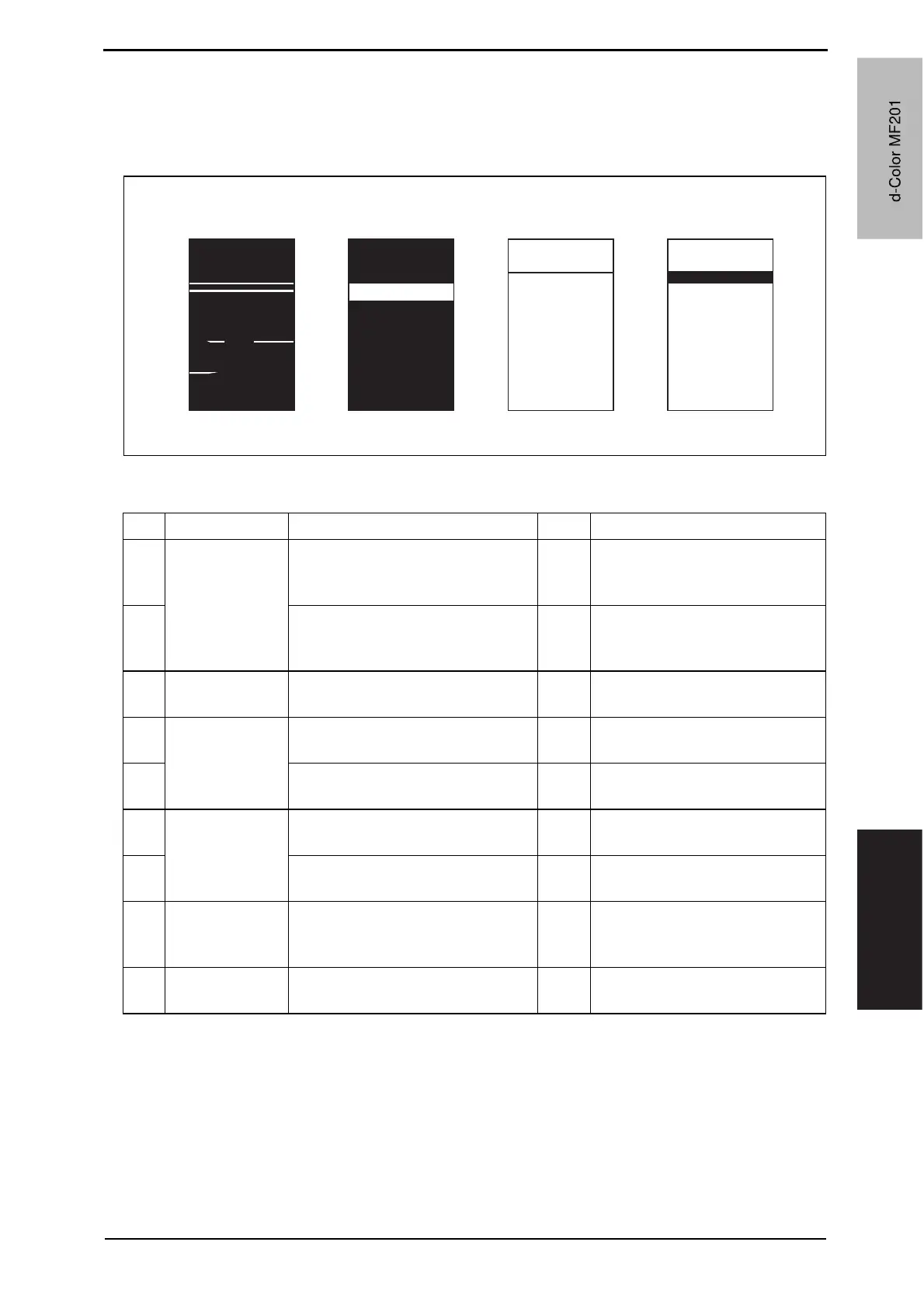
19.3.28 Printer 4-color: white lines in main scan direction, white bands in main
scan direction, colored lines in main scan direction, and colored bands in
main scan direction
A. Typical faulty images
B. Troubleshooting procedure
A02EF4C508DA
White lines in main
scan direction
White bands in
main scan direction
Colored lines in main
scan direction
Colored bands in
main scan direction
Step Section Check item Result Action
1
Transfer belt unit Fingerprints, oil, or other foreign
matter is evident on the transfer
belt.
YES Clean.
2
Transfer belt is dirty or scratched. YES Clean dirty belt with a soft cloth.
Change transfer belt unit if belt is
damaged.
3
Transfer roller
unit
Transfer roller is dirty or scratched. YES Change transfer roller unit.
4
Paper path There is foreign matter on paper
path.
YES Remove foreign matter.
5
Image transfer paper separator
fingers are damaged or dirty.
YES Clean or change.
6
Fusing unit Fusing entrance guide plate is dirty
or damaged.
YES Clean.
Change fusing unit.
7
Fusing paper separator fingers are
dirty.
YES Clean.
8
Neutralizing
brush
The resistance values between the
neutralizing brush and the ground
terminal is not f.
NO Check the contact modify.
Change neutralizing brush.
9
The problem has been eliminated
through the checks of steps up to 9.
NO Change printer control board
d-Color MF201
Y109660-1 Sevice Manual
d-Color MF201



 To Next Page
 Loading...







