Field Service Ver. 1.0 Jun. 2008 19. Image quality problem
339
Troubleshooting
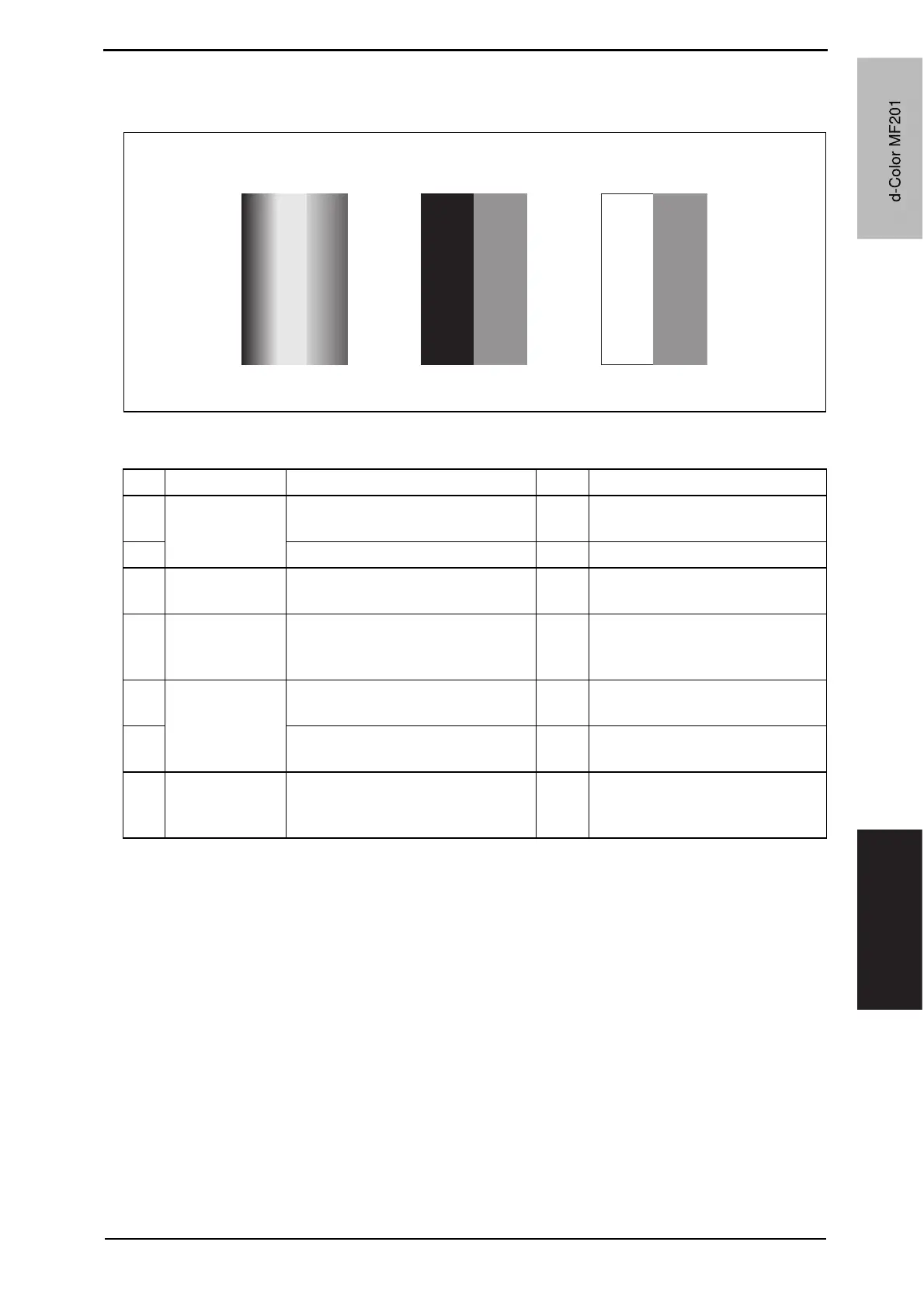
19.3.18 Printer monocolor: uneven density in main scan direction
A. Typical faulty images
B. Troubleshooting procedure
A02EF4C520DA
Step Section Check item Result Action
1
Imaging unit The surface of the PC drum is
scratched.
YES Change imaging unit.
2 Dirty on the outside. YES Clean.
3
PH unit The surface of the PH window is
dirty.
YES Clean with cleaning jig.
4
Transfer roller Check that the spring does not
come off during the pressure oper-
ation of the transfer roller.
NO Correct.
Change transfer roller unit.
5
Transfer belt unit Transfer belt unit makes positive
contact with plates on rails.
NO Check and correct contacts.
6
Is abnormality found in the cam
gear?
YES Change transfer belt unit.
7
The problem has been eliminated
through the checks of steps up to 6.
NO Change imaging unit.
o Change PH unit.
o Change high voltage unit.
d-Color MF201
Y109660-1 Sevice Manual
d-Color MF201



 To Next Page
 Loading...







