10. Service Mode Field Service Ver. 1.0 Jun. 2008
266
Adjustment / Setting
10.9.5 Color Reproduction
10.9.6 Running Mode
10.10 Fax Settings
10.10.1 Self-Telephone #
• It is displayed only when bit2 for the mode 043 is set to “1” by the following setting:
[Service Mode] o [System] o [Software Switch Setting].
See P.25 of the FK-507 service manual.
10.11 Download Firmware
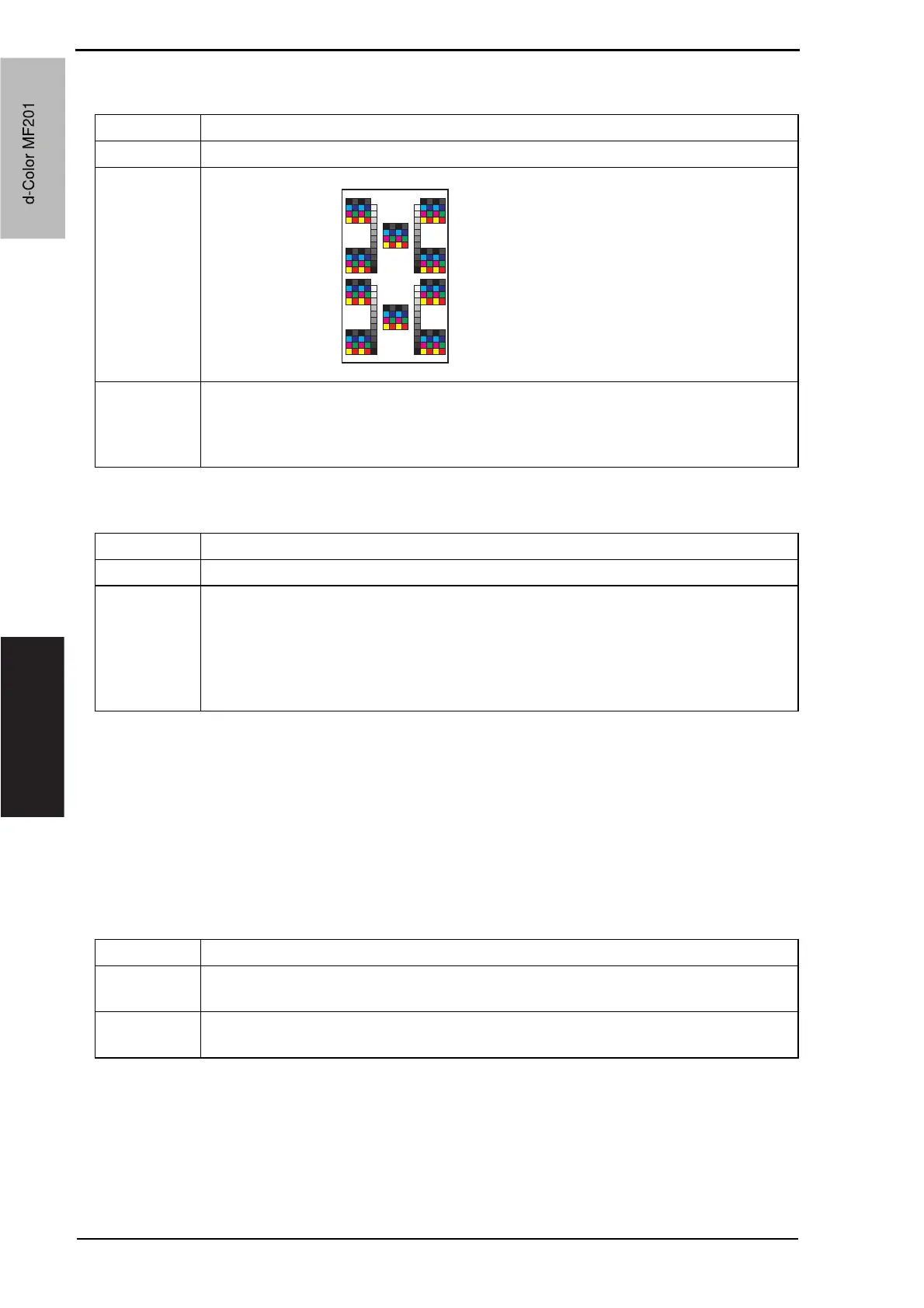
Functions • To produce a color reproduction pattern.
Use • To be used to check the color reproduction.
Pattern
Setting/
Procedure
• Copies (“1” to 999)
• Select “SINGLE” (single copy) or MULTI (multi copy).
• Select FEET or “HYPER.”
• Select “Gradation” or Resolution if HYPER has been selected.
SINGLE
HYPER
Gradation
Density: 255
A02FF3C525DA
Functions • To test the printing operation in running mode.
Use • Use to check the printing operation in running mode from each paper source.
Setting/
Procedure
1. Call the Service Mode to the screen.
2. Touch [Test Mode] o [Running Mode].
3. Select the paper tray.
4. Select the paper type.
5. Press the Start key to start the running mode.
6. Pressing the Stop key will stop operation.
Functions • To download and rewrite the engine firmware data.
Use • Use to download and rewrite the engine firmware data of the main body or the job
separator.
Setting/
Procedure
See P.31
d-Color MF201
Service Manual Y109660-1
d-Color MF201


 To Next Page
 Loading...







