Field Service Ver. 1.0 Jun. 2008 10. Service Mode
161
Adjustment / Setting
10.3.5 Printer Resist Loop
Functions • To set the correction value of the paper loop length for each process speed of tray 1,
tray 2 to tray 4 / LCT, bypass, and duplex.
• To adjust the length of the loop formed in paper before the registration rollers.
• Use “Paper Passage” for paper passage check.
Use When a paper skew occurs.
When a paper misfeed occurs.
Adjustment
Instructions
To decrease the loop amount: Decrease the setting value
To increase the loop amount: Increase the setting value
Adjustment
Range
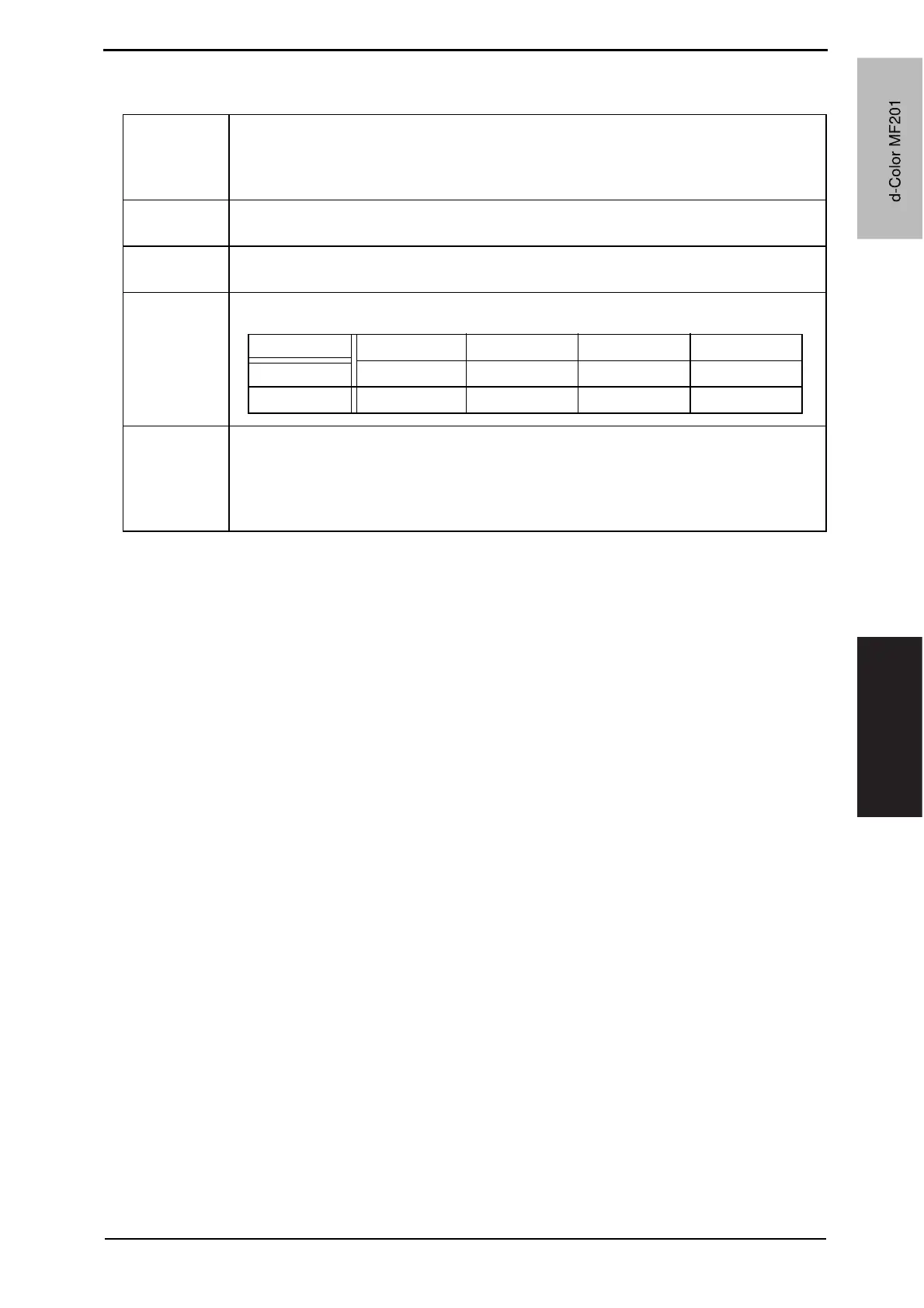
• The adjustable range is different depending on paper source and processing speed.
Setting/
Procedure
1. Call the Service Mode to the screen.
2. Touch [Machine Adjustment] o [Printer Resist Loop].
3. Select a paper source and a processing speed where the settings are made by
touching the corresponding keys.
4. Enter the new setting from the [+] / [-] keys and touch [OK].
Tray 1 Tray 2/3/4 LCT Manual Duplex
92 mm/sec -10 to +10 -10 to +10 -10 to +10 -10 to +10
46 mm/sec -15 to +15 -15 to +15 -15 to +15 -8 to +8
d-Color MF201
Y109660-1 Sevice Manual
d-Color MF201


 To Next Page
 Loading...







