Field Service Ver. 1.0 Jun. 2008 19. Image quality problem
357
Troubleshooting
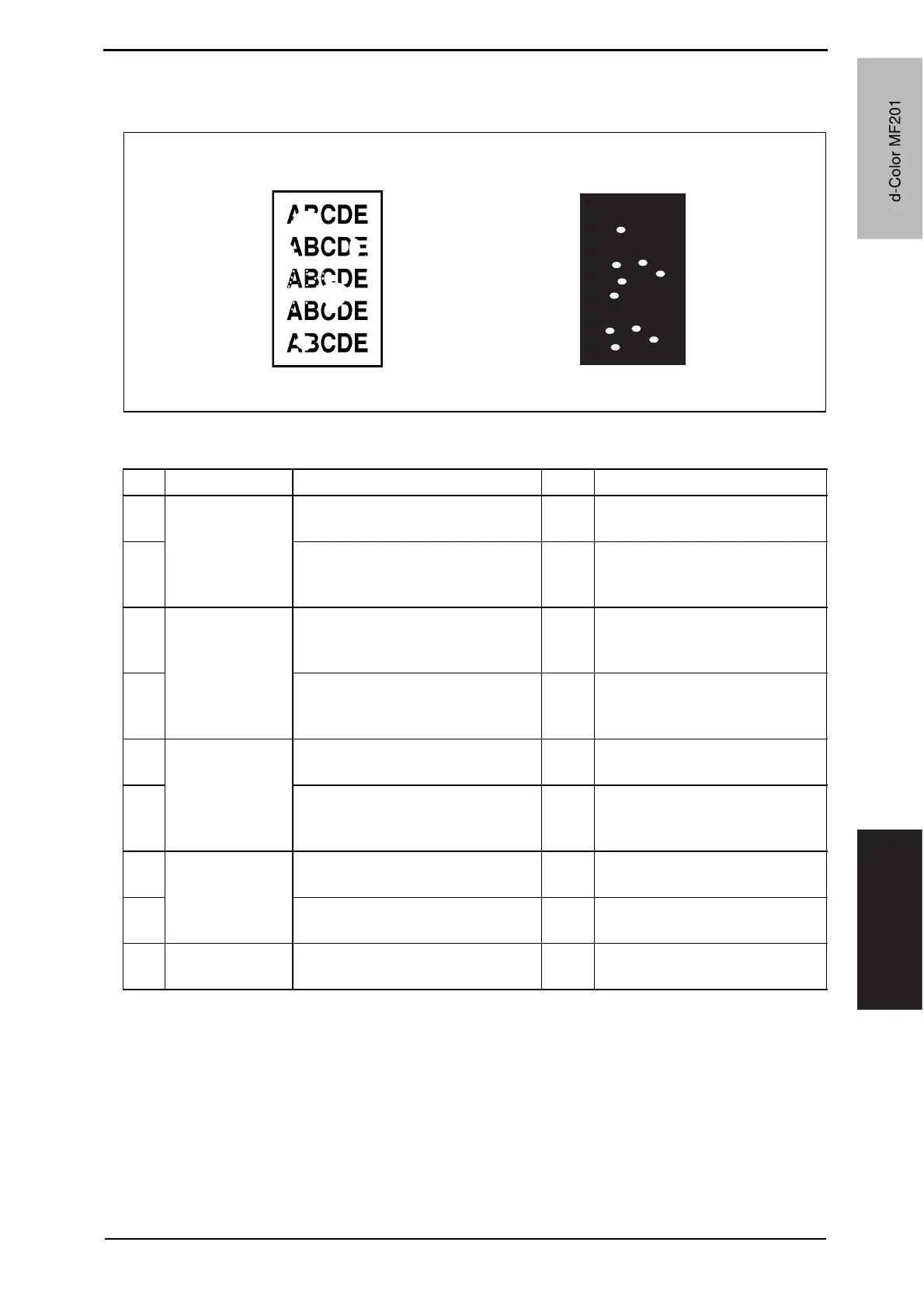
19.3.34 Printer 4-color: void areas, white spots
A. Typical faulty images
B. Troubleshooting procedure
A02EF4C523DA
Void areas White spots
Step Section Check item Result Action
1
Image check There are void areas at the front
side or high density section.
YES P. 3 5 5
2
There are void areas in the trailing
edge.
YES Perform [Transfer Adjust] of
[Image Process Adjustment]
under Service Mode.
3
Transfer belt unit Fingerprints, oil, or other foreign
matter is evident on the transfer
belt.
YES Clean.
4
Transfer belt is dirty or scratched. YES Clean dirty belt with a soft cloth.
Change transfer belt unit if belt is
damaged.
5
Transfer roller
unit
Transfer roller is dirty or scratched. YES Change 2nd image transfer roller
unit.
6
Charge neutralizing cloth is not
separated and ground terminal is
connected properly.
NO Correct or change.
7
Paper path There is foreign matter on paper
path.
YES Remove foreign matter.
8
Pre-image transfer guide plate is
damaged or dirty.
YES Clean or change.
9
The problem has been eliminated
through the checks of steps up to 8.
NO Change transfer belt unit.
d-Color MF201
Y109660-1 Sevice Manual
d-Color MF201


 To Next Page
 Loading...







