19. Image quality problem Field Service Ver. 1.0 Jun. 2008
338
Troubleshooting
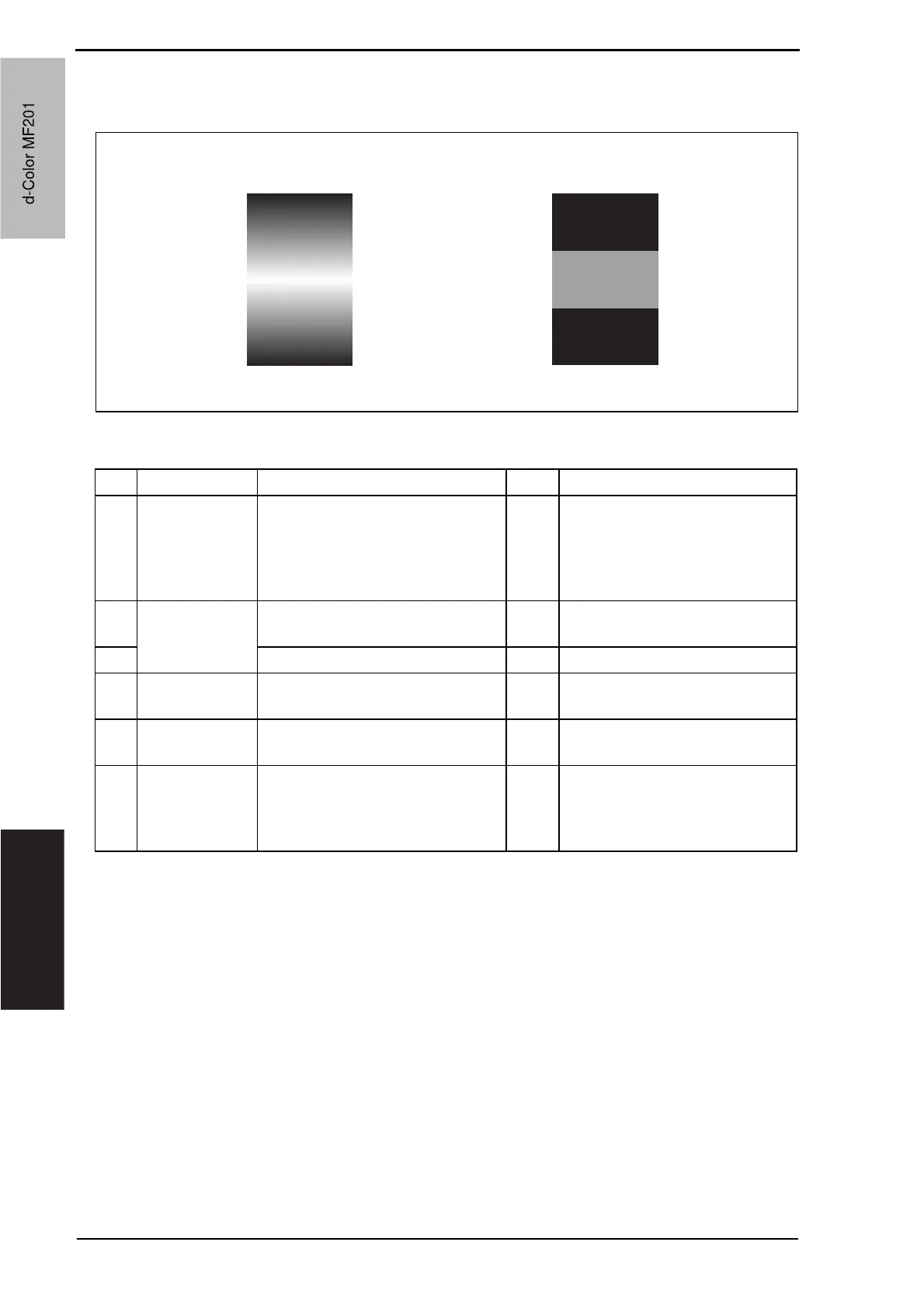
19.3.17 Printer monocolor: uneven density in sub scan direction
A. Typical faulty images
B. Troubleshooting procedure
A02EF4C521DA
Step Section Check item Result Action
1
High image
density original
Uneven density in sub scan direc-
tion occurs at a pitch of 40 mm to
50 mm when a multi-copy cycle is
run using an original with high
image density (50% or more).
YES Feed 10 to 20 blank sheets of
paper with no originals placed, as
the IU fails to keep up with a high
demand for toner.
2
Imaging unit The surface of the PC drum is
scratched.
YES Change imaging unit.
3 Dirty on the outside. YES Clean.
4
PH unit The surface of the PH window is
dirty.
YES Clean with cleaning jig.
5
Image transfer
belt unit
Is abnormality found in the cam
gear?
YES Change transfer belt unit.
6
The problem has been eliminated
through the checks of steps up to 5.
NO Change IU.
o Change PH unit.
o Change printer control board
o Change high voltage unit.
d-Color MF201
Service Manual Y109660-1
d-Color MF201



 To Next Page
 Loading...







