Field Service Ver. 1.0 Jun. 2008 5. Firmware upgrade
33
Maintenance
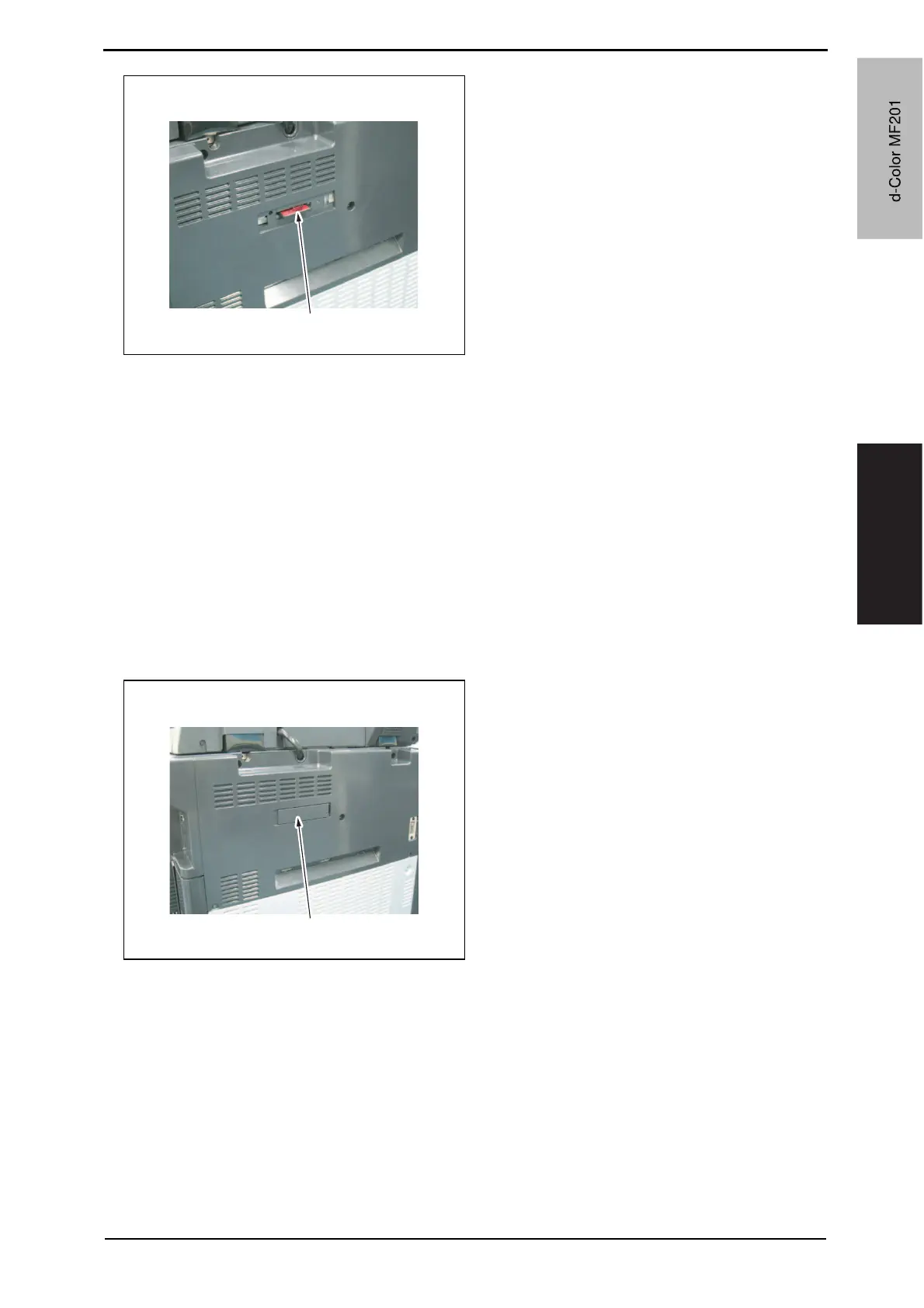
7. Remove the compact flash card [1]
from the slot.
8. Reinstall the cover of the slot.
9. Turn ON the main power switch and the sub power switch.
10. Select [Admin.] o [Firmware Version].
11. Check that the firmware version has been updated.
5.2.2 Engine/job separator
NOTE
• Make sure that the controller firmware is not copied to the compact flash.
• To rewrite both the engine and job separator firmware at the same time, copy both
types of firmware to the compact flash.
• If wrong files are copied to the compact flash, no display is given on the control
panel.
1. Turn OFF the main power switch.
2. Remove the cover [1] from the com-
pact flash insertion slot.
A02FF2C526DA
[1]
A02FF2C525DA
[1]
Y109660-1 Sevice Manual
d-Color MF201


 To Next Page
 Loading...







