To configure HSTS, navigate to MANAGEMENT > Network Setup. In the Actions
Panel, select Web Interface Settings.
Select the HSTS tab to Enable/Disable HSTS, or to configure the Max Age of the
functionality (default is set to 1 year).
For more information on HSTS requirements, refer to
https://developer.mozilla.org/en- US/docs/Web/HTTP/Headers/Strict-
Transport-Security.
2.14.6.4 Supported Certificate Formats
SecureSync supports X.509 PEM and DER Certificates, as well as PKCS#7 PEM
and DER formatted Certificates.
You can create a unique X.509 self-signed Certificate, an RSA private key and
X.509 certificate request using the WebUI. RSA private keys are supported
because they are the most widely accepted. At this time, DSA keys are not sup-
ported.
2.14.6.5 Creating an HTTPS Certificate Request
Caution: If you plan on entering multiple Subject Alternative Names
to your HTTPS Certificate Request, you must do so before filling out
the Create Certificate Request tab to avoid losing any information.
See "Adding HTTPS Subject Alternative Names" on page87.
To create an HTTPS Certificate Request:
1.
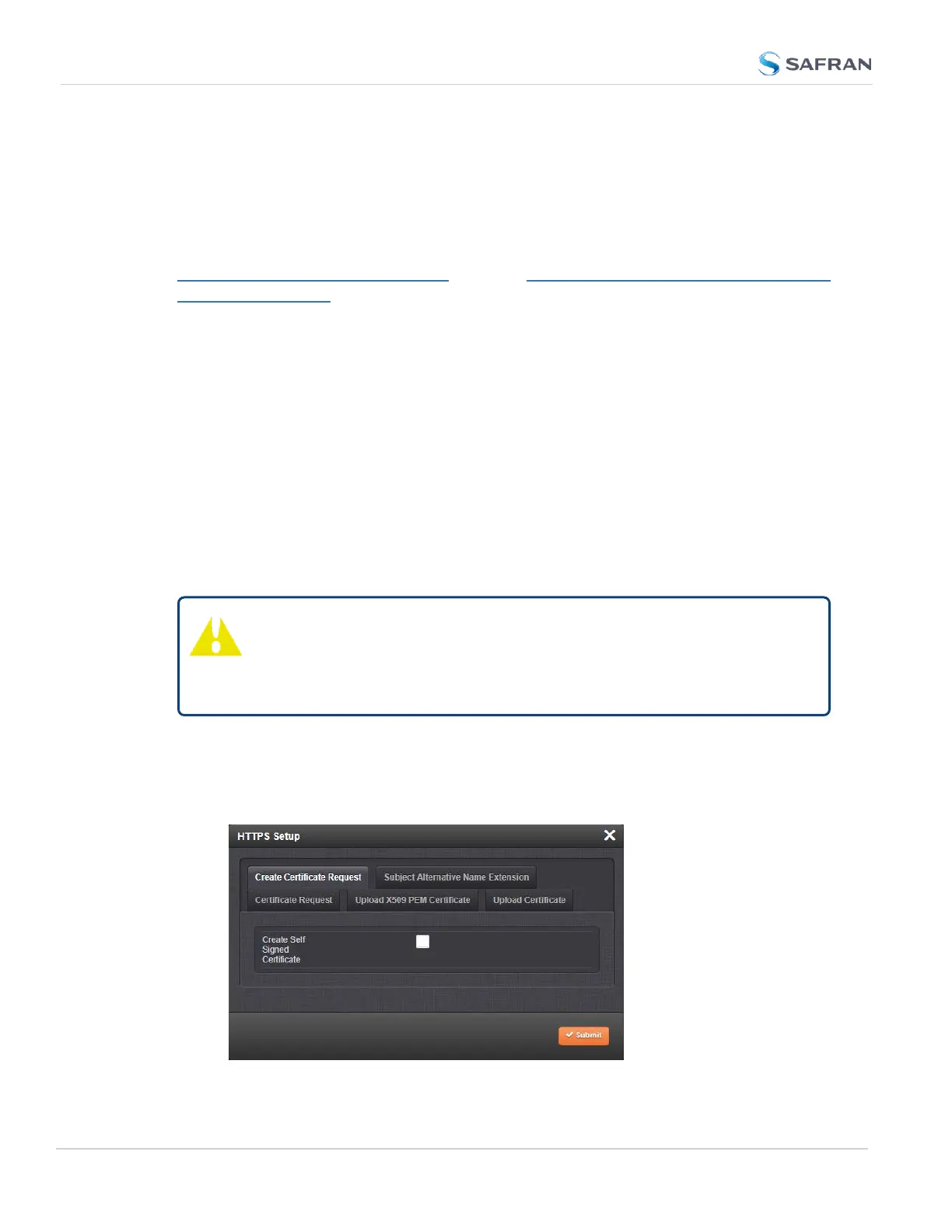
Navigate to MANAGEMENT > NETWORK: HTTPS Setup, or in the
MANAGEMENT > NETWORK Setup, Actions panel, select HTTPS:
84
CHAPTER 2 • SecureSync 2400 User Manual Rev. 5.2
2.14 Configure Network Settings



 To Next Page