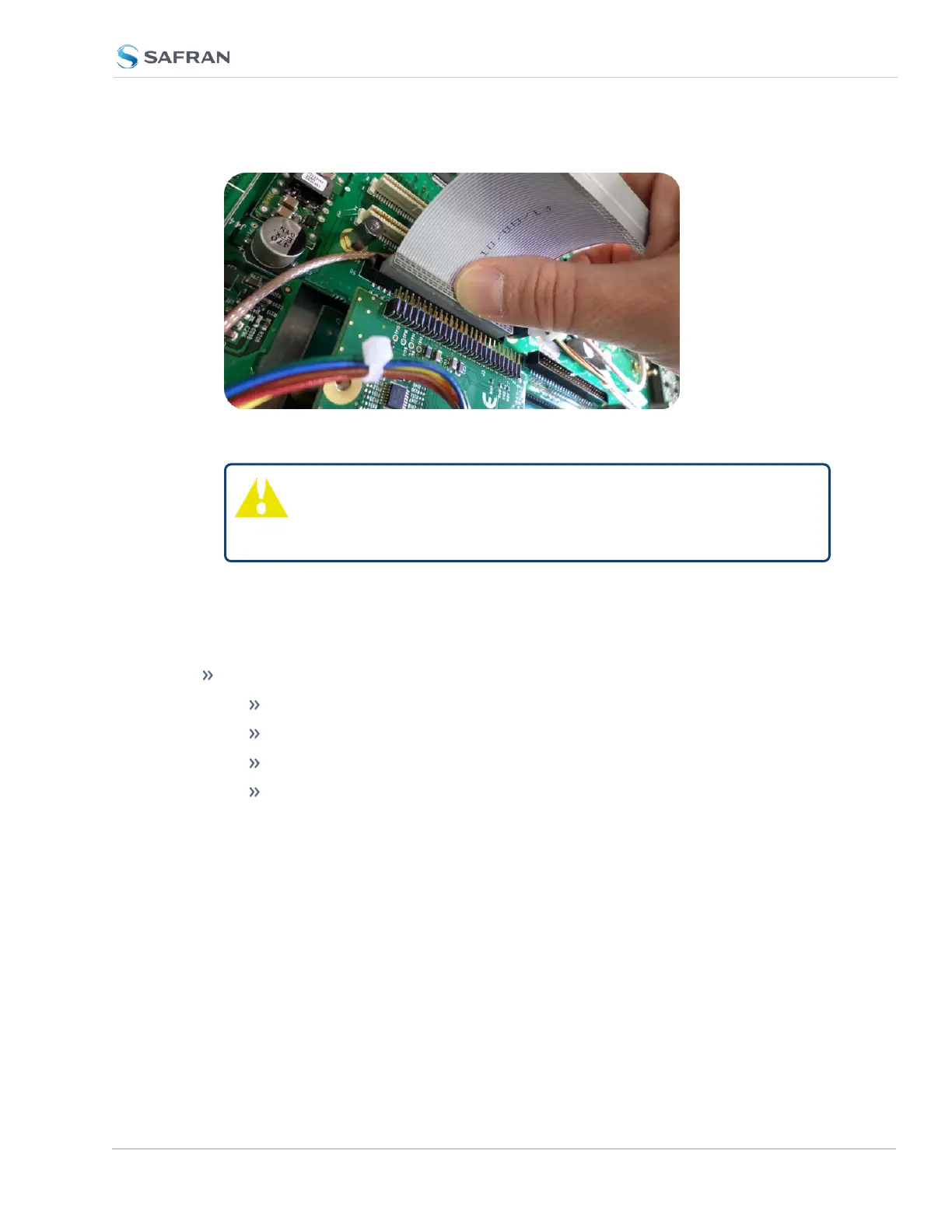
Figure 5-9: Ribbon cable installation
Caution: Ensure that the ribbon cable is aligned and fastened
properly to all pins on the connector of the card. Otherwise,
damage to equipment may result during power up.
5.2.2.11 [8]: Frequency Output Cards: Wiring
Additional installation instructions for the following option card models:
Frequency Output cards:
1MHz (PN 1204-26)
5MHz (PN 1204-08)
10MHz (PN 1204-0C)
10 MHz (PN 1204-1C)
For the cable installation, follow the steps detailed below:
a. Install the coax cable(s) onto the main PCB, connecting them to the first
available open connectors, from J4 to J7. See figure below:
SecureSync 2400 User Manual 381
APPENDIX



 To Next Page