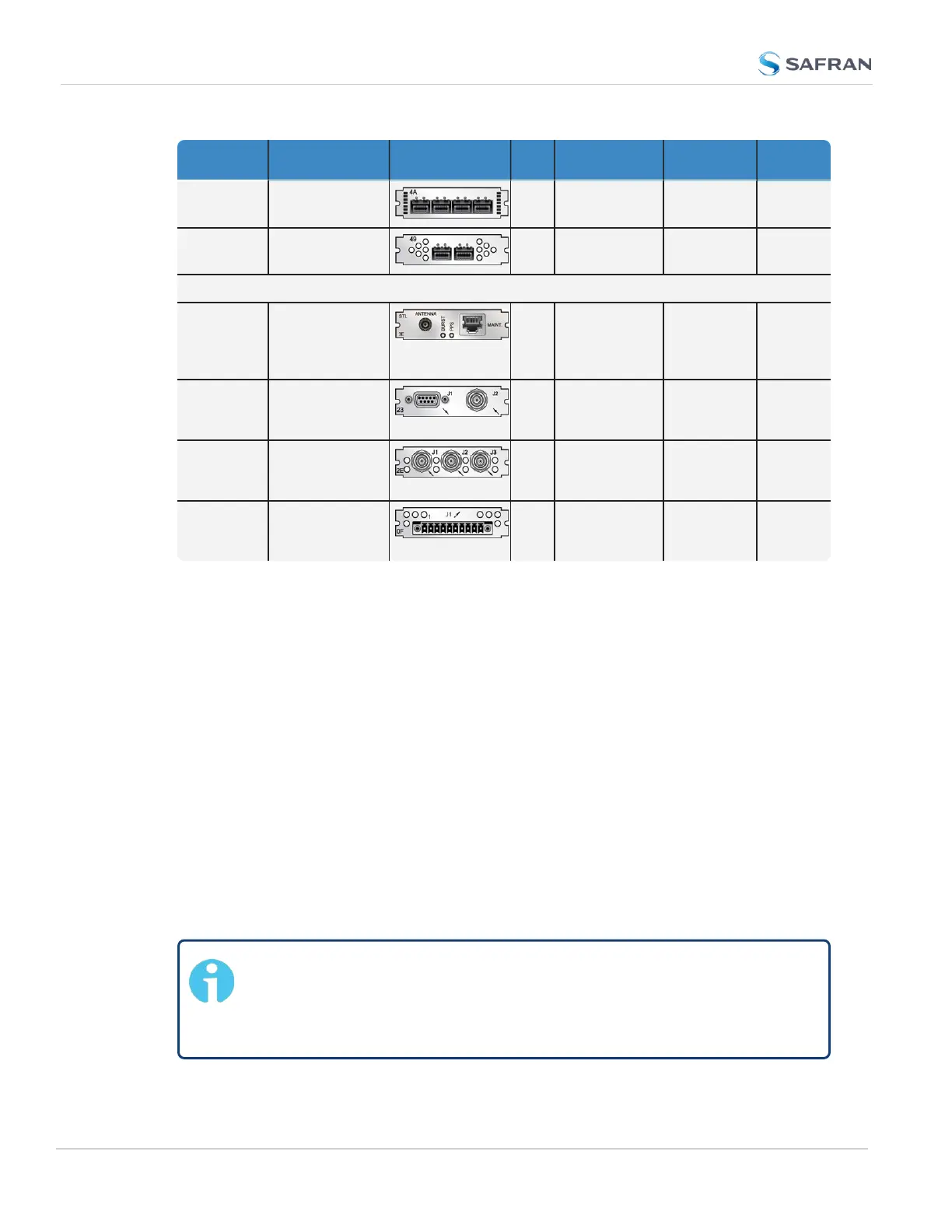
Function Web UI Name Illustration ID* Inputs Outputs Conn.'s
Quad 1 Gb
NTP Server
Quad 1 Gb
4A
0 4 SFP
ports
Dual 1 Gb
NTPServer
Dual 1 Gb
49
0 2 SFP
ports
Communication and Specialty Cards
STL (Satel-
lite Time
and Loca-
tion)
STL
3E
Satellite, Eth.
(Main-
tenance)
0 SMA,
RJ45
Event in,
Broadcast
out
Event Broad-
cast
23
BNC: Event
trigger
DB-9:
Event
broadcast
DB-9 +
BNC (1x
each)
Revertive
Selector
("Failover")
n/a
2E
Frequ. or 1
PPS: (2x)
Frequ. or
1PPS(1x)
BNC
(3x)
Alarm
Relay Out
Relay Output
0F
0 Relay Out
(3x)
Terminal
block,
10-pin
1.5.2 Option Card Identification
Here are a few ways to identify the option card(s) installed in your SecureSync
unit:
a.
Using the Web UI, navigate to the INTERFACES > OPTION CARDS drop-
down menu, and compare the list displayed in your UI with the table
"Option cards identification" on page17.
b. If you have physical access to your SecureSync unit, inspect its rear panel,
and compare the 2-digit ID number printed in the lower left-hand corner on
each option card with the table below.
1.5.2.1 Option Card Identification by ID/Part Number
If you are looking for information specific to a particular option card, the table
below can help you find this information in this User Manual.
Note: * Every option card has a 2-digit identification (ID) number that
can be found in the corner of its cover plate, and in the table below.
The ID number is comprised of the two center digits of your option
card's Safran Part Number: 1204-0180-0600.
20
CHAPTER 1 • SecureSync 2400 User Manual Rev. 5.2
1.5 Option Cards



 To Next Page