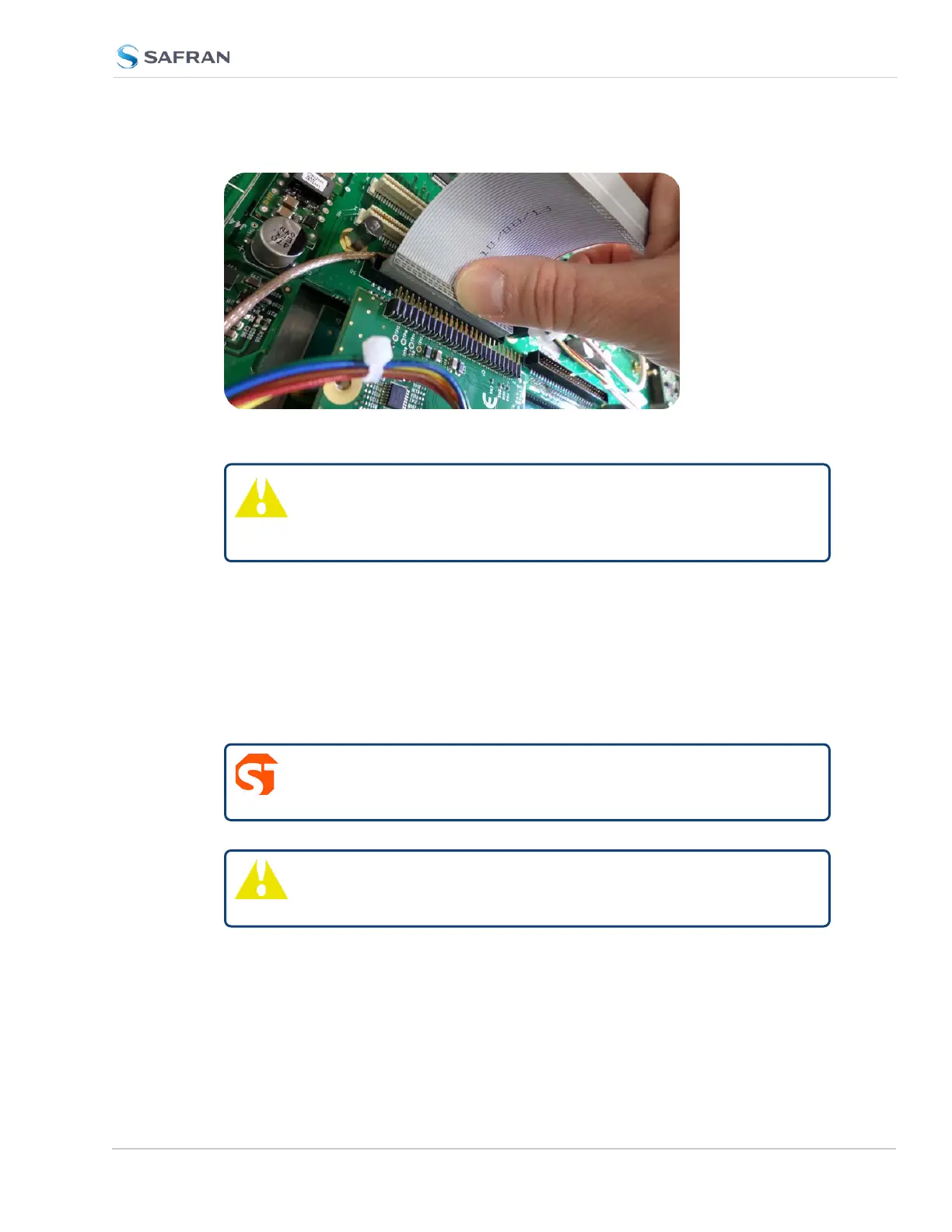
Figure 5-7: Ribbon cable installation
Caution: Ensure that the ribbon cable is aligned and fastened
properly to all pins on the connector of the card. Otherwise,
damage to the equipment may occur during power-up.
5.2.2.10 [7]: Top Slot Installation, Bottom Slot Occupied
Instructions for installing an option card into an upper slot (4, or 6), above a pop-
ulated bottom slot:
a. Safely power down the SecureSync unit, and remove the top cover of the
main chassis (housing). Save the screws.
b.
DANGER! SecureSync does not have an ON/OFF switch. It is
necessary to unplug the machine to remove power!
Caution: NEVER install an option card from the rear of the unit,
ALWAYS from the top, after removing the chassis cover.
c. Remove the blank option card plate, or the existing option card. Save the
screws.
SecureSync 2400 User Manual 379
APPENDIX



 To Next Page