In both graphs, to see a legend of the graphical data, and time-specific
status data, click inside the graph, choosing the desired point in time. If
necessary, increase the time resolution by dragging the time sliders. A pop-
up window will display the legend for that graph, and the status information
for the selected time.
3.3.3.2 Determining Your GNSS Receiver Model
Note: All SecureSync models are currently shipped with a u-blox
M8T Receiver.
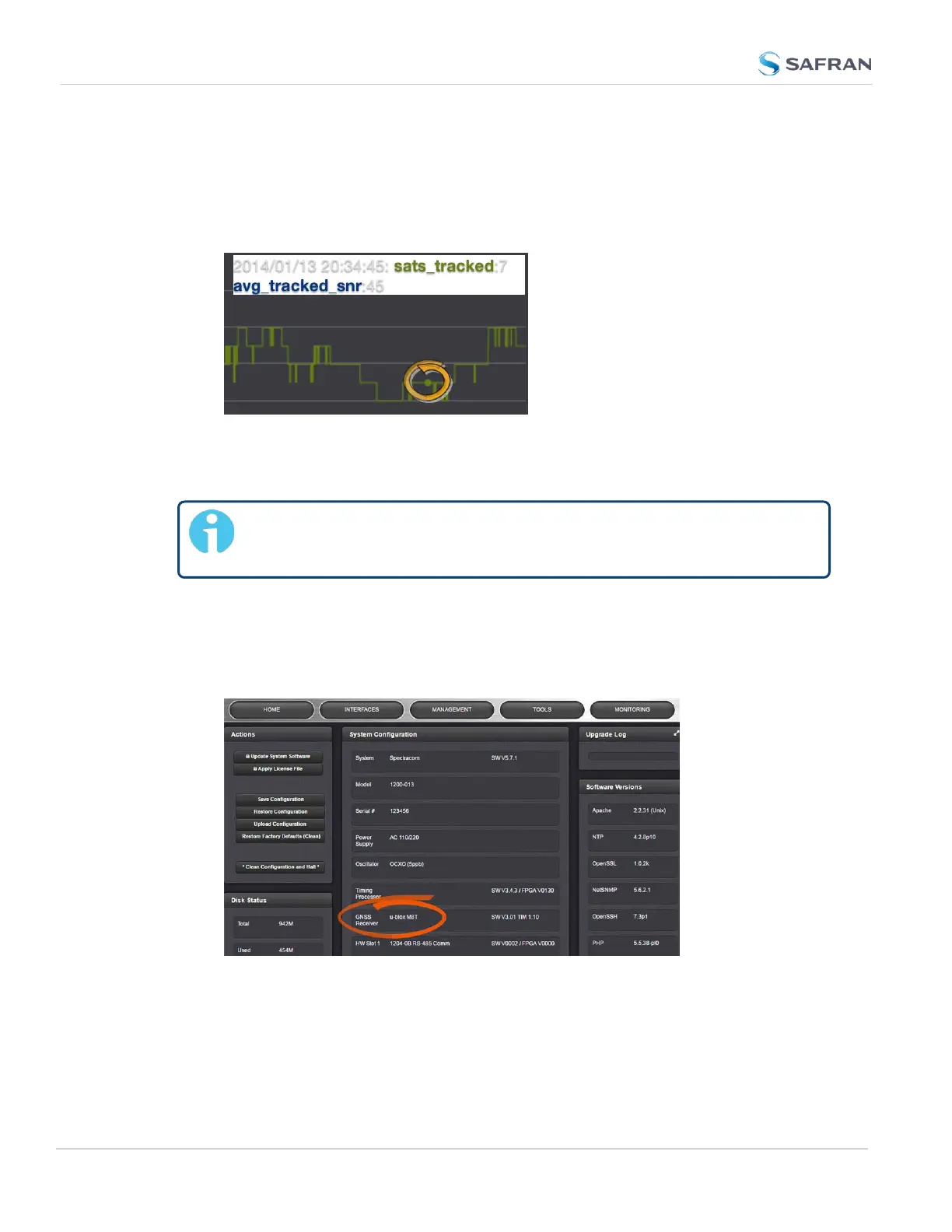
To determine which GNSS receiver model is installed in a SecureSync unit:
1.
Navigate to TOOLS > SYSTEM: Upgrade/Backup.
2.
In the System Configuration panel, locate the line item GNSS Receiver:
GNSS Receiver Models
Safran strives to equip SecureSync with current technology. Depending on the
production date of your SecureSync unit, one of the following GNSS receiver
models will be installed in your unit (if any):
230
CHAPTER 3 • SecureSync 2400 User Manual Rev. 5.2
3.3 Managing References



 To Next Page