4.
In the Plain Text Banner text box, type in your custom text.
Note: The Plain Text Banner is used to create a message for all
interactive login interfaces (Web UI, telnet, SSH, FTP, SFTP,
serial, etc.). It is not required to include HTML tags.
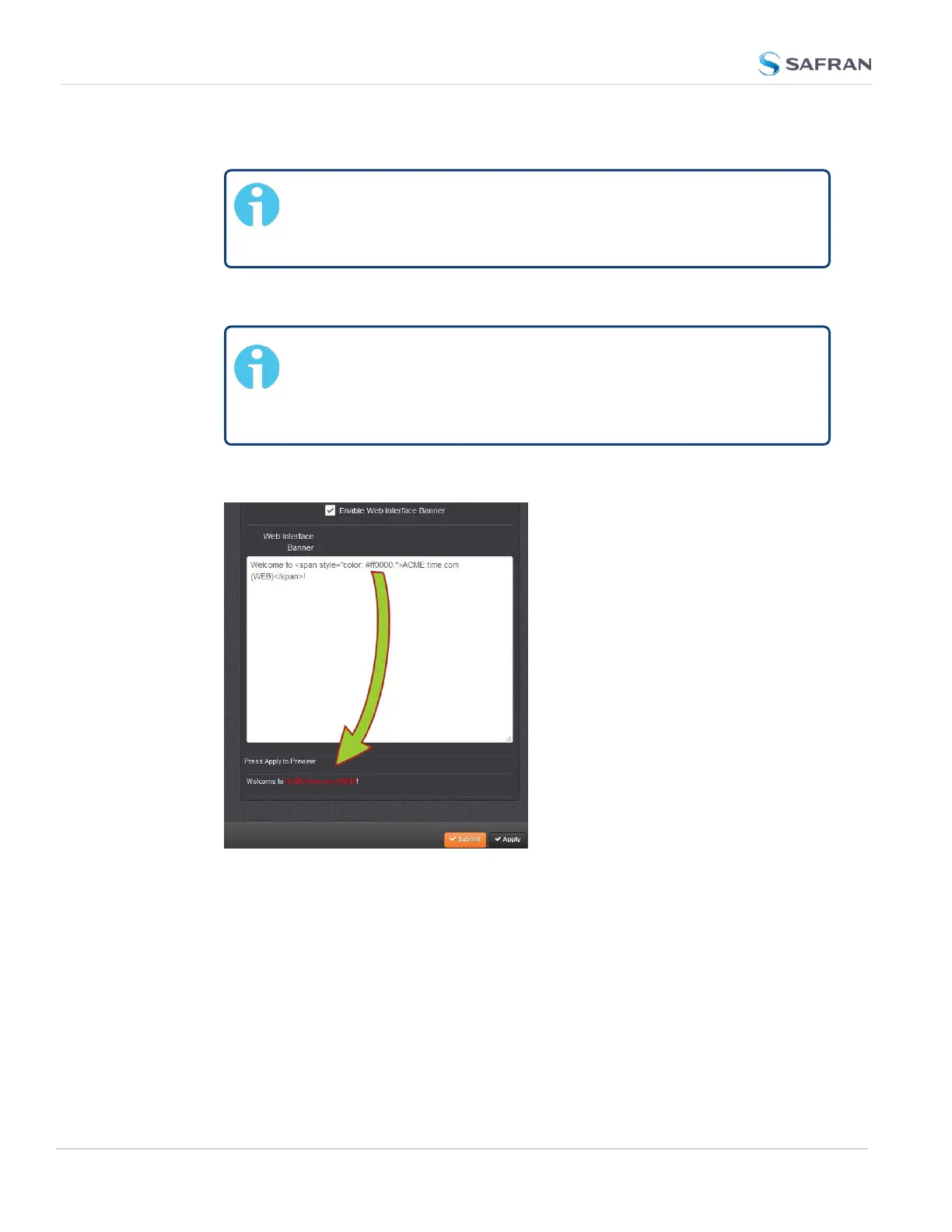
5. Optionally, you may also use the Web Interface Banner text box.
Note: Enabling and using the Web Interface Banner text box
will allow you to apply HTML formatting tags to your message
(e.g., colors). Note that this functionality is limited to browser-
based Web UI access.
6.
To test your new banner, click Apply to see a preview at the bottom of the
window. OR, click Submit, and log out of the Web UI, and back in so as to
see the banner on the actual login page.
4.4.4 Show Clock
Instead of the Web UI, a large digital clock can be displayed on your computer
screen. Next to the system status, the screen clock will display the UTC time, and
the SecureSync time.
300
CHAPTER 4 • SecureSync 2400 User Manual Rev. 5.2
4.4 Miscellanous Typical Configuration Tasks


 To Next Page