Timescale: Used to select the time base for the incoming time code data.
The entered Timescale is used by the system to convert the time in the
incoming data stream to UTC time for use by the System Time. The avail-
able choices are:
UTC: Coordinated Universal Time ("temps universel coordonné"), also
referred to as ZULU time
TAI: Temps Atomique International
GPS: The raw GPS time as transmitted by the GNSS satellites (as of
22-August-2023, this is 18 seconds ahead of UTC time)
Offset: Provides the ability to account for HAVE QUICK cable delays
or other latencies in the HAVE QUICK outputs. The Offset values are
entered in nanoseconds (ns). The available Offset range is –500 to
+500 ms.
2.19.5 Configuring an IRIGInput
An IRIG Input is available by default configuration through the Multi-I/O con-
nector (see "Configurable Connectors" on page157).
Unless you have an IRIGoption card, IRIGAM is not available as an input at this
time.
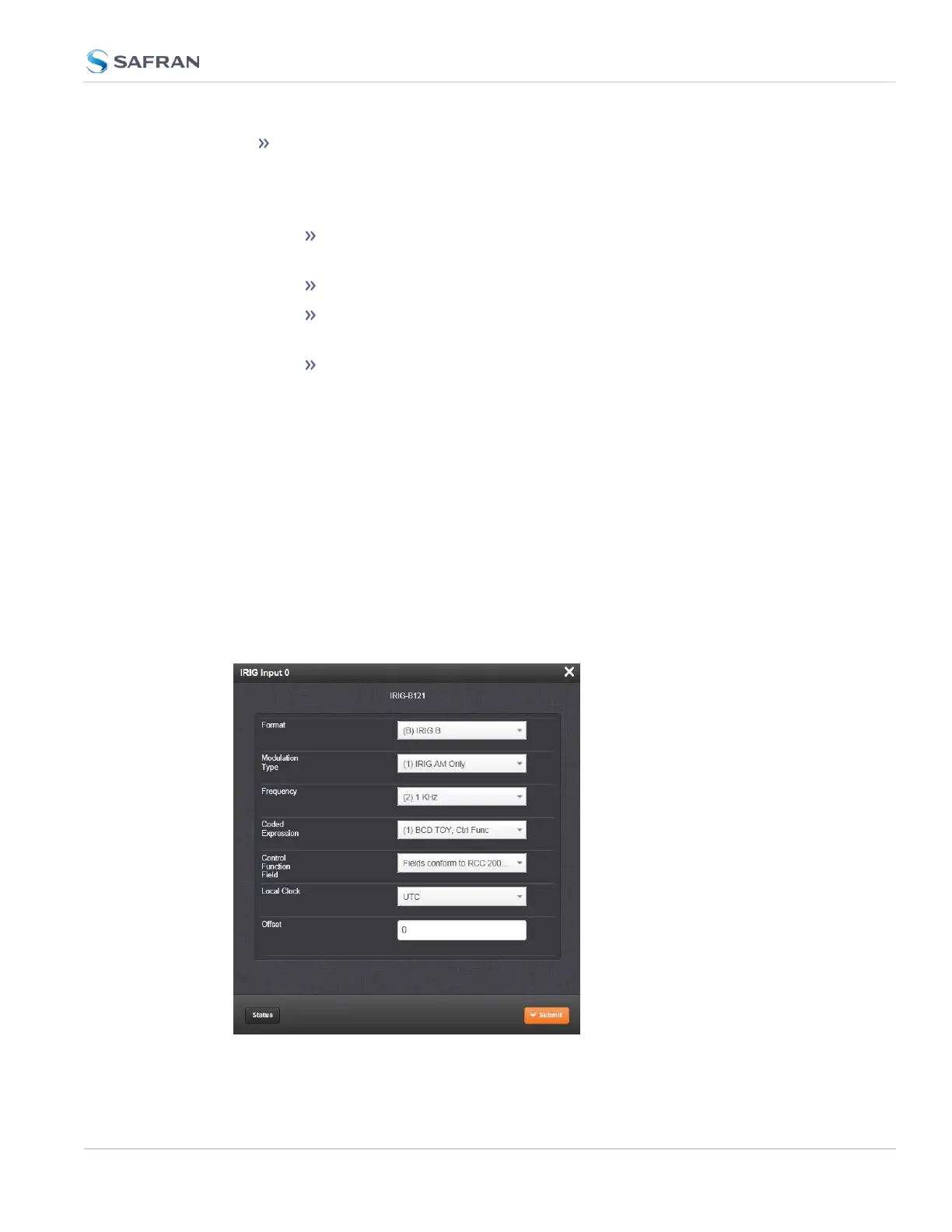
To configure the IRIG Input (also referred to as ‘Reference’), navigate to its Edit
window.
The Edit window allows the configuration of the following settings:
2.19 Configuring Input References
CHAPTER 2 • SecureSync 2400 User Manual Rev. 5.2
167



 To Next Page