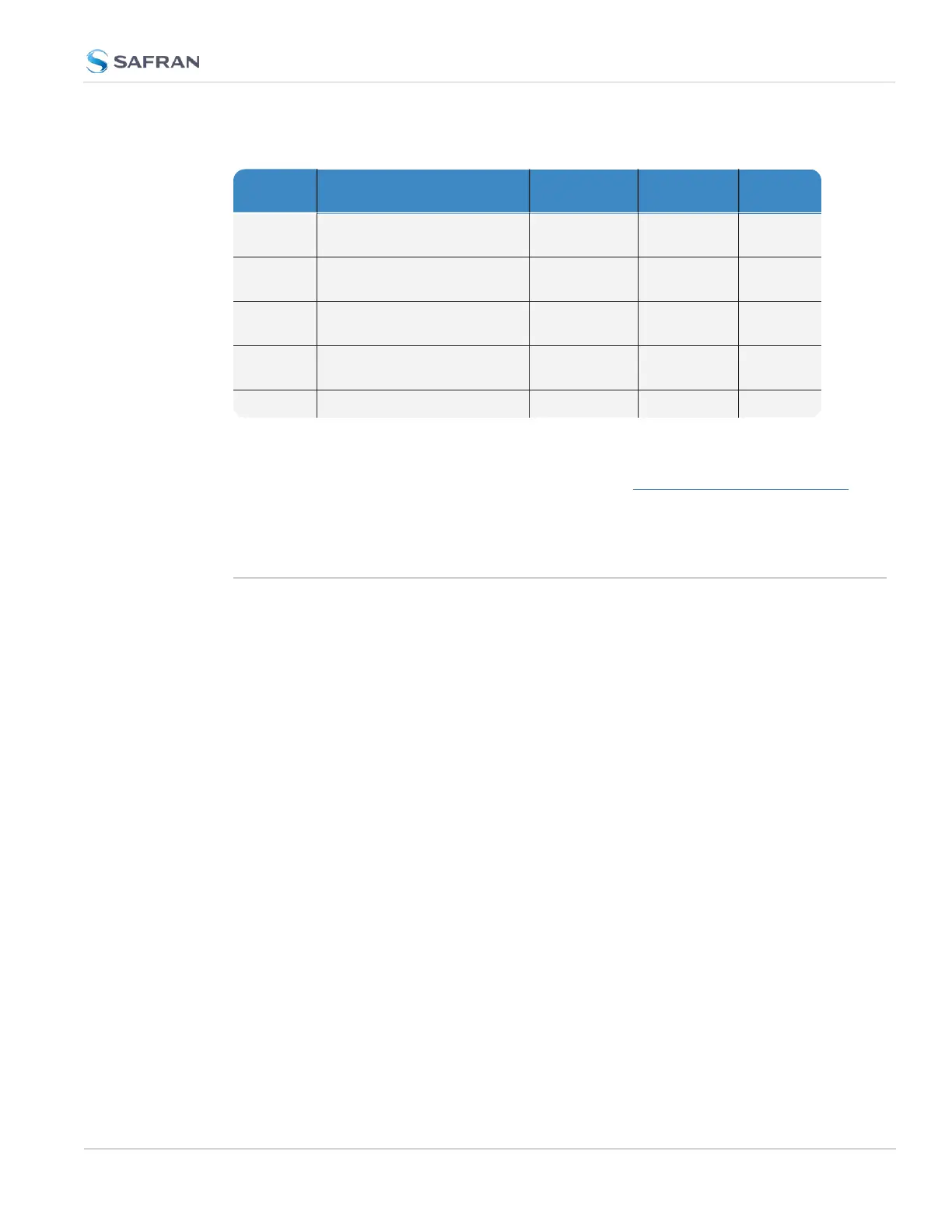
Table 2-5: System Time Message field descriptions
Data
Name
Data Description Range Resolution Units
Message
ID
UID of the message; pro-
grammable
Unsigned 32
bit integer
1 n/a
Message
Size
Total message size in bytes Unsigned 32
bit integer
1 Bytes
Seconds Seconds since epoch
(00:00:00 Jan 1, 1970 UTC)
Unsigned 32
bit integer
1 Seconds
NSec NSec within the current
second
Unsigned 32
bit integer
1 nsec
EOM End-of-message -1 1 n/a
It is also possible to use the System Time Message to send NMEA over UDP. For
more information about this functionality, see the NMEA over UDP App Note.
2.15 Configure NTP
Network Time Protocol (NTP) and Simple Network Time Protocol (SNTP) are
client-server protocols that are used to synchronize time on IP networks. NTP
provides greater accuracy and better error checking capabilities than SNTP does,
but requires more resources.
For many applications, it is not necessary to modify the NTP factory default con-
figuration settings. It is possible, however, to change most of the settings in order
to support specific NTP applications which may require a non-standard con-
figuration:
These features include MD5 authentication to block NTP access to parts of the
network and to broadcast NTP data to the network’s broadcast address. NTP
and SNTP are used to synchronize time on any computer equipment compatible
with the Network Time Protocol. This includes Cisco routers and switches, UNIX
machines, and Windows machines with suitable clients. To synchronize a single
workstation, several freeware or shareware NTP clients are available on the Inter-
net. The software running on the PC determines whether NTP or SNTP is used.
When the NTP service is enabled, SecureSync will “listen” for NTP request mes-
sages from NTP clients on the network. When an NTP request packet is received,
SecureSync will send an NTP response time packet to the requesting client.
Under typical conditions, SecureSync can service several thousand NTP requests
per second without MD5 authentication enabled, and at a somewhat lower rate
with MD5 authentication enabled.
2.15 Configure NTP
CHAPTER 2 • SecureSync 2400 User Manual Rev. 5.2
113



 To Next Page