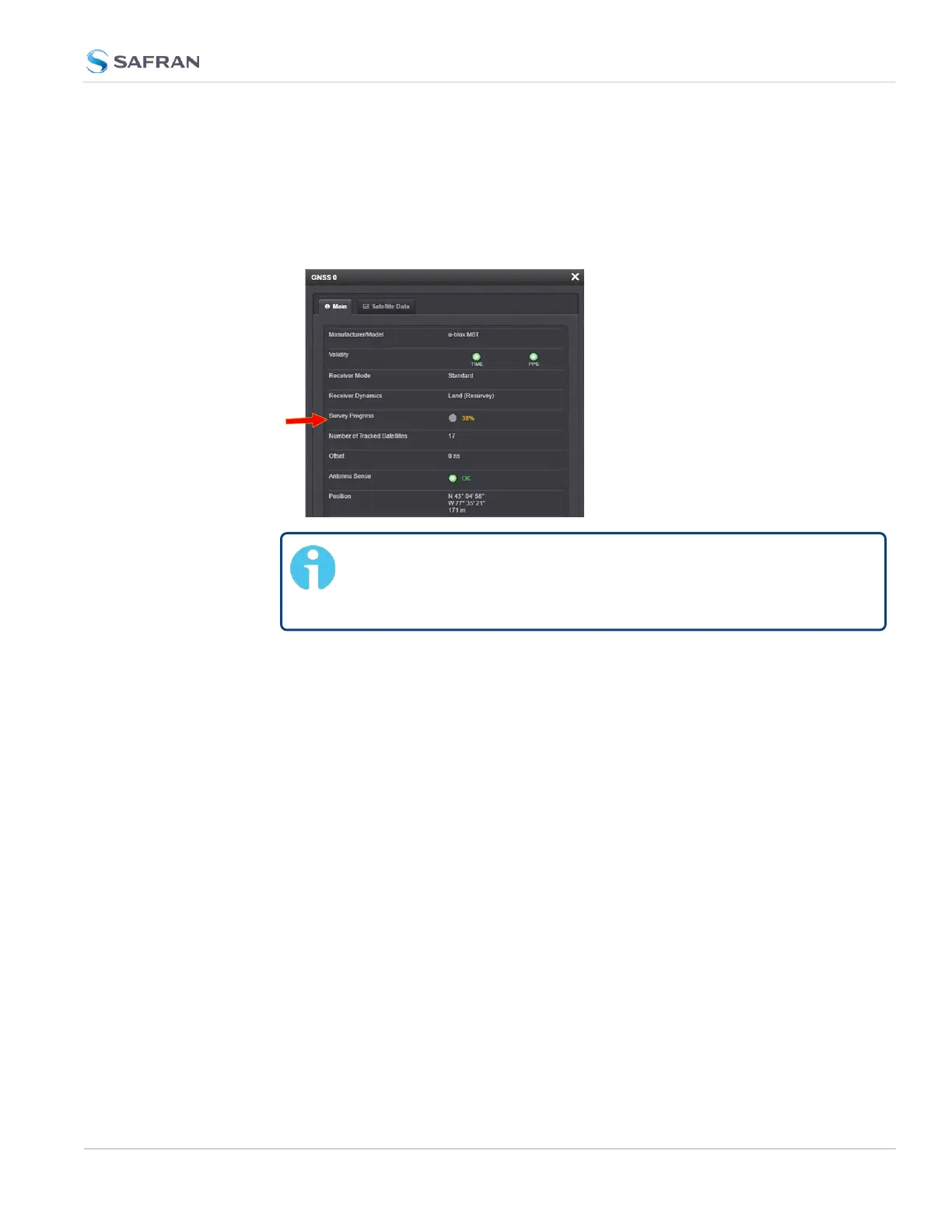
To see if SecureSync's GNSS receiver is performing a survey and if so, verify its
progress:
1.
Navigate to INTERFACES > REFERENCES: GNSS 0.
2. The survey status (ACQUIRING, COMPLETE, or progress in percent) is dis-
played under the line item Survey Progress.
Note: Once a survey has been initiated, the Survey Progress
may not be displayed right away until the receiver has com-
pleted its initialization process.
3.3.3.6 GNSS Receiver Offset
The Offset setting in the GNSS configuration window (INTERFACES > GNSS 0 >
"Edit") allows you to enter an offset to the GNSS time and 1PPS reference in
order to account for antenna cable delays or other latencies (entered and dis-
played in nanoseconds).
By setting the correct Offset value, you can offset the system’s on-time point by
the Offset value to compensate for the antenna and in-line amplifier delays.
Under typical conditions, the expected cable and amplifier delays are negligible.
You can calculate the delay based on the manufacture’s specifications.
The offset range is ±½ seconds (i.e. ±500ms, or ±500000000 ns). The default
value is 0nanoseconds, and the resolution is 1 nanosecond.
Configuring a GNSS receiver offset
To configure the GNSS receiver offset:
3.3 Managing References
CHAPTER 3 • SecureSync 2400 User Manual Rev. 5.2
237



 To Next Page