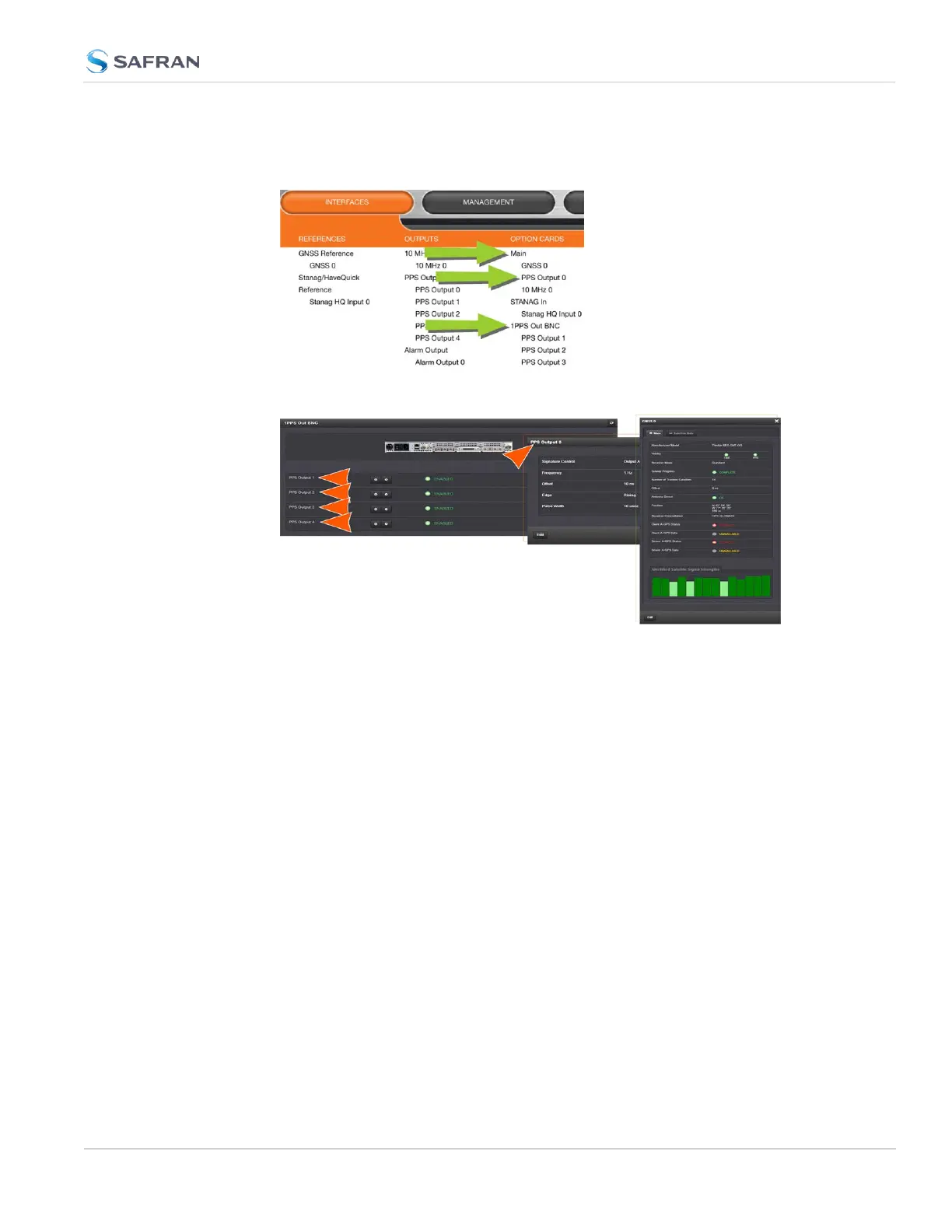
1.
Navigate to INTERFACES > OPTION CARDS, and click on a specific option
card, or one of its indented input references, or outputs drop-down menu.
2. A window will display for the specific option you chose.
Via the GEAR button, INFO button, or Edit button you can access and edit
more detailed settings.
4.5.1.9 NTP Status Monitoring
SecureSync's NTP Status Summary provides a means to monitor NTP status and
performance parameters relevant to your SecureSync at a glance.
4.5 Quality Management
CHAPTER 4 • SecureSync 2400 User Manual Rev. 5.2
317



 To Next Page