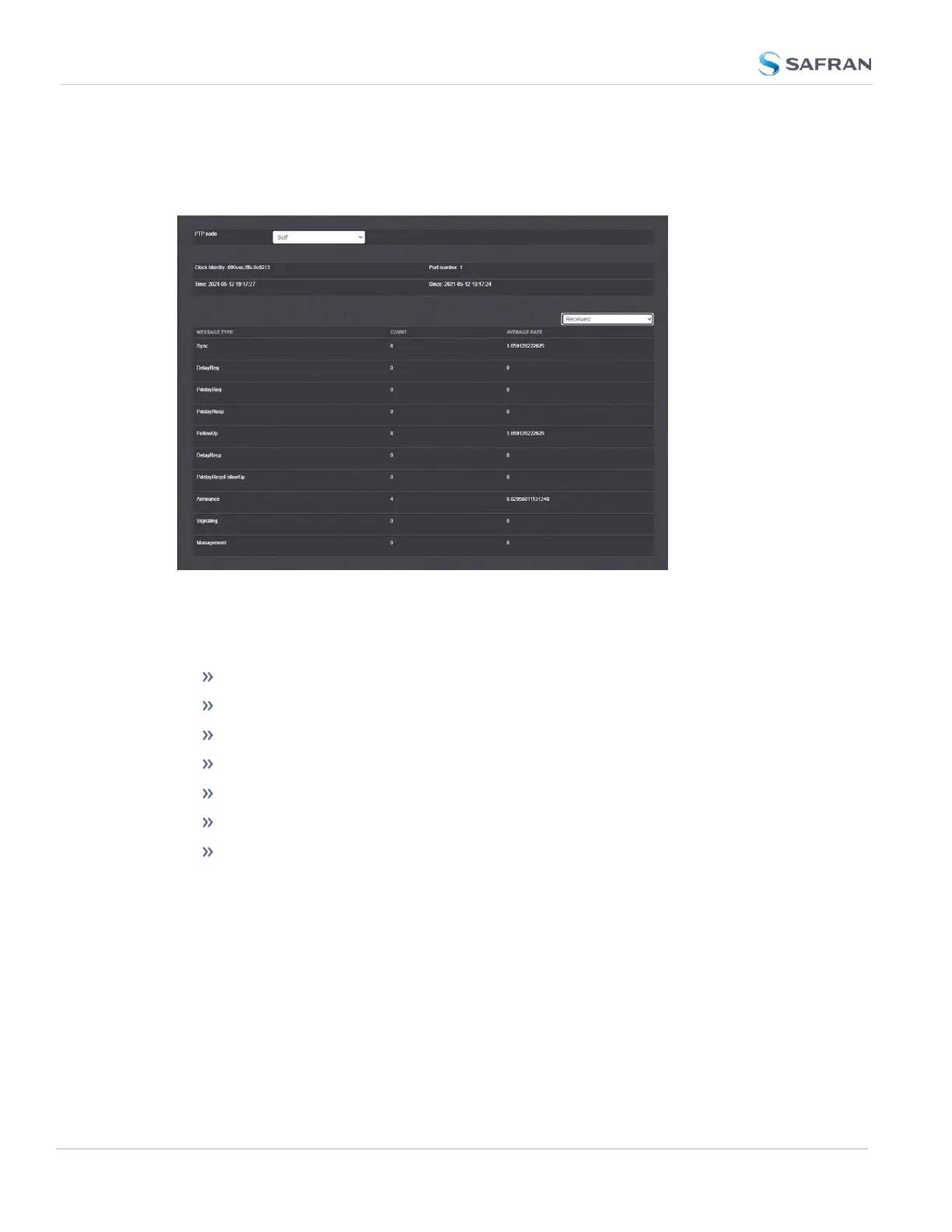
All statistics shown are based on the traffic that is detectable by SecureSync, i.e.
in a Unicast environment, SecureSync may only detect traffic that is addressed to
it, based on switch configuration.
Figure 2-14: PTP Statistics Panel
To see all the information possible, you can toggle between Transmitted and
Received PTP statistics.
PTP Node: IP address of PTPnode.
Clock Identity: [e.g., "a0:36:9f:ff:fe:37:b9:5d"]
Port Number: Port of the selected PTP node.
Time: [e.g., "2016-08-12 18:19:15"] Time at which stats were retrieved.
Since: [e.g., "2019-08-12 18:19:15"] Time since the stats have been retrieved.
Count: Message count
Average Rate:[e.g., "0.0624986091344933"] Indicates how often the selec-
ted message has been detected (in seconds e.g., "1.0" would mean once
every second).
2.16.2 Enabling/Disabling PTP
To enable or disable PTP:
154
CHAPTER 2 • SecureSync 2400 User Manual Rev. 5.2
2.16 Configuring PTP



 To Next Page