1.
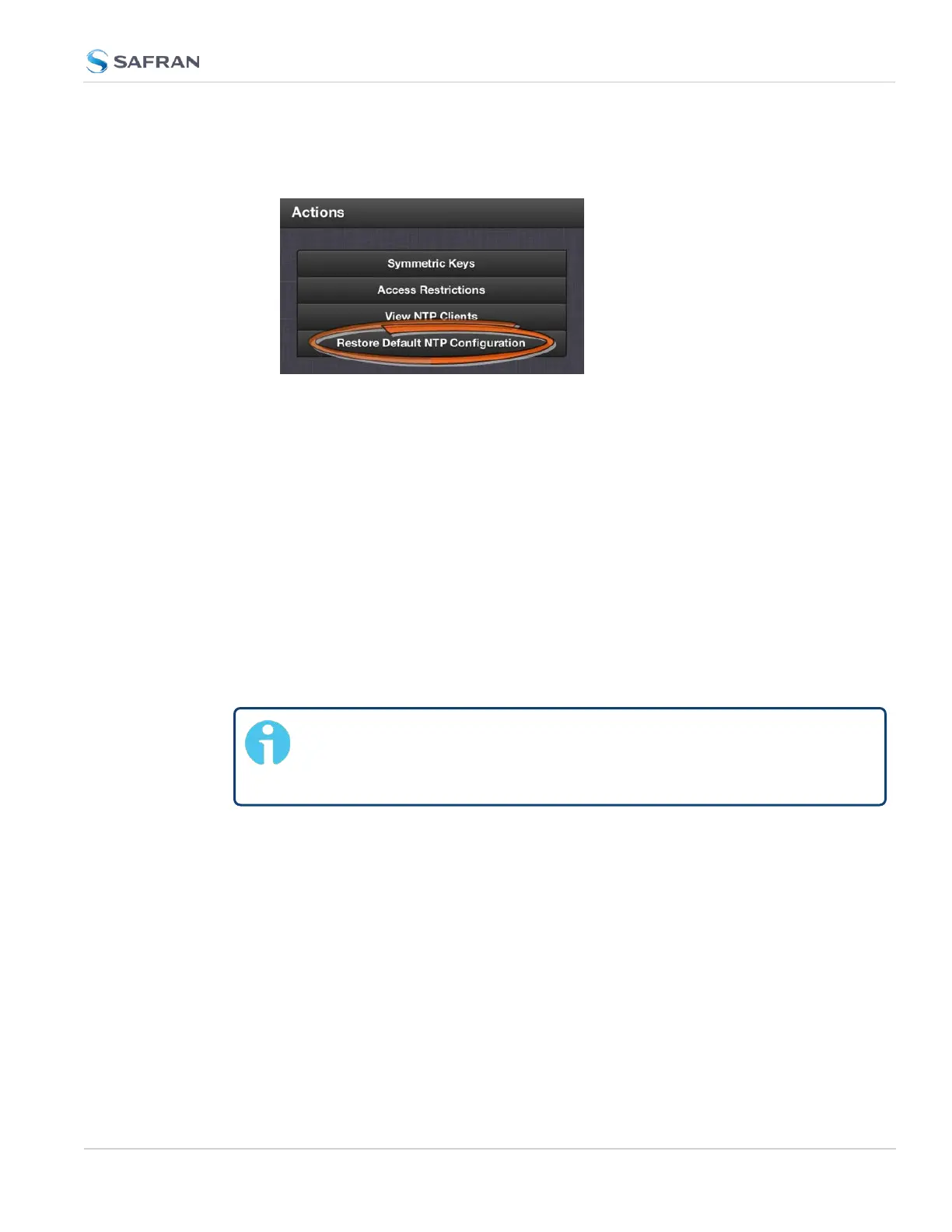
Navigate to MANAGEMENT > NETWORK: NTP Setup.
2.
In the NTP Actions panel, click Restore Default NTP Configuration.
3.
In the dialog window that displays, click OK.
2.15.6 NTP Output Timescale
You can choose the timescale SecureSync will use for the time stamps it sends
out to its NTP clients and network nodes. This is done by setting SecureSync
SystemTime timescale. The options are UTC, TAI and GPS. Typically, UTC is used
for network synchronization.
Note that the System Time affects not only NTP output, but also all other aspects
of time management e.g., time distributed via channels other than NTP, logging,
and time displayed in the Web UI.
If SecureSync is operated as a Stratum2 server, i.e. as a client to a Stratum1
server (see "Configuring "NTP Stratum Synchronization"" on page122), the other
server will override SecureSync's System Timescale, should it be different.
Note: IMPORTANT: Make sure you select your desired timescale!
Using the wrong timescale will inevitably result in an undesired time
error in your NTP clients.
To change the system timescale SecureSync will use for its NTP output (and
other outputs):
2.15 Configure NTP
CHAPTER 2 • SecureSync 2400 User Manual Rev. 5.2
119



 To Next Page