HOME: Return to the HOME screen (see above)
INTERFACES: Access the configuration pages for …
… references (e.g., GNSS, NTP)
… outputs (e.g. 10 MHz, PPS, NTP) and
… installed input/output option cards.
MANAGEMENT: Access the NETWORK setup screens, and OTHER setup
screens e.g., to configure Reference Priorities, System Time, and the Oscil-
lator.
TOOLS: Opens a drop-down menu for access to the system maintenance
screens and system logs.
HELP: Provides Safran Service Contact Information and high-level system
configurations you may be required to furnish when contacting Safran Ser-
vice.
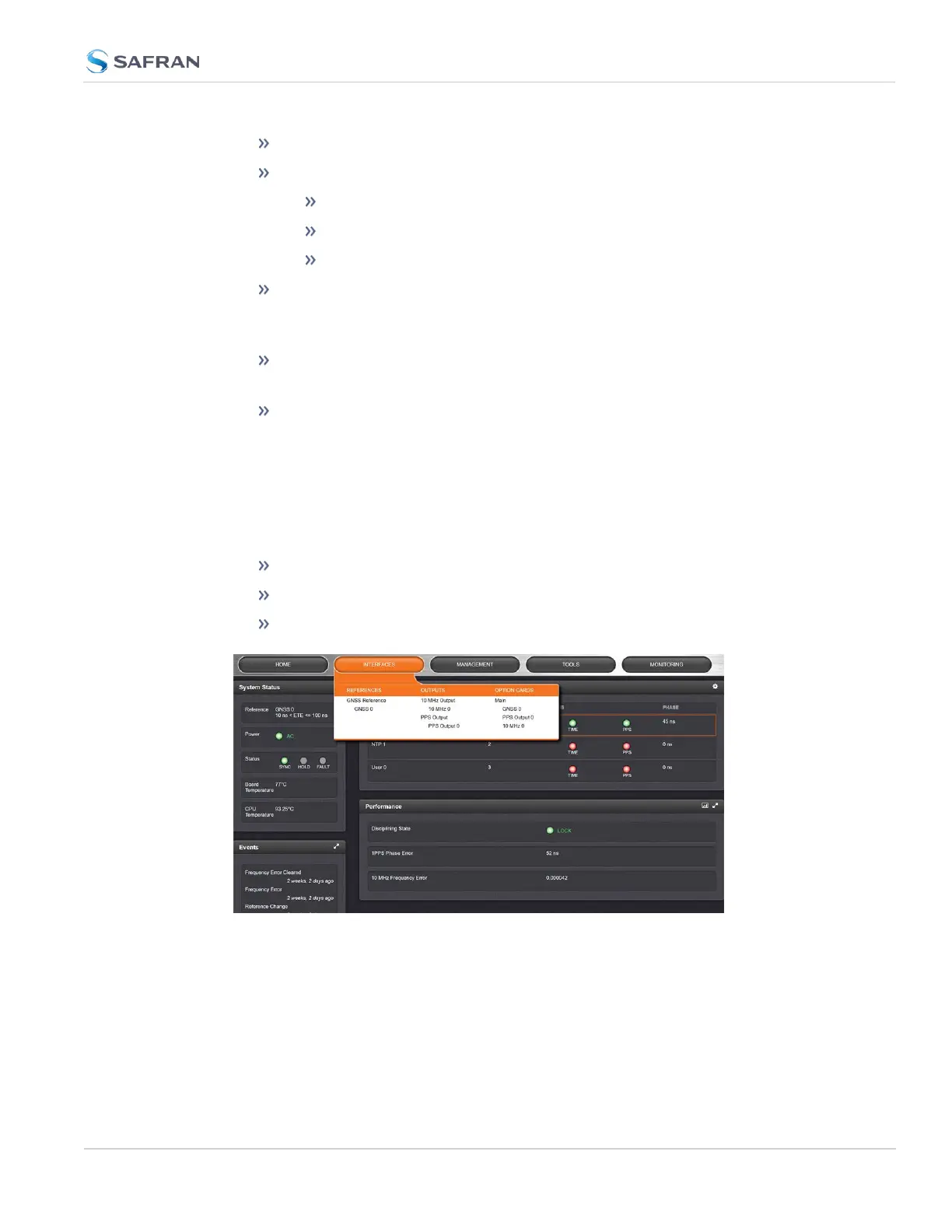
1.7.2 The INTERFACES Menu
The INTERFACES menu on the Main screen provides access to SecureSync's:
External REFERENCES e.g., the GNSS reference input
Detected OUTPUTS, such as 10 MHz and 1PPS
Installed OPTION CARDS.
Clicking on any of the line items will open a status screen, providing real-time
information on the selected interface e.g., availability, performance data and
events history.
To configure settings for the selected interface, click the GEAR icons or buttons
provided on most of the status screens. Icons like the INFO symbol provide
access to more detailed status information and history data.
1.7 The SecureSync Web UI
CHAPTER 1 • SecureSync 2400 User Manual Rev. 5.2
35



 To Next Page