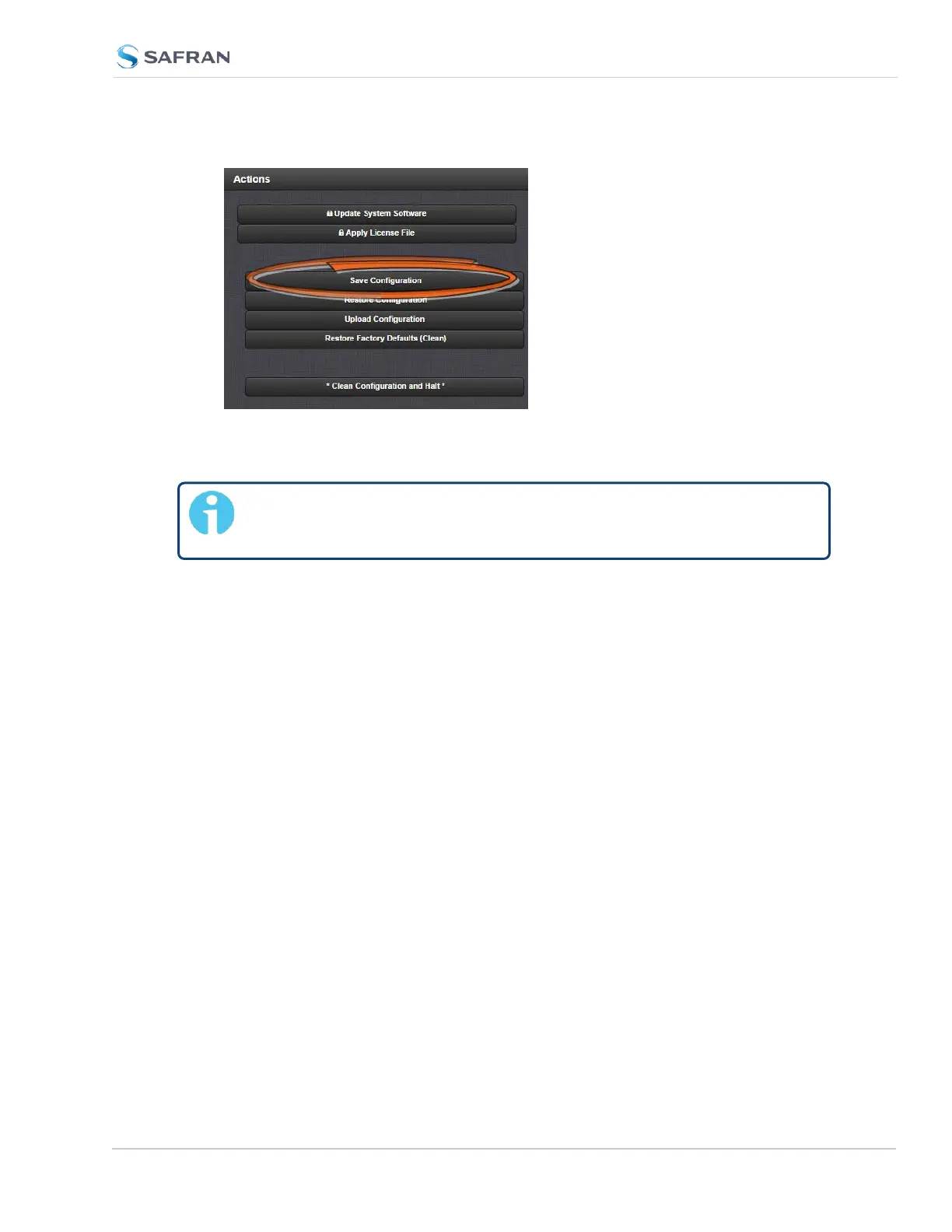
3.
Click OK in the grey confirmation window that displays.
4. Save the configuration file to a directory where it will be safe.
Note: The Reference Priority configuration must be saved BEFORE
beginning with the hardware installation.
After completion of the hardware installation, the Reference Priority con-
figuration needs to be restored; see STEP [12].
5.2.2.6 [3]: Determining the Installation Procedure
The installation procedure for option cards varies, depending on:
i. option card model
ii. installation slot chosen by you, and
iii. for upper slots only: if the bottom slot is used or not.
Determining the correct installation procedure
a.
Identify the last two digits of the part number of your option card (see
label on bag).
SecureSync 2400 User Manual 371
APPENDIX



 To Next Page