instantaneously. A slight refreshment delay is normal (the duration depends on
the configuration of your system.)
5.2.1.5 Verifying the Validity of an Input Signal
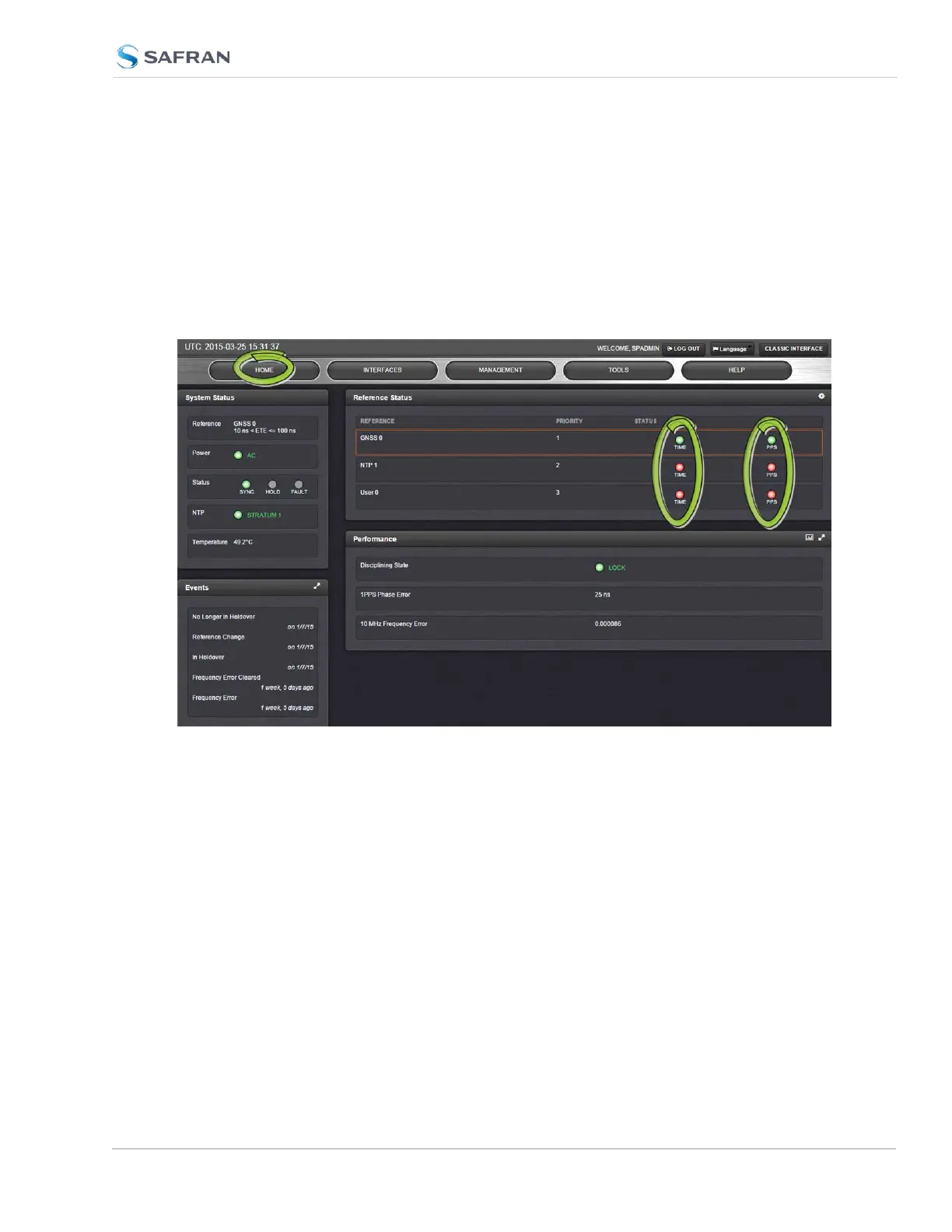
The HOME page of the SecureSync WebUI provides quick access to the status of
all inputs via its Reference Status panel.
If an INPUT is not present, or not valid, and qualified, the 1PPS Validity and Time
Validity fields will be “Not Valid” (orange).
If an INPUT is present, and the signal is considered valid, and qualified, the two
indicators will then turn “Valid” (Green).
SecureSync 2400 User Manual 367
APPENDIX



 To Next Page