For instruction on changing the front panel time display or locking front panel
access, see "Configuring the Front Panel" on page298.
1.3.2.1 Using the Keypad
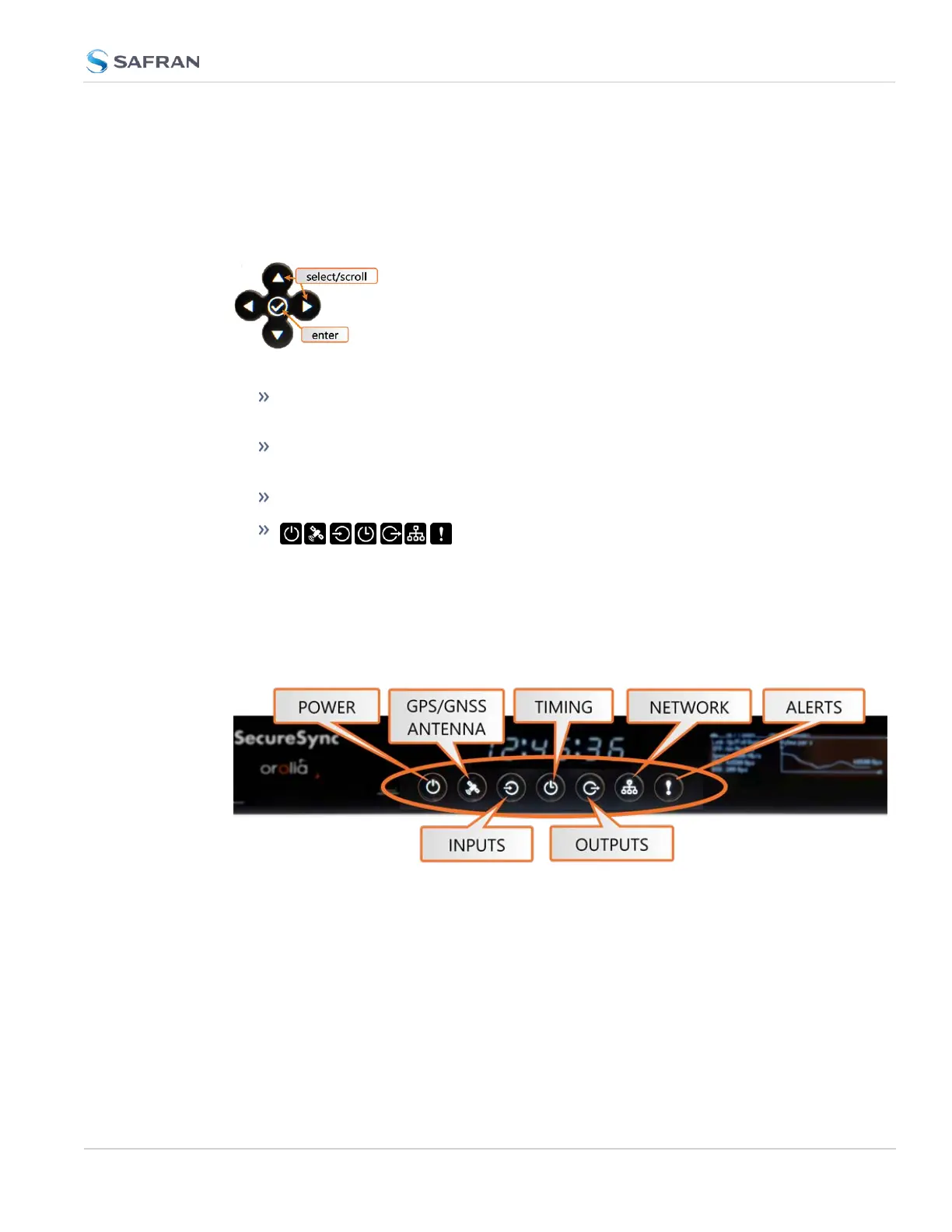
The functions of the five keys are:
◀▶▲ ▼ arrow keys: Navigate to a menu option (will be highlighted); move
the focus on the screen; switch between submenus
▲ ▼ arrow keys: Scroll through parameter values in edit displays; move
the focus on the screen
✓ ENTER key: Select a menu option, or confirm a selection when editing
menu buttons: Press these buttons to navigate to
each of the seven main menus.
1.3.2.2 Using the Front Panel Display
There are seven main menu screens on the SecureSync front information display.
Figure 1-3: Status LED menu buttons
1. Your front panel screen will timeout and darken after two minutes of inactiv-
ity. If your screen is dark, press any menu or keypad button to wake.
2. Press a menu button to enter that menu on the front panel display.
3. After entering a menu, the cursor will automatically begin on the submenu
selection that you last visited.
4. Use the left and right buttons to switch between submenus if necessary.
1.3 SecureSync Front Panel
CHAPTER 1 • SecureSync 2400 User Manual Rev. 5.2
7



 To Next Page