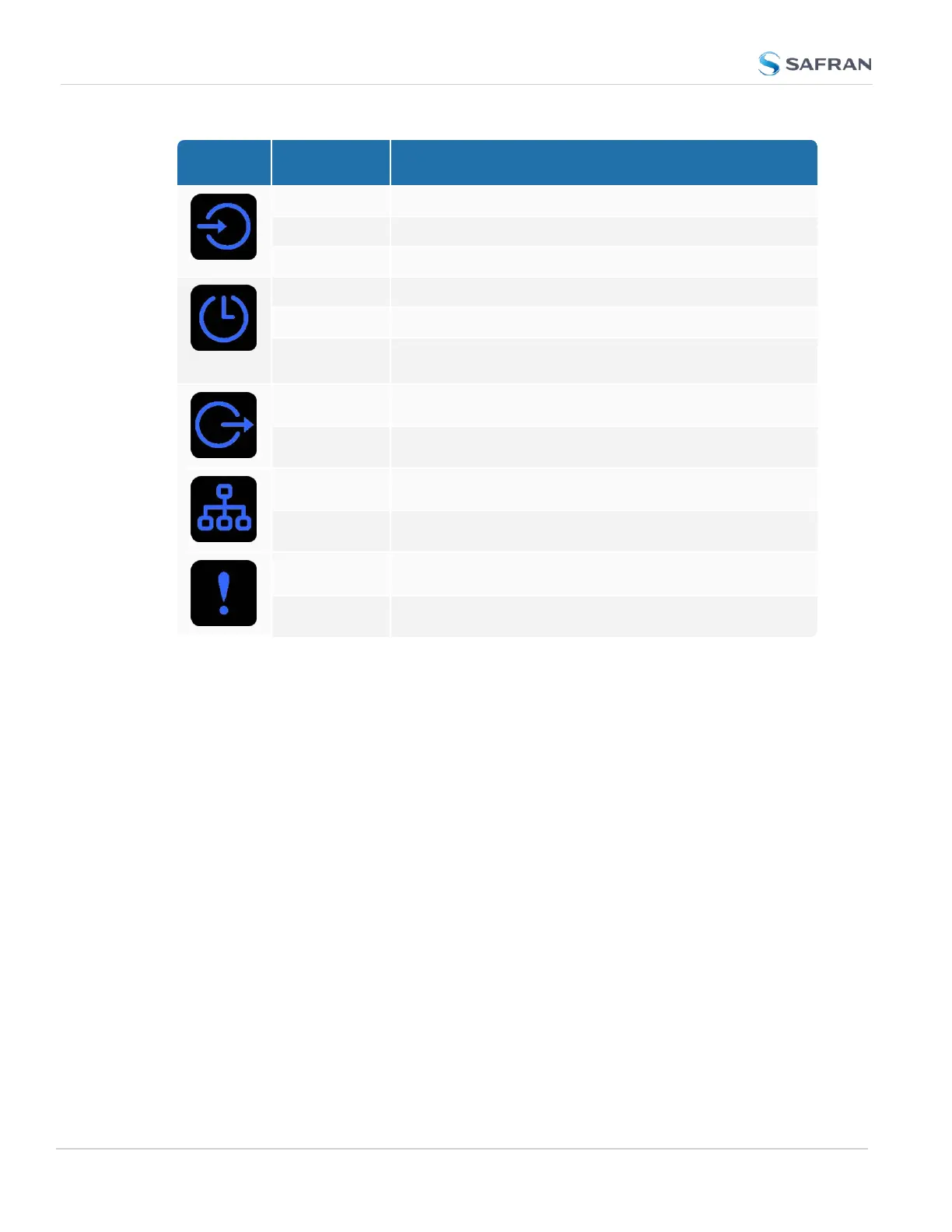
Icon Light Meaning
OFF No valid references
FAST Using non-primary reference
ON Using primary reference
OFF Unit is in Holdover (valid)
ON In Sync (valid)
FAST Not In Sync (Holdover period exceeded, or oscillator dam-
aged)
OFF No output signal(s) detected/all outputs are disabled
ON At least one enabled output
OFF Both ETH0 and ETH1 invalid
ON At least one Ethernet connection valid
OFF Unit OK
FAST At least one active alarm, see Web UI
LED Patterns during Boot Sequence
For the first five seconds after power-up all LEDs will be OFF. Then the Power
LED will be blinking before it will be lit permanently.
Responding to Alarms
If you are in front of your units, the fastest way to determine the origin of alarms
is to press the button that is flashing; this will automatically bring up the menu of
the category with a difficulty. See "Front Panel Keypad, and Display" below for
more information.
1.3.2 Front Panel Keypad, and Display
To simplify operation and to allow local access to SecureSync, a keypad and an
OLED information display menu are provided on the front panel of the unit.
The front panel keypad, information display menu, and status LED menu buttons
can be used to configure basic network settings and obtain status information.
For more complex functionality, users should refer to the Web UI or Command
Line Interface (CLI).
6
CHAPTER 1 • SecureSync 2400 User Manual Rev. 5.2
1.3 SecureSync Front Panel



 To Next Page