Edit window
To edit option card settings, either click the Edit button in the lower-left
corner of the Status window, or click the GEAR button in the Status Sum-
mary panel: The Edit window will open.
5.2.1.2 Viewing Input/Output Configuration Settings
The configurable settings of any SecureSync input or output interface can be
viewed in its Status window. The Status window can be accessed in several ways;
the procedure below describes the standard way:
1.
Identify the name of the option card, (e.g., PPSOUT, 4-BNC) and the name
of the input or output you want to configure (e.g., PPS Output 1).
Note: If you have only one input or output of any type,
SecureSync will number that input or output0. Additional
inputs or outputs will be numbered1 or above.
2.
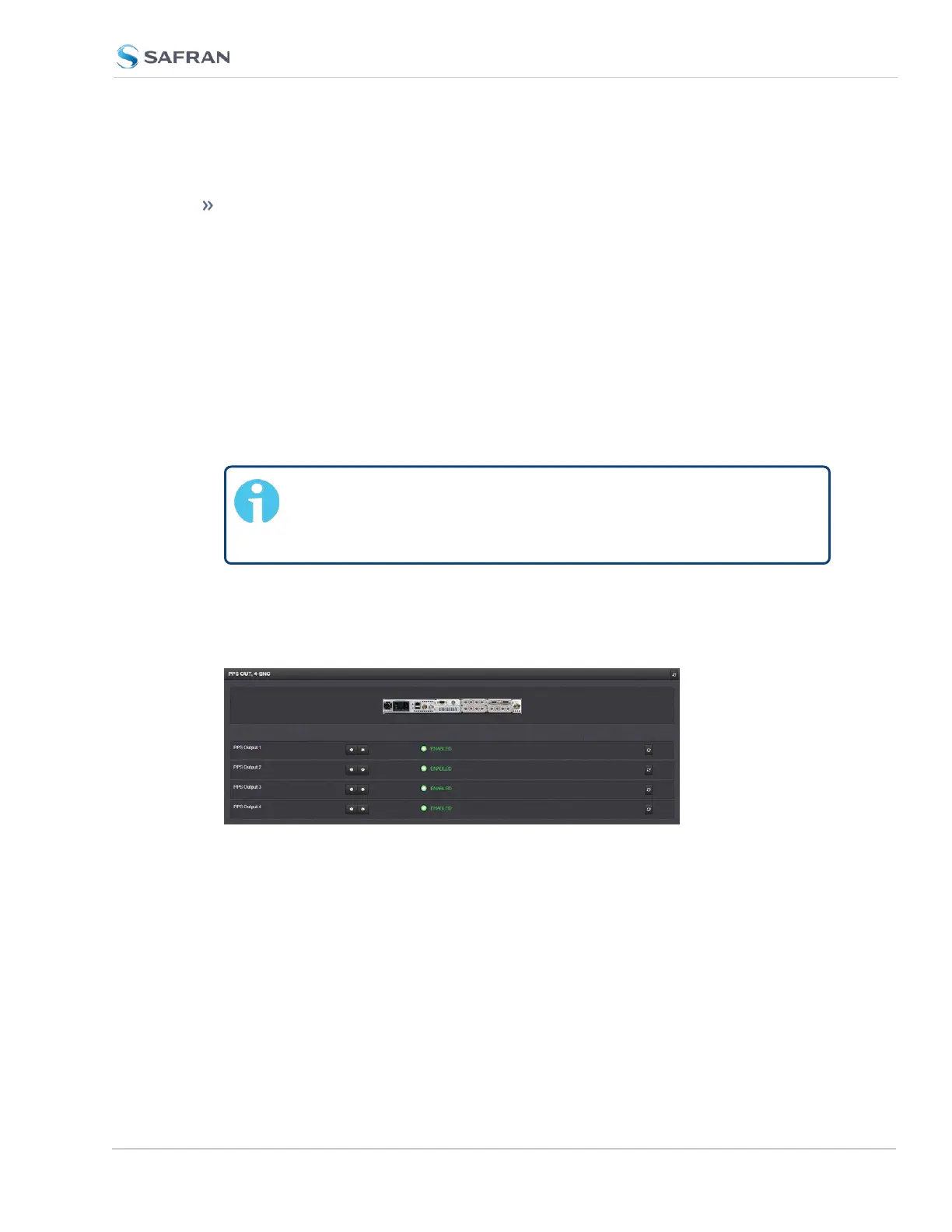
Navigate to INTERFACES > OPTION CARDS, and click the list entry of the
option card identified above. The option card’s Status Summary panel
opens:
3. Click on the INFO button next to the input or output whose settings you
wish to review. The Status window will open:
SecureSync 2400 User Manual 363
APPENDIX



 To Next Page