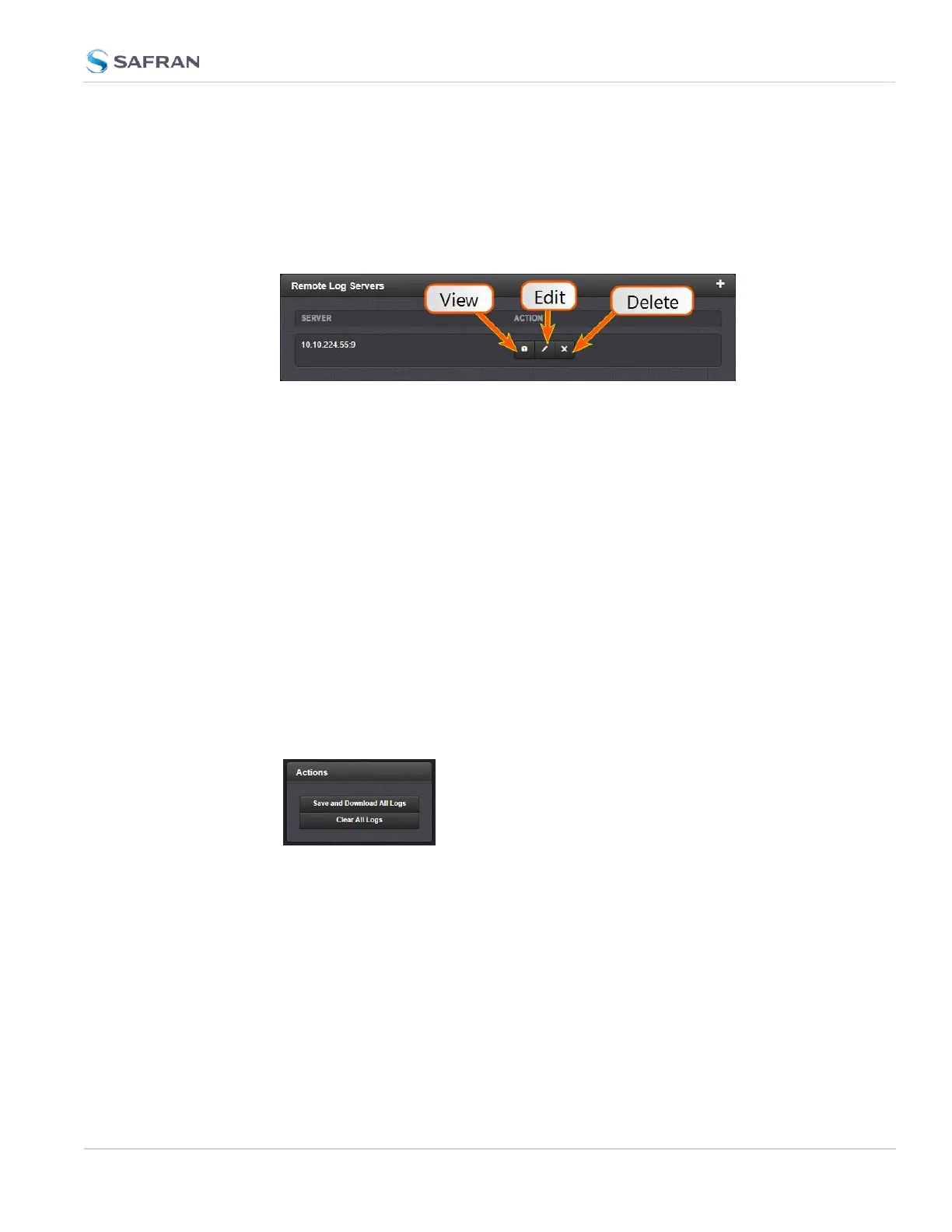
Changing or deleting a remote log server:
1.
Navigate to MANAGEMENT > OTHER: Log Configuration.
2.
In the Remote Log Server panel locate the remote server you wish to
change or delete.
3.
Choose the X button to delete the remote log server. Confirm by clicking
OK in the message window.
—OR—
3.
In the Remote Log Server panel, click the GEAR button to edit the remote
log server. Type in a new IP address, for instance, or select new logs to be
configured.
4.5.2.6 Clearing All Logs
All local logs in the home/spectracom directory will be logged. Other logs e.g.,
located on Syslog Servers, must be maintained by the user.
To clear all locally stored log files:
1.
Navigate to MANAGEMENT > OTHER: Log Configuration.
2.
In the Actions panel, click Clear All Logs:
3.
In the grey confirmation window, click OK.
4.5 Quality Management
CHAPTER 4 • SecureSync 2400 User Manual Rev. 5.2
337



 To Next Page