2.21 The Option Cards Screen
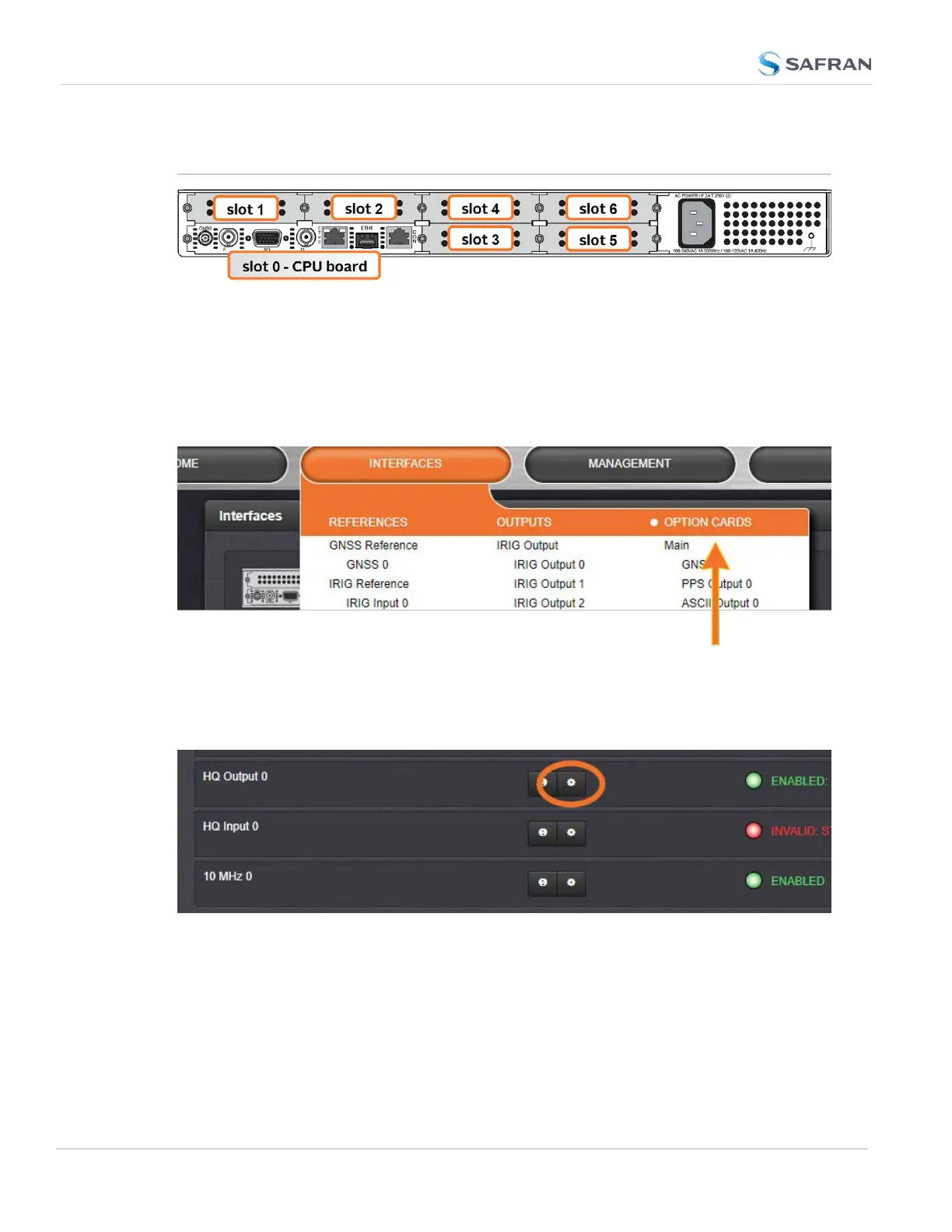
This menu lists all the interfaces on the unit, including the option cards installed
on your SecureSync.
The rear panel connectors included with a standard SecureSync are all listed in
this menu under "Main" and "Option Card 0".
To navigate to the Option Card Menu in the Web UI, navigate to INTERFACES >
and click on the white-on-orange menu header, OPTIONCARDS.
In the Interfaces Panel, all of the factory interfaces are listed under Option Card
0, and each installed option card is shown with every available interface.
To edit the settings on an interface, click on the GEAR icon.
See "Option Cards" on page361 for more information on option card settings,
and individual option card functionality.
182
CHAPTER 2 • SecureSync 2400 User Manual Rev. 5.2
2.21 The Option Cards Screen



 To Next Page