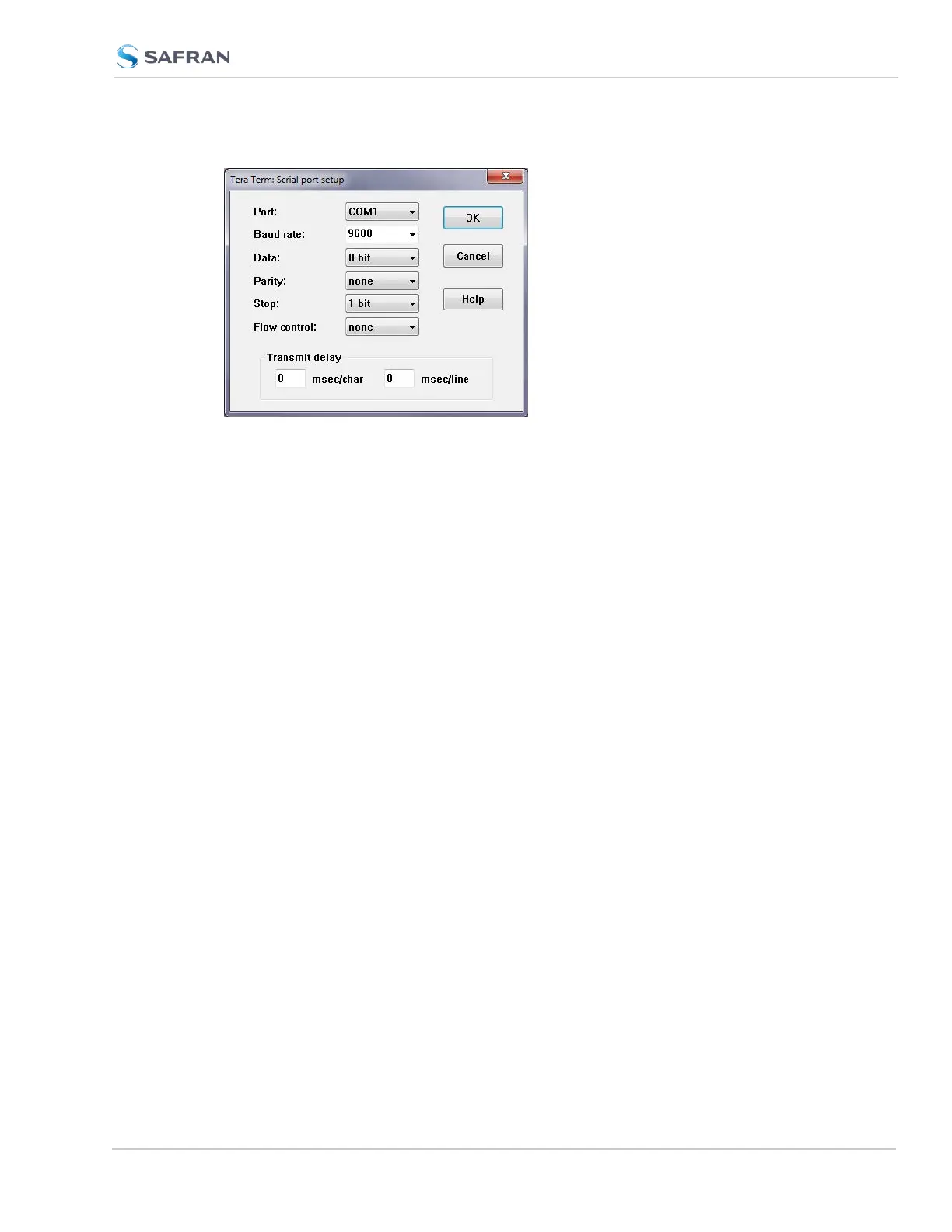
3. Depending on which network protocol you are using (SSH, Telnet), you will
need to enter authentication upon establishment of the connection either in
a separate authentication window, or the Terminal window: The default
user name is spadmin, and the password admin123.
4. Using the Terminal window, you can now submit commands.
5.3.2 CLICommands
SecureSync features a suite of command-line interface (CLI) commands that can
be used to configure parameters and retrieve status information or log files via a
remote connection, using the telnet or ssh (if enabled) protocol.
This section includes a list of some of the supported commands.
Notes:
a.
The command “helpcli” will provide a list of all available commands and
their syntax (Note: Typing “help” will output bash shell help only and will
not provide useful information).
b. You can scroll up or scroll down through the output by using the Page
Up/Page down keys, or the arrow keys.
c.
Type “q” (lower-case) to quit.
d. Pressing the up/down keys scrolls through previously typed commands.
e. Commands need to be typed in all lower-case letters.
f.
Where eth0 and eth1 are the base network ports.
SecureSync 2400 User Manual 555
APPENDIX



 To Next Page