and useable time stamps and a 10 MHz output for a longer period of time once
time synchronization has been lost.
Note: Oscillators are installed at the factory, in accordance with
order specifications; an oscillator cannot be swapped/retrofitted
later in the product life cycle (with the exception of repairs).
The Rubidium oscillator is atomic in nature but requires no MSDS (Material Safety
Data Sheet).
Note: External Oscillator: It is possible for an external oscillator to be
locked to SecureSync's 10MHz output via an external PLL, with the
lock state of the external PLL monitored by SecureSync. Contact
Safran for more information.
3.5.2 Configuring the Oscillator
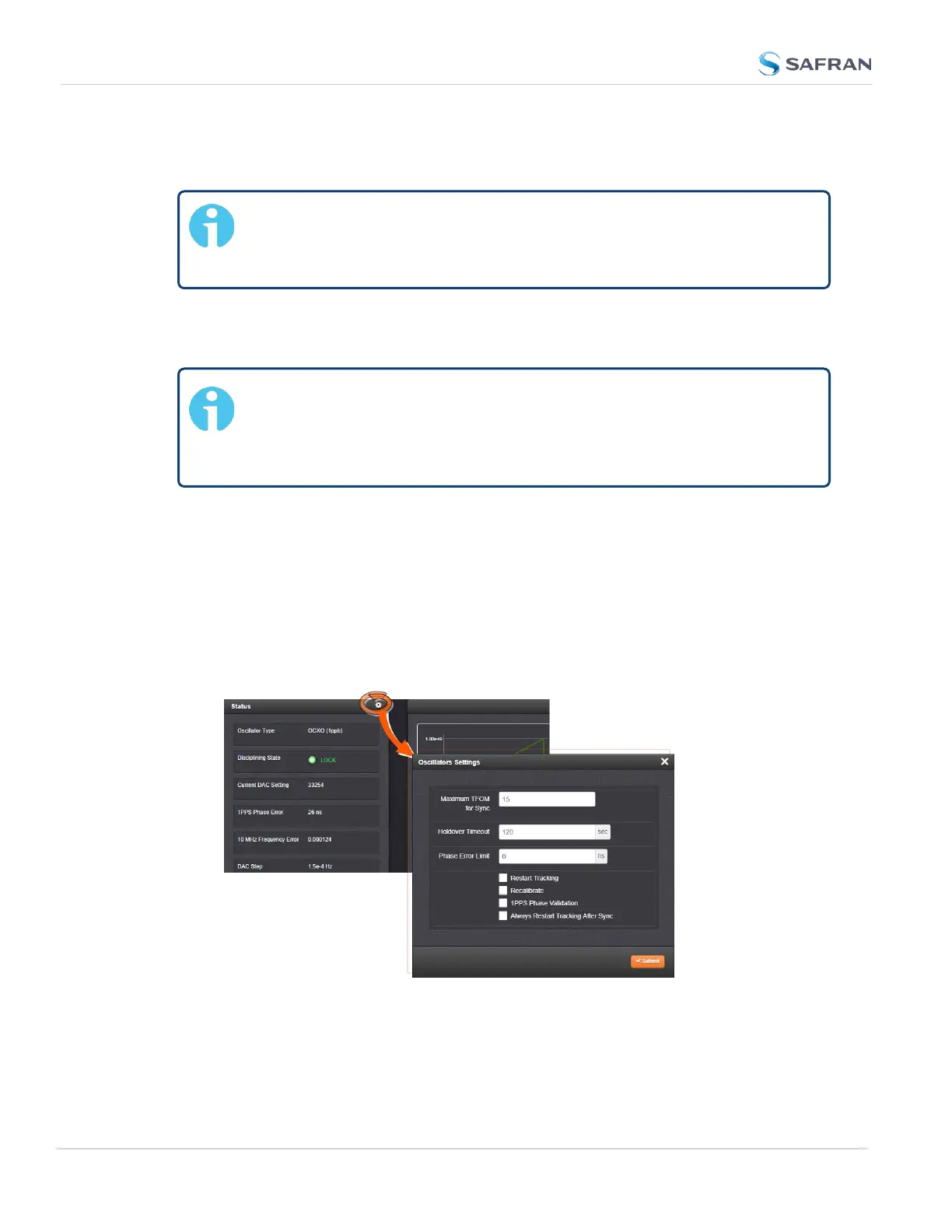
SecureSync is equipped with an internal oscillator. To configure the oscillator set-
tings:
1.
Navigate to MANAGEMENT > OTHER: Disciplining.
2.
Click the GEAR icon at the top of the Status panel. The Oscillators Settings
window will display:
3. Populate the fields:
252
CHAPTER 3 • SecureSync 2400 User Manual Rev. 5.2
3.5 Managing the Oscillator



 To Next Page