5.2.1.1 Web UI Navigation: Option Cards
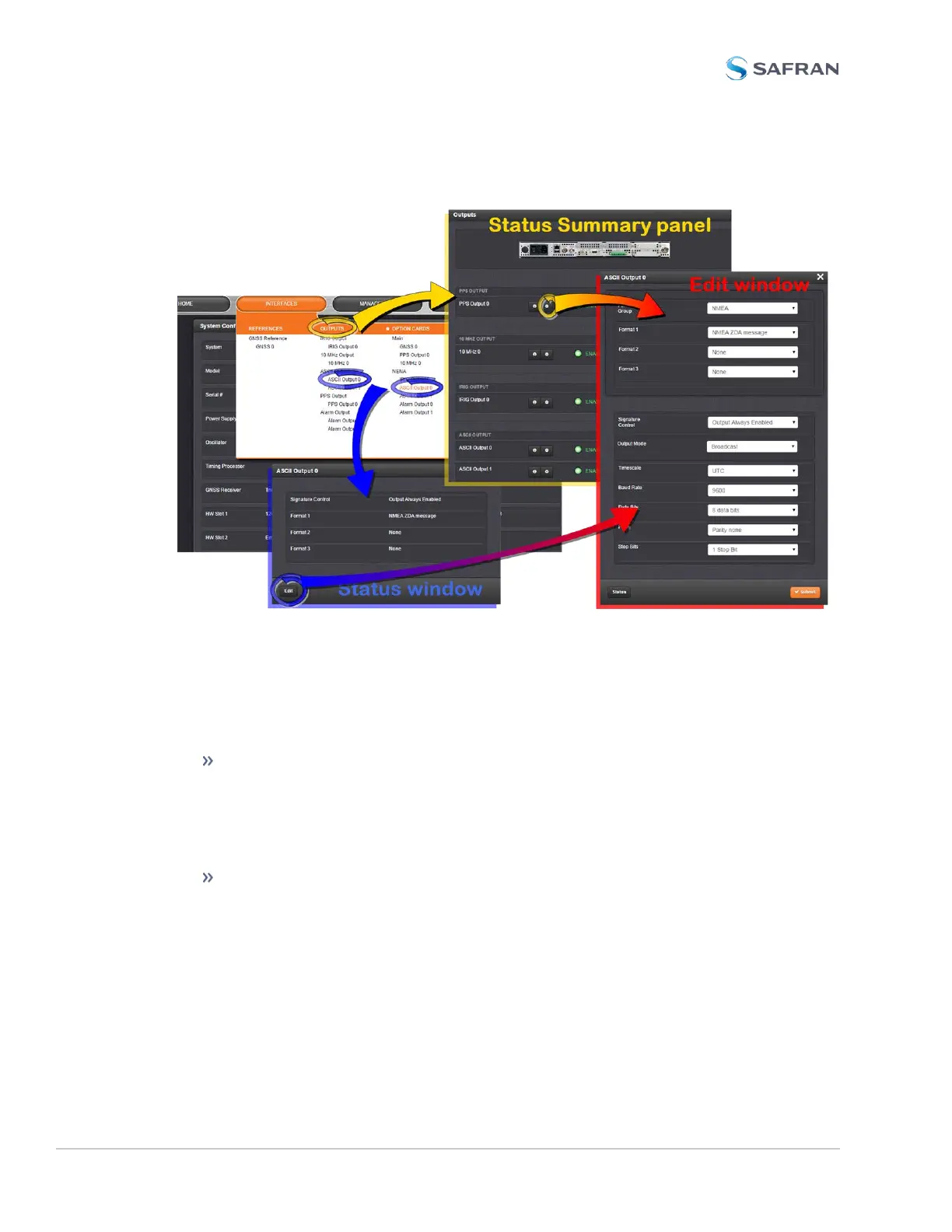
Figure 5-1: Option card navigation
To view or edit option card settings in the SecureSync Web UI (see also image
above):
Status Summary panel
Under INTERFACES > OPTIONCARDS, clicking the superordinate list
entry will open the StatusSummary panel, which provides a status over-
view, as well as access to the Status window and the Editwindow.
Status window
Under INTERFACES > OPTIONCARDS, clicking subordinate (indented)
entries will open the Status window, providing detailed option card status
information.
362 SecureSync 2400 User Manual
APPENDIX



 To Next Page