This panel provides version information on the different SW components utilized
by the system.
4.7.2 Saving the System Configuration Files
To save (backup) the system configuration files:
1.
Navigate to TOOLS > SYSTEM: Upgrade/Backup.
2.
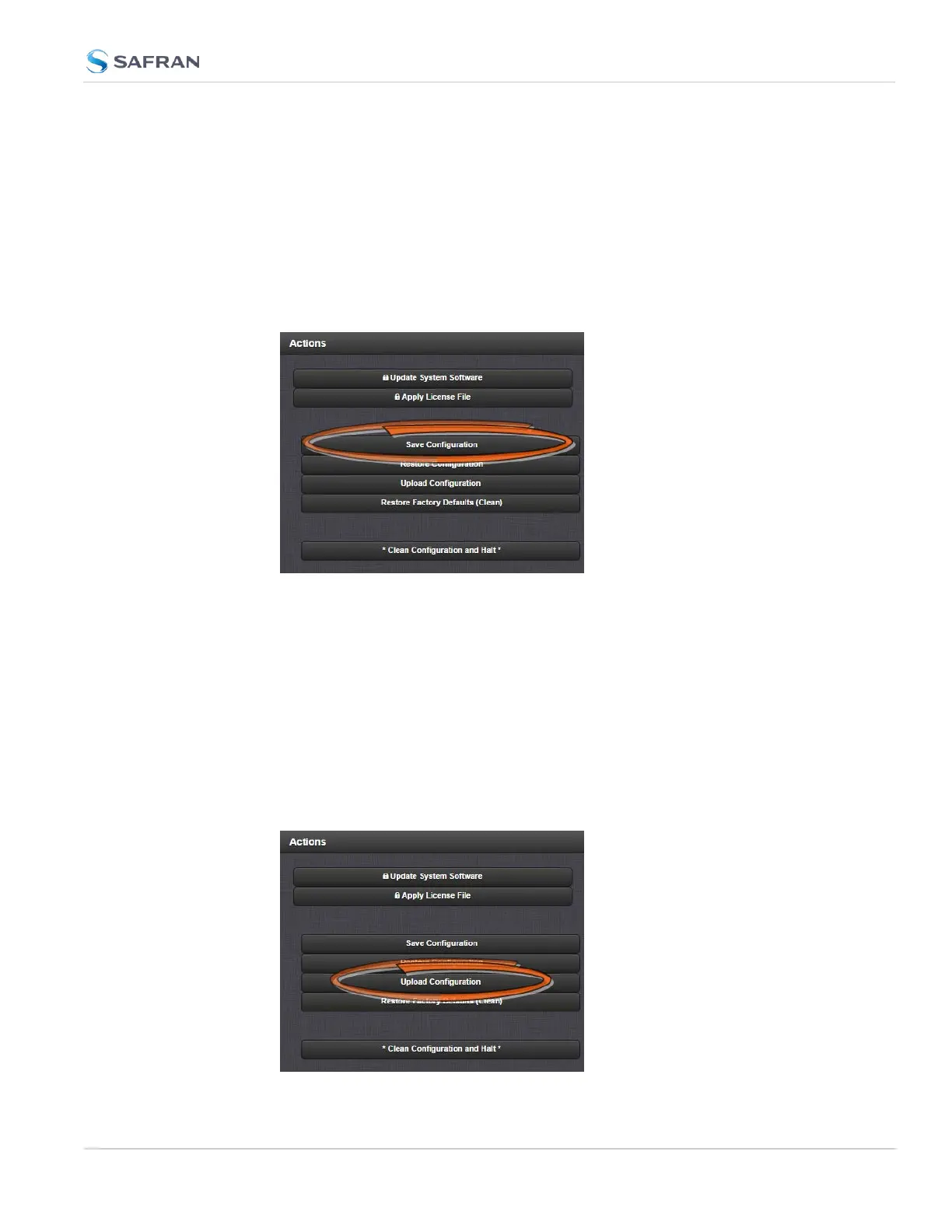
In the Actions panel, click the Save Configuration button.
3.
Click OK in the grey confirmation window that displays.
4. Save the configuration file to a directory where it will be safe. SecureSync
simultaneously saves a file at /home/spec-
tracom/xfer/config/config.tar.
4.7.3 Uploading Configuration Files
To upload configuration files from a PC:
1.
Navigate to TOOLS > SYSTEM: Upgrade/Backup.
2.
In the Actions panel, click the Upload Configuration button.
4.7 Backing-up and Restoring Configuration Files
CHAPTER 4 • SecureSync 2400 User Manual Rev. 5.2
343



 To Next Page