3.
Click Submit.
4. Wait 30 seconds after entering the HALT command before disconnecting
power from the unit.
Issuing a HALT Command via SerialPort/Telnet/SSH:
With a serial connection to the front panel USB or rear panel serial port, telnet
connection or SSH connection, type halt <Enter> to halt the unit for shutdown.
For more information on SecureSync commands, see "CLICommands" on
page555.
Note: After issuing the HALT command wait 30 seconds before you
remove power.
Issuing a HALT Command via the Front Panel:
1.
Press the POWER menu button to switch the front panel display to the
Power Menu. Verify that you are under the Management sub menu (use the
left and right arrow keys if necessary).
2.
Press DOWN until Halt is highlighted. Press the ENTERbutton in the center
of the keyapd once to activate the halt, and then press it again to confirm
your choice in the confirmation menu to the right.
Once you have halted your SecureSync, power must be removed (unplugged)
and reapplied in order to restart the unit.
4.1.4 Rebooting the System
To reboot SecureSync via the Web UI:
1.
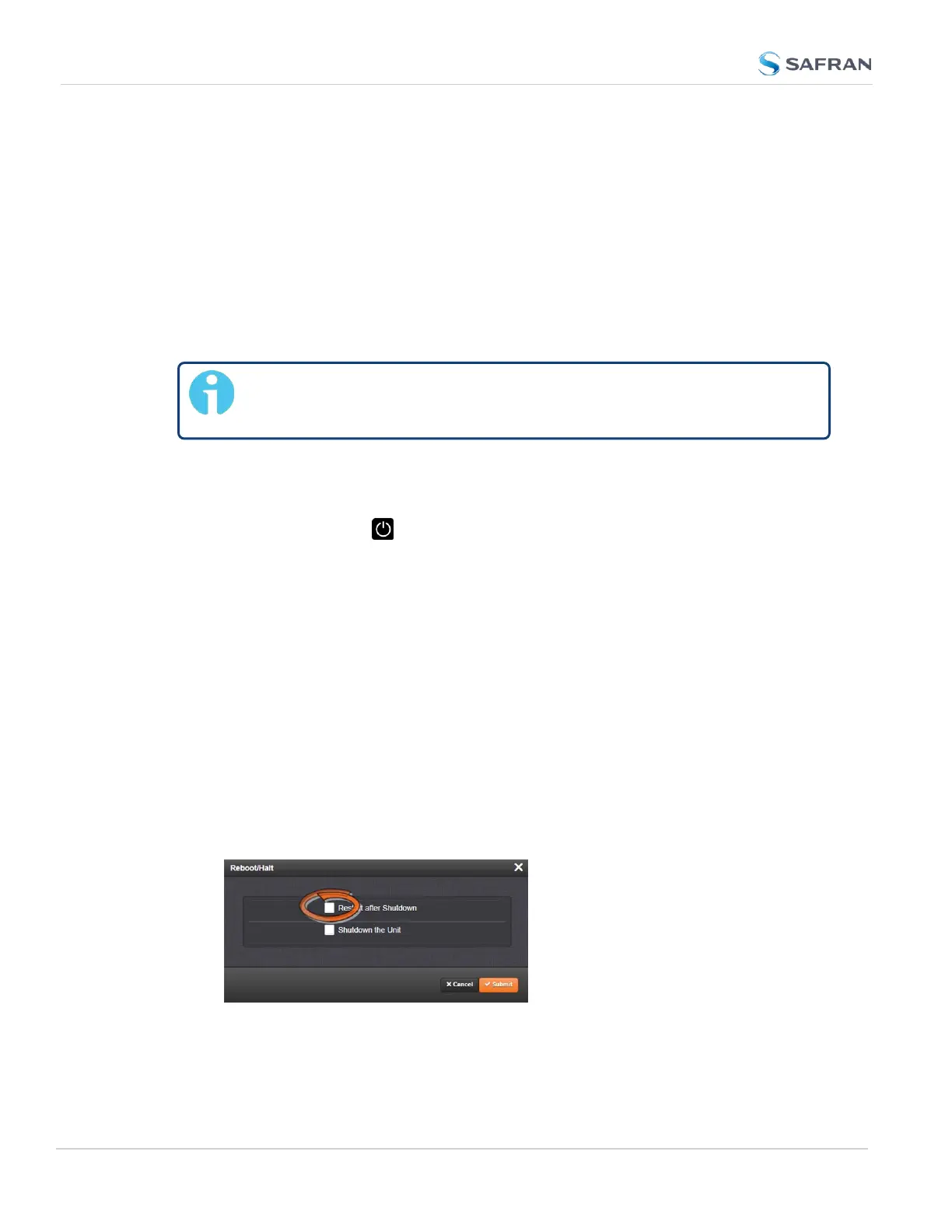
Navigate to TOOLS > SYSTEM: Reboot/Halt.
2.
Select the Restart after Shutdown box in the Reboot/Halt window.
3. SecureSync will now be rebooted and be accessible again shortly there-
after.
262
CHAPTER 4 • SecureSync 2400 User Manual Rev. 5.2
4.1 Powering Up/Shutting Down



 To Next Page