1.
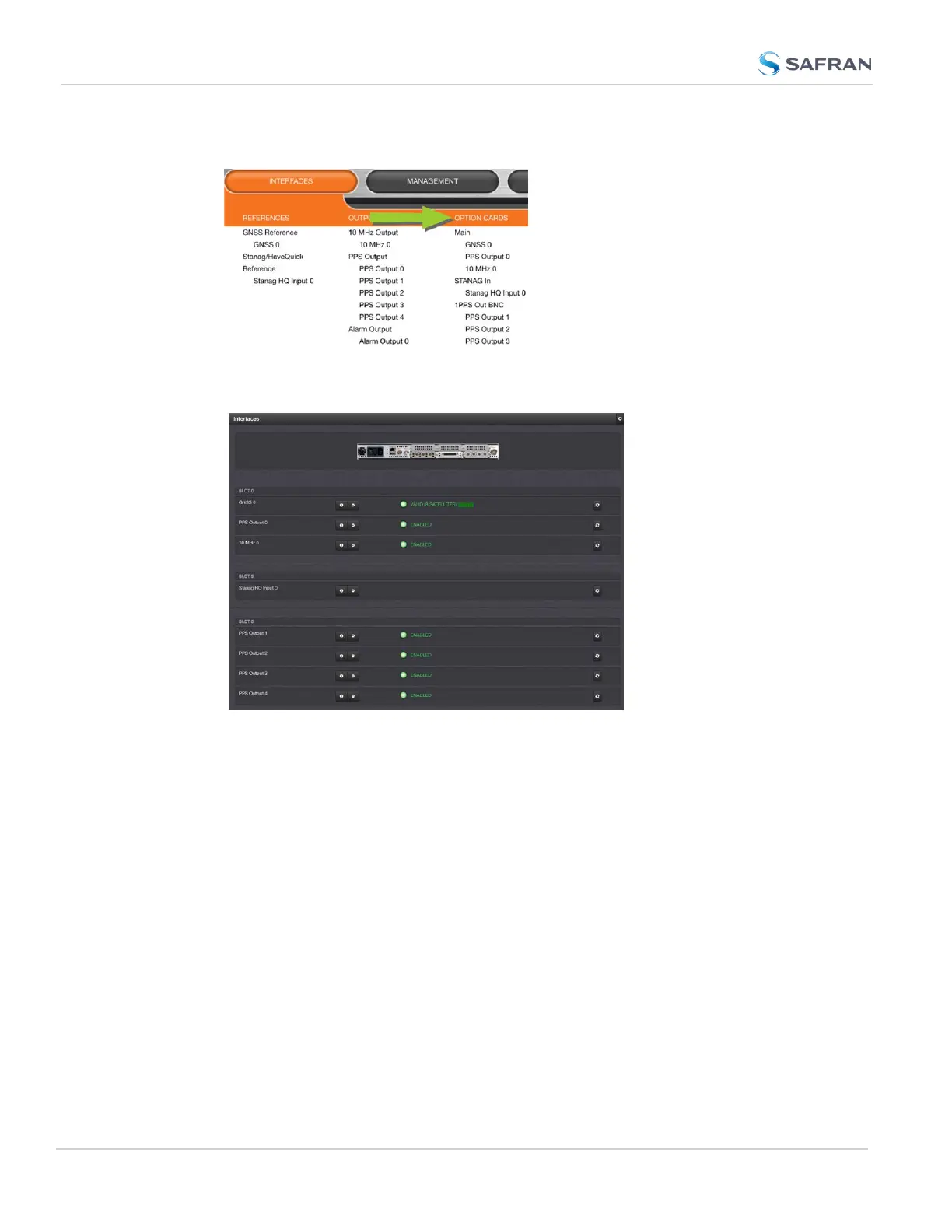
Navigate to INTERFACES, and click on OPTION CARDS:
2. The resulting screen will display all installed option cards, and their current
status.
You can drill down on any of the listed input references and outputs by
clicking the INFO button (for status information), or the GEAR button (to
edit settings).
Monitoring a SPECIFIC Option Card
To monitor the status of a selected option card:
316
CHAPTER 4 • SecureSync 2400 User Manual Rev. 5.2
4.5 Quality Management



 To Next Page