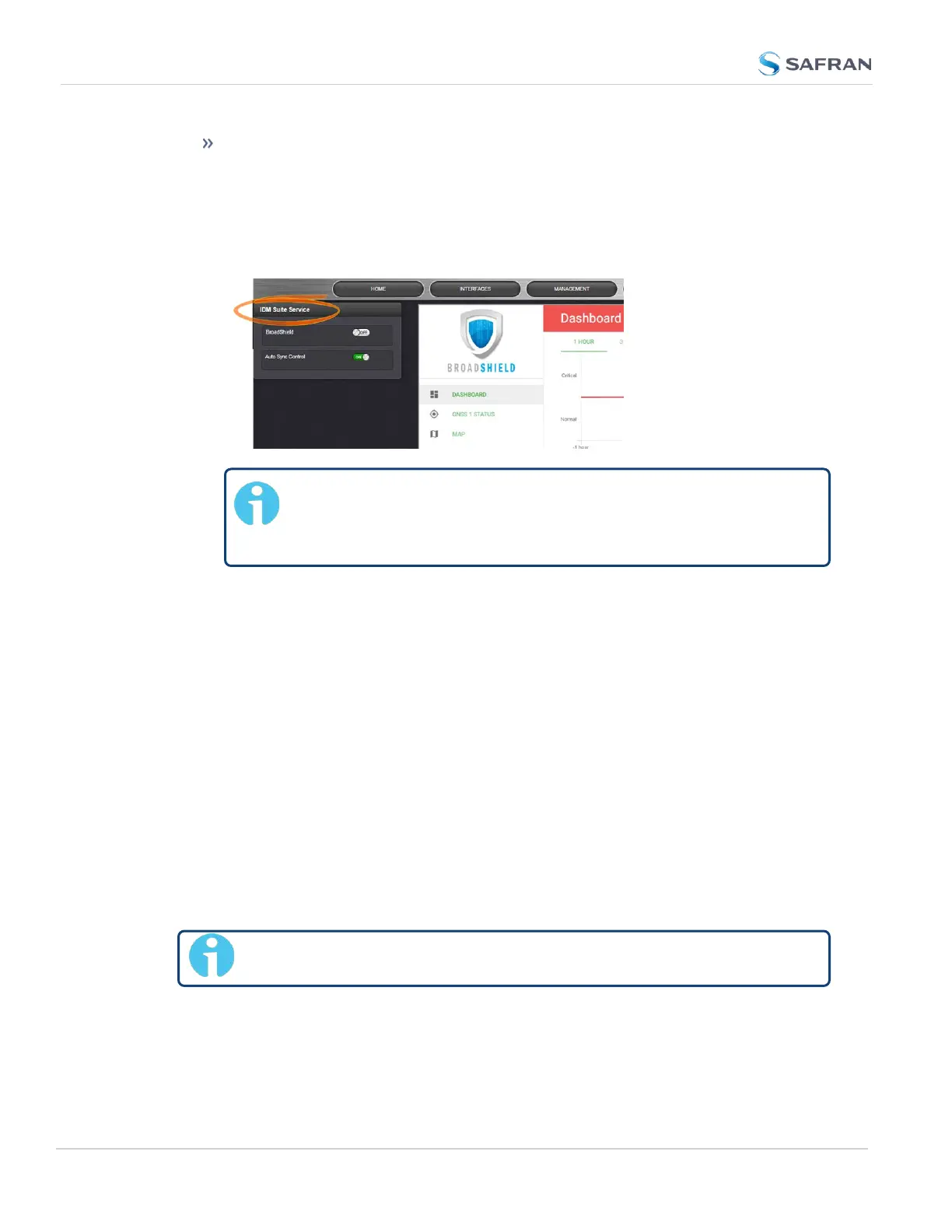
Auto Sync Control: In the event jamming or spoofing is detected,
SecureSync will emit a Major Alarm AND it will go into Holdover mode.
To configure these settings:
1.
Navigate to TOOLS: SYSTEM > Broadshield.
2.
In the BroadShield Service panel on the left, configure the desired setting:
Note: Turning BroadShield OFF and Auto Sync Control ON is
an invalid setting and will cause a "Failed to connect to the
unit..." error.
3.
In the BroadShield Web UI on the right, navigate to SETTINGS >
ALGORITHMS, and ensure that Jamming and/or Spoofing detection are
enabled.
Configuring BroadShield
To configure BroadShield:
1.
Navigate to TOOLS: SYSTEM > Broadshield. The embedded Broadshield
Web UI will open. If you cannot enable Broadshield from this screen, this
license is not present.
2.
Click SETTINGS to open the following sub-menus:
BROADSIGHT
BroadSight is a service that allows collection of data from multiple BroadShield
units and provides a dashboard view of the data.
Note: BroadSight for SecureSync is currently not supported.
218
CHAPTER 3 • SecureSync 2400 User Manual Rev. 5.2
3.3 Managing References



 To Next Page