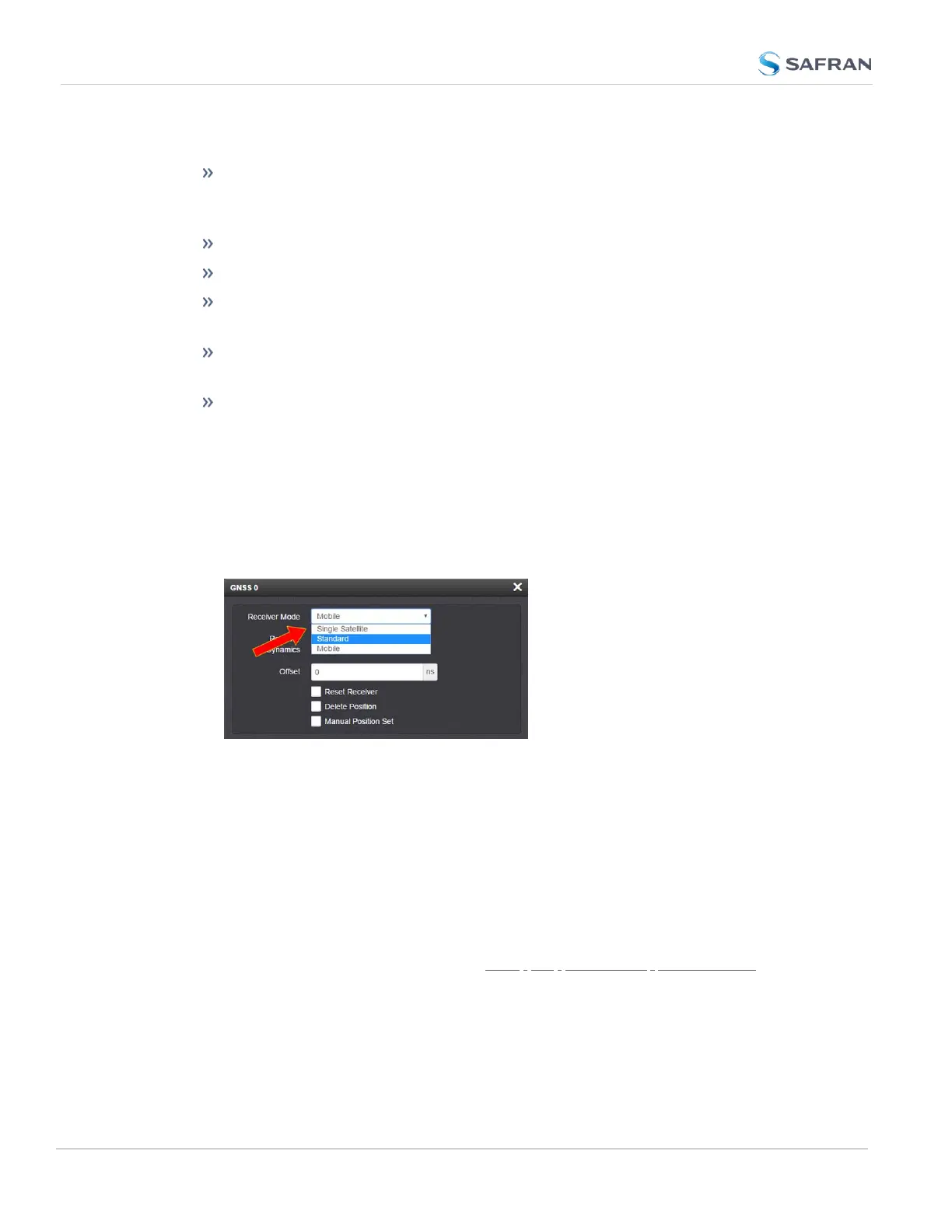
However, there are several user-configurable GNSS settings:
The Receiver Mode function allows the GNSS receiver to operate in either
a stationary mode (“Standard” or “Single Satellite” modes), or in a mobile
mode environment e.g., in a vehicle, ship or aircraft.
Offset [ns]: to account for antenna cable delays and other latencies
Receiver dynamics: to optimize performance for land, sea or air operation
The ability to delete the stored GNSS position information (latitude, lon-
gitude and antenna height).
The option to determine when a resurvey is to be performed (supported
only by newer GNSS receivers).
The option to select your constellation types
To configure the GNSS Receiver Mode for your SecureSync unit:
1.
Navigate to INTERFACES > REFERENCES: GNSS0. The GNSS0 Status
panel will open.
2.
Select Edit in the bottom-left corner. The GNSS 0 configuration window
will open:
3.
Select the desired Receiver Mode, and click Submit.
GNSS Receiver Modes
The receiver modes are:
Standard GNSS Receiver Mode
The default GNSS receiver mode is the Standard Mode: It is the most accurate,
and hence the preferred GNSS receiver mode.
The Standard Mode can be used only for stationary applications, i.e. the
SecureSync unit will not be moved. Also, it must be able to track initially at last
four satellites in order to complete the survey. (Once the survey is completed,
less than four satellites will provide a valid Time and 1PPS.)
232
CHAPTER 3 • SecureSync 2400 User Manual Rev. 5.2
3.3 Managing References



 To Next Page