2.
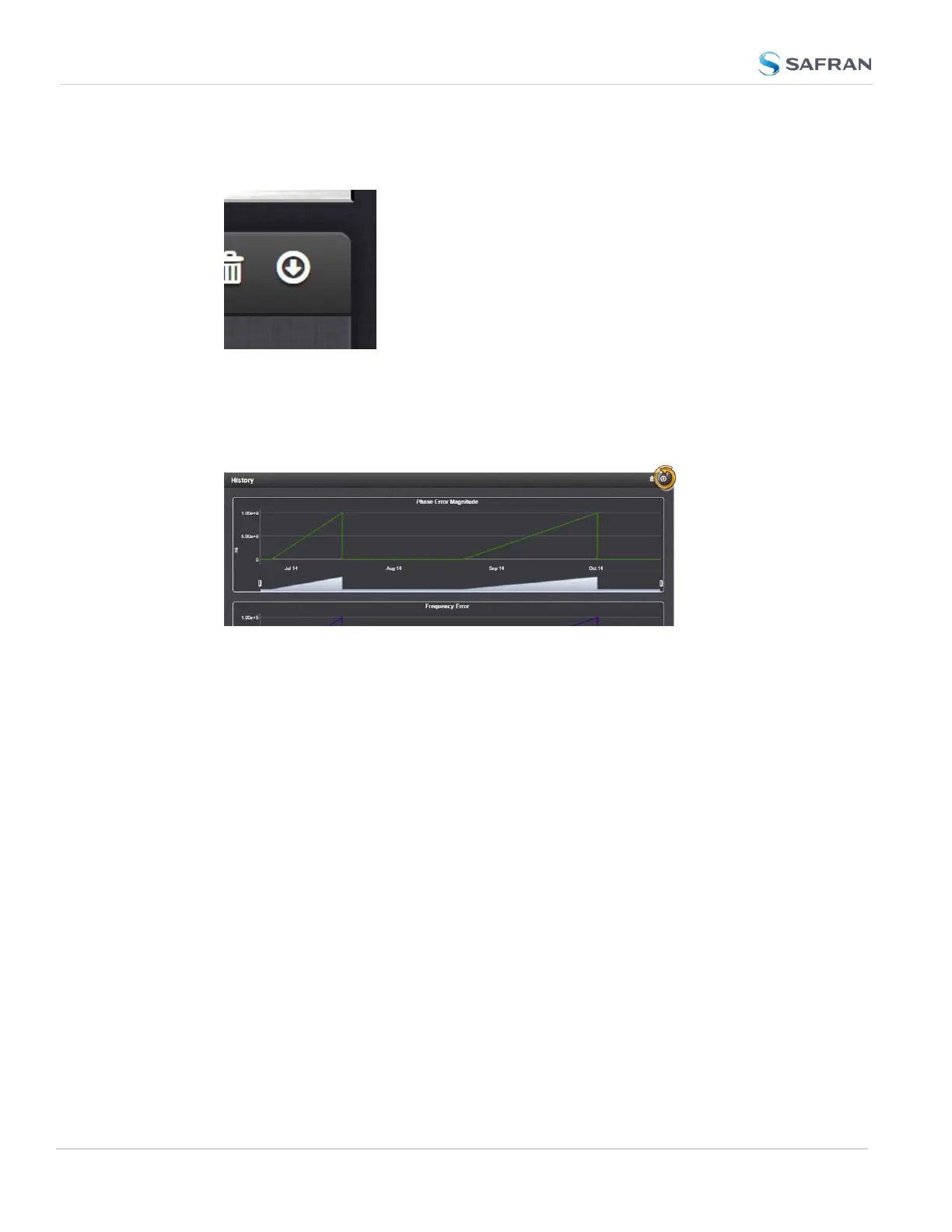
To download the log file: In the History panel, click the downwards pointing
ARROW icon. in the top-right corner:
3.
The log file will be downloaded onto your local computer. Its name is oscil-
latorStatusLog.csv. Depending on the operating system you can open
the file, or save it locally.
To delete the log file, click the TRASHCAN icon, and confirm.
258
CHAPTER 3 • SecureSync 2400 User Manual Rev. 5.2
3.5 Managing the Oscillator



 To Next Page