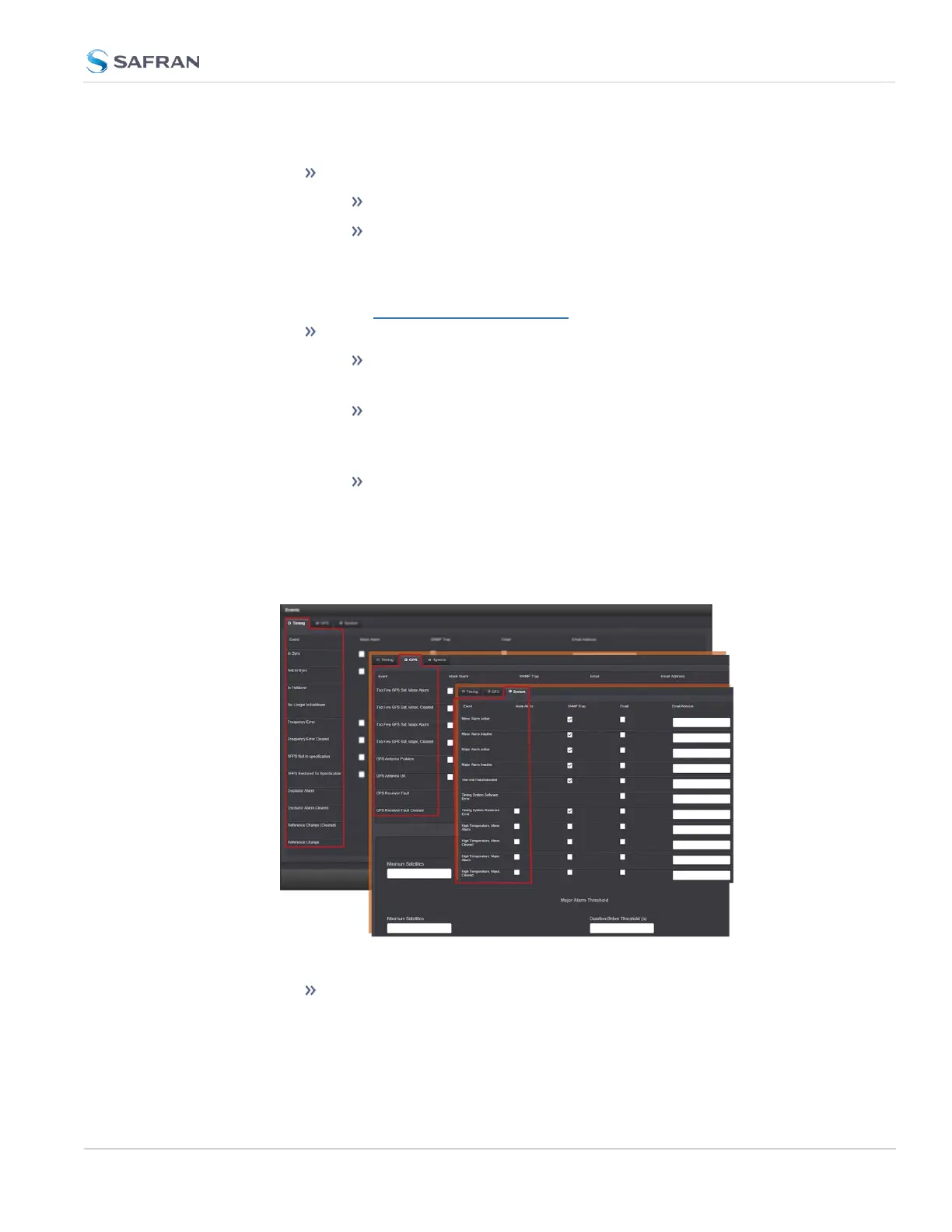
It is divided into two panels:
The Actions panel, featuring:
The SNMP Setup button: See "SNMP" on page100.
The Email Setup button: Configure SecureSync's interface set-
tings for Exchange email servers and Gmail.
For more information on this subject, see the Technical Note
Email Notification Setup.
The Events panel, offering three tabs:
Timing: Events for Sync Status and Holdover, Frequency error,
Input references and the internal oscillator.
GPS: Events related to the GNSS receiver, including antenna
cabling, tracking less than the minimum number of satellites
and GNSS receiver faults.
Systems: Events related to the system operation, including
minor and major alarms being asserted, reboot, timing system
errors and option cards.
2.
In the Events panel, choose the Timing, GPS or System tab. Configure your
Notifications (see below), and click Submit.
The columns under each tab are:
Event—This is the event that will trigger the notification. The events
under each tab will vary according to context.
4.2 Notifications
CHAPTER 4 • SecureSync 2400 User Manual Rev. 5.2
265



 To Next Page