1.
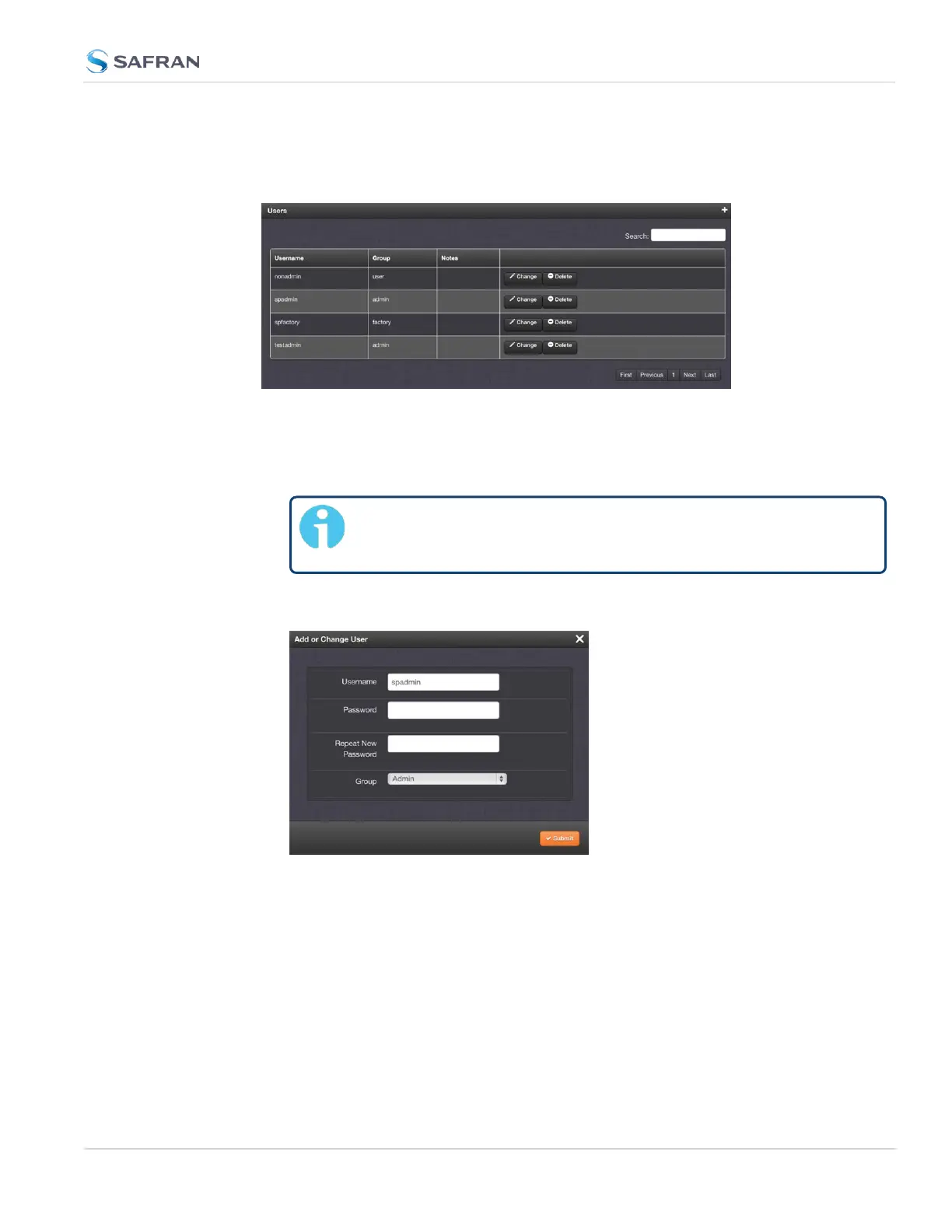
Navigate to the MANAGEMENT > OTHER: Authentication window.
2.
Locate the spadmin entry in the Users table.
3.
Click the CHANGE button.
4.
In the Add or Change User window:
1. Enter a new password.
Note: The new password can be from 8 to 32 characters in
length.
2. Confirm the new password.
3.
Click Submit.
To reset the "spadmin" account password via the serial port, or SSH:
1. Connect a PC to the front panel USB or rear panel seial console port, and
log in using an account with admin group rights (such as the spadmin
account).
2.
Type: resetpw <Enter>. The spadmin account password is now reset.
4.3 Managing Users and Security
CHAPTER 4 • SecureSync 2400 User Manual Rev. 5.2
281



 To Next Page