Membership Value— Enter the value of the above attribute that will
be stored in the group. Acceptable values are username, uid, and dn.
c.
Click the Submit button.
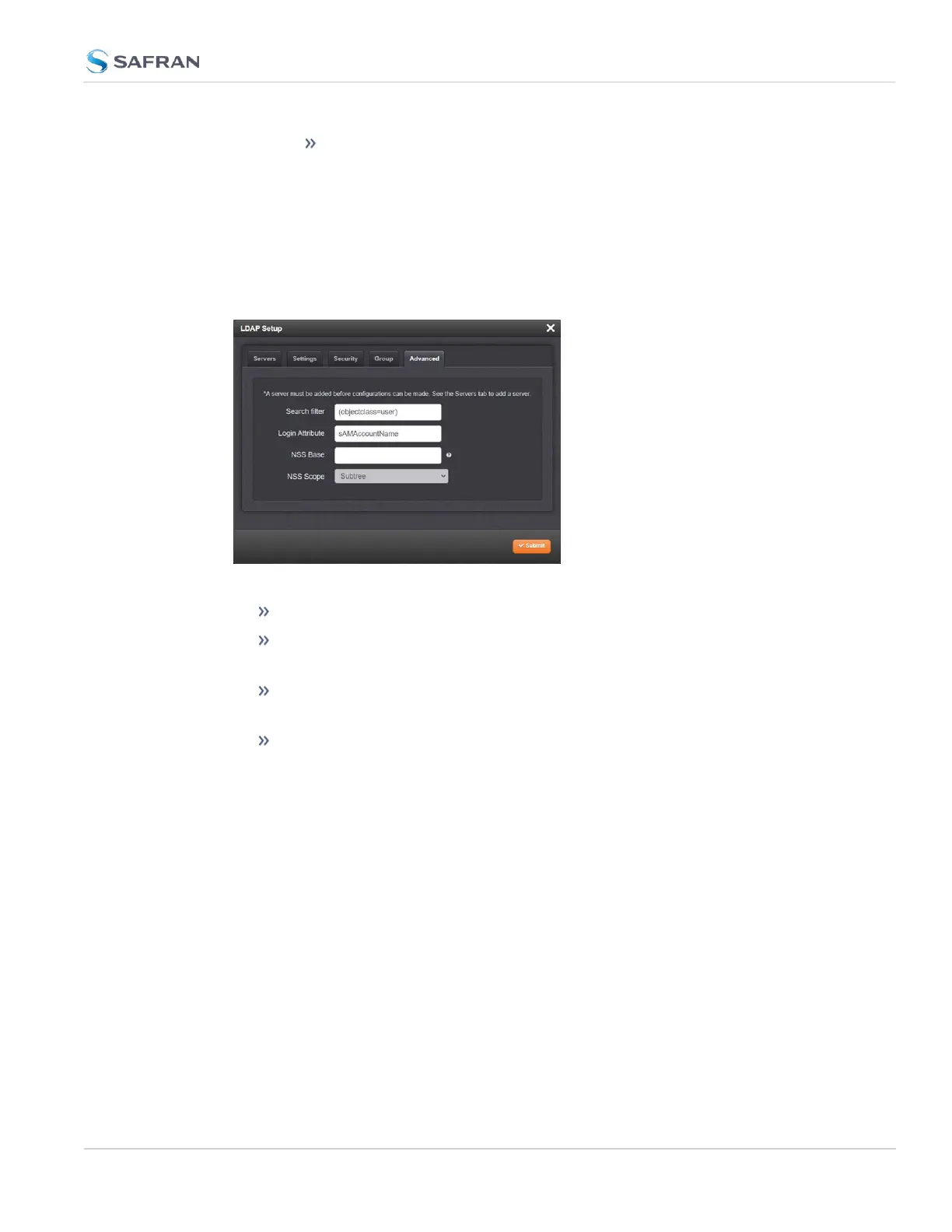
LDAP Advanced Settings
Under the LDAP Advanced tab, you can set the search filter and the LDAP login
attribute.
Fill in the following fields, as desired:
Search filter—This is the LDAP search filter. Example: objectclass=user.
Login Attribute— This is the LDAP login attribute. Example: sAMAc-
countName.
NSS base— Enter the search base to be used for nss_ base and nss_
shadow. Example: ou=People,dc=example,dc=com
NSS Scope:Enter the scope of the NSSsearch.
4.3 Managing Users and Security
CHAPTER 4 • SecureSync 2400 User Manual Rev. 5.2
289



 To Next Page