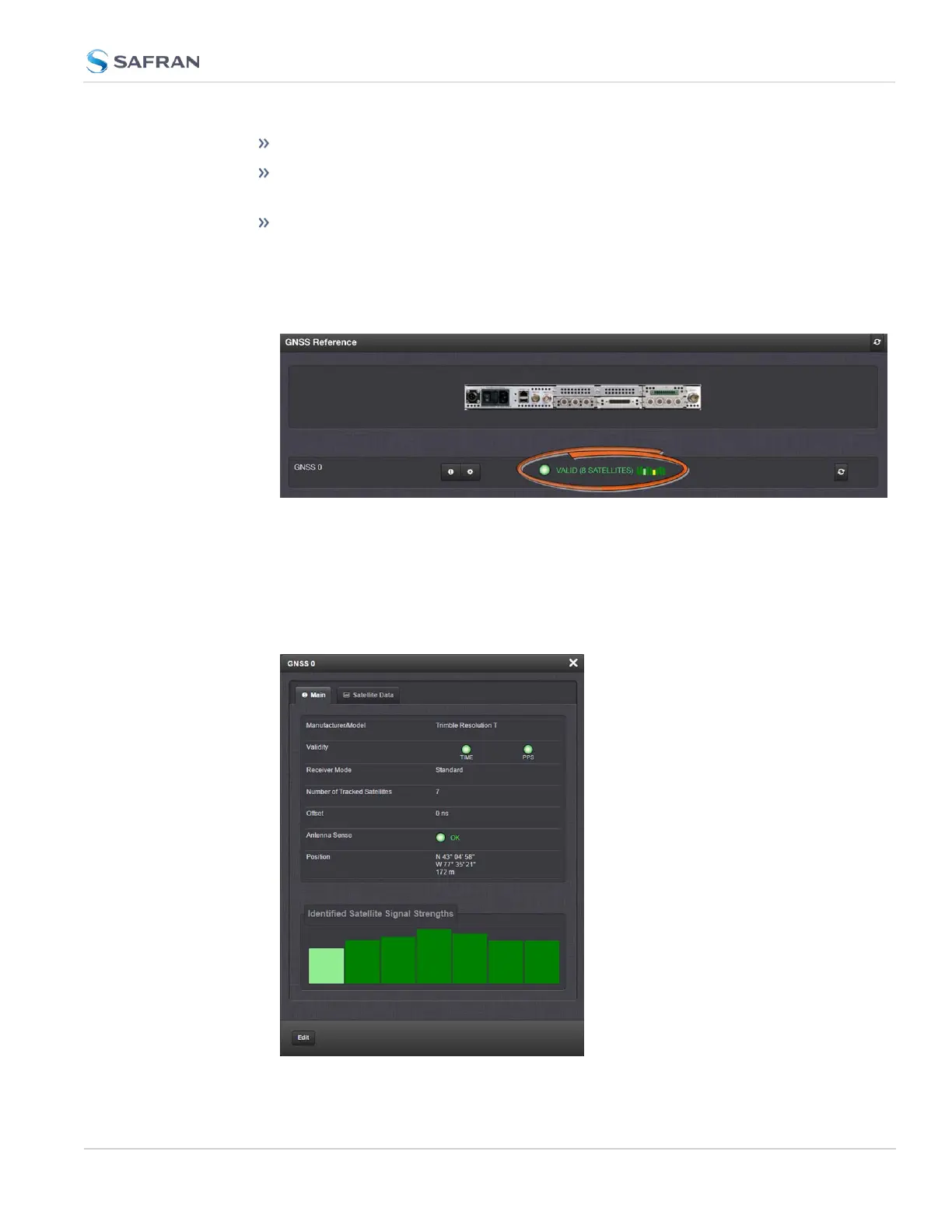
To display all references, navigate to INTERFACES > REFERENCES.
To display all references of a given type, click on the entry for that ref-
erence type (not indented e.g., GNSS Reference).
To display one particular reference, click on its entry (indented e.g., GNSS
0).
The Reference window will show the validity status for the chosen ref-
erence(s):
To display more status information for a particular input reference, click the
corresponding INFO button:
The reference window being displayed will show additional status inform-
ation and option-card specific settings. The type of input reference, and the
option card model determine which status information and option card set-
tings will be displayed.
4.5 Quality Management
CHAPTER 4 • SecureSync 2400 User Manual Rev. 5.2
307



 To Next Page