Note: When the IRIG Input year is updated, NTP must be restarted
from the WebUI NTP page (or the SecureSync unit rebooted) for the
New Year value to take effect.
The current year value can be manually entered from the
MANAGEMENT/OTHER/Time Management page. The year value only needs to
be manually entered once, as it will automatically increment to the next year each
New Year’s day. See "System Time" on page188 for instructions on how to set
the current year manually.
Verifying IRIG Input Signal Validity
See: "Verifying the Validity of an Input Signal" on page367.
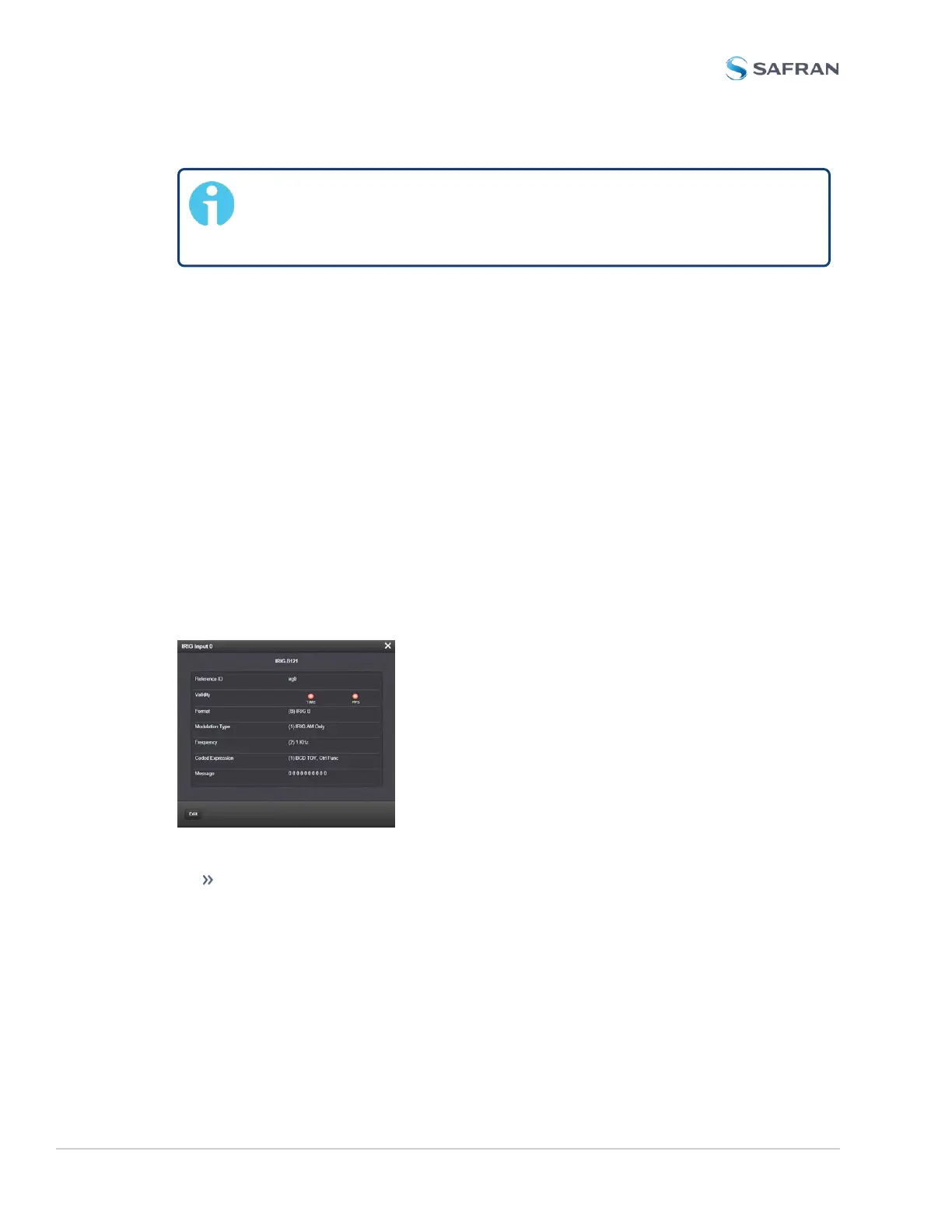
IRIG Input: Status Window
To view the current settings of the IRIG Input (also referred to as ‘Reference’), go
to its Status window. For instructions, see: "Viewing Input/Output Configuration
Settings" on page363.
The Web UI list entries for these cards are: IRIG In/Out BNC and IRIG In/Out
Fiber. The connector number is: J1.
The Status window displays the following settings:
Reference ID: If you have only one IRIG card installed, SecureSync will num-
ber that card 0 and it will be identified as irg0. Additional cards will be
numbered irg1 or above.
448 SecureSync 2400 User Manual
APPENDIX



 To Next Page