A local clock set up through the Time Management Page: Refer to
"The Time Management Screen" on page186 for more information on
how to configure and read the System Time. Local timescale allows a
Local Clock to apply a time offset for Time Zone and DST correction.
The incoming input time information may be provided as local time,
but System Time may be configured as UTC time, so internal com-
putations need to be performed. With the Timescale field set to
“Local”, select the name of a previously created Local Clock. The Time
Zone and DST rules, as configured in the Local Clock will be applied
to the front panel time display. Refer to for more information on Local
Clocks.
Reference Selection: Selects TOD 1 or TOD 2 (configured below) which
TOD signal is used for synchronization.
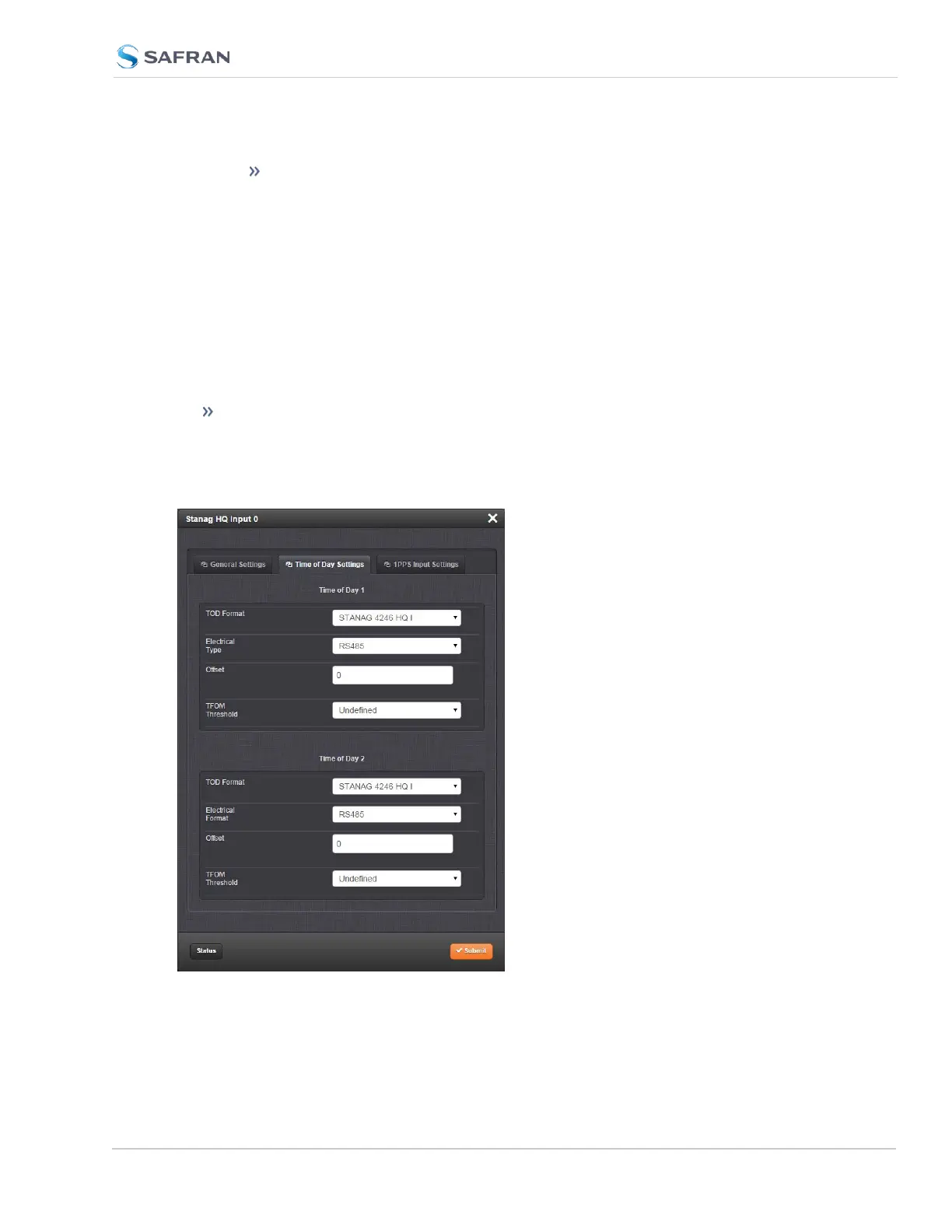
Time of Day Settings tab
SecureSync 2400 User Manual 465
APPENDIX



 To Next Page