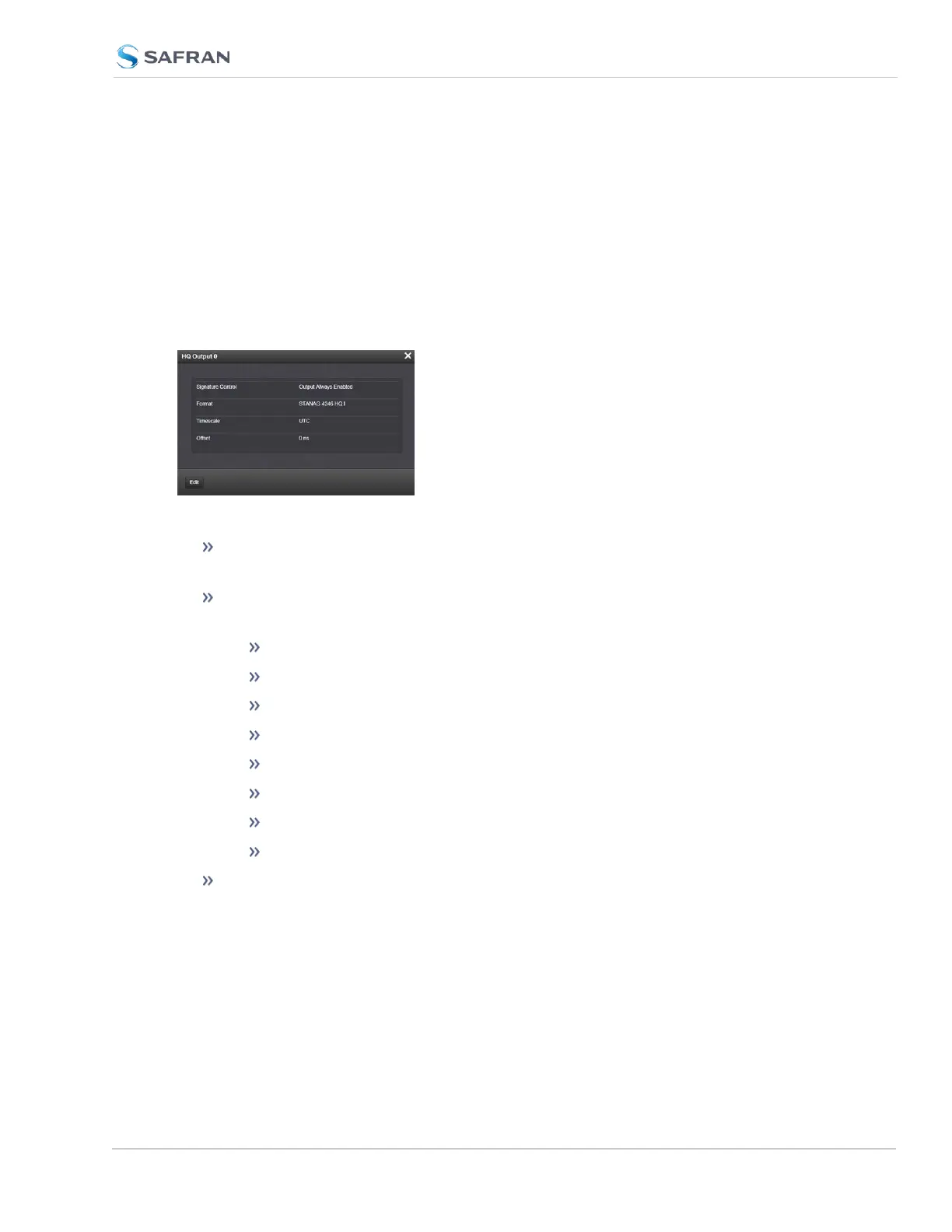
HAVE QUICK Output: Status Window
To view the current settings of a HAVE QUICK Output, go to its Status window.
For instructions, see: "Viewing Input/Output Configuration Settings" on
page363.
The Web UI list entries for this card are: HAVE QUICK out, BNC and HAVE
QUICK Out, RS-485.
The outputs are named: HQ Output [number].
The Status window displays the following settings:
Signature Control: Signature Control is used to control when the HAVE
QUICK modulation is present, see "Signature Control" on page183.
Format: Used to configure the formatting of the four available HAVE
QUICK outputs. The available output formats are as follows:
STANAG 4246 HQ I
STANAG 4246 HQ II
STANAG 4372 HQ IIA
STANAG 4430 Ext HQ (Extended HAVE QUICK)
STANAG 4430 STM (Standard Time Message)
ICD-GPS-060A BCD
ICD-GPS-060A HQ
DOD-STD-1399 BCD
Timescale: Used to select the time base for the incoming time code data.
The entered Timescale is used by the system to convert the time in the
incoming data stream to UTC time for use by the System Time. The avail-
able choices are:
SecureSync 2400 User Manual 475
APPENDIX



 To Next Page