Pin Number Signal Name Function
3 SERIAL_OUT_RX RS-232 Receive data
4 NC No connection
5
GND Ground
Bottom row of 4 pins
6 NC No connection
7 NC No connection
8 NC No connection
9 NC No connection
Viewing the State of Event Broadcast and Event Input
To view the Status of Event Broadcast and Event Input, see "Viewing an
Input/Output Signal State" on page366.
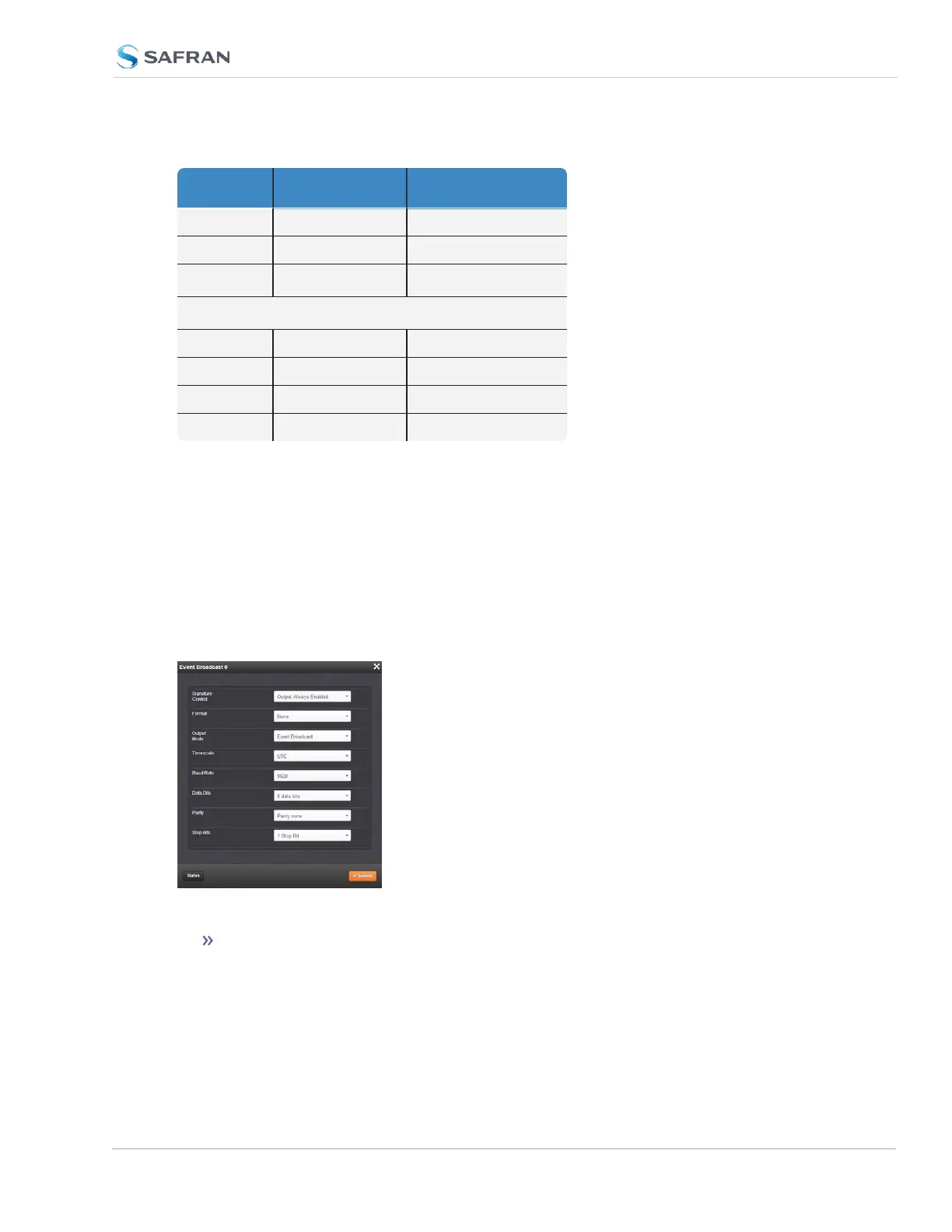
Event Broadcast Output: Edit Window
To configure the Event Broadcast Output, go to its Edit window. For instruc-
tions, see: "Configuring Option Card Inputs/Outputs" on page364.
The Web UI list entry for this card is: Event Broadcast.
The Edit window allows the configuration of the following settings:
Signature Control: Signature Control controls when messages will be
broadcast in response to events on the Event Input (J2) port when events
SecureSync 2400 User Manual 547
APPENDIX



 To Next Page