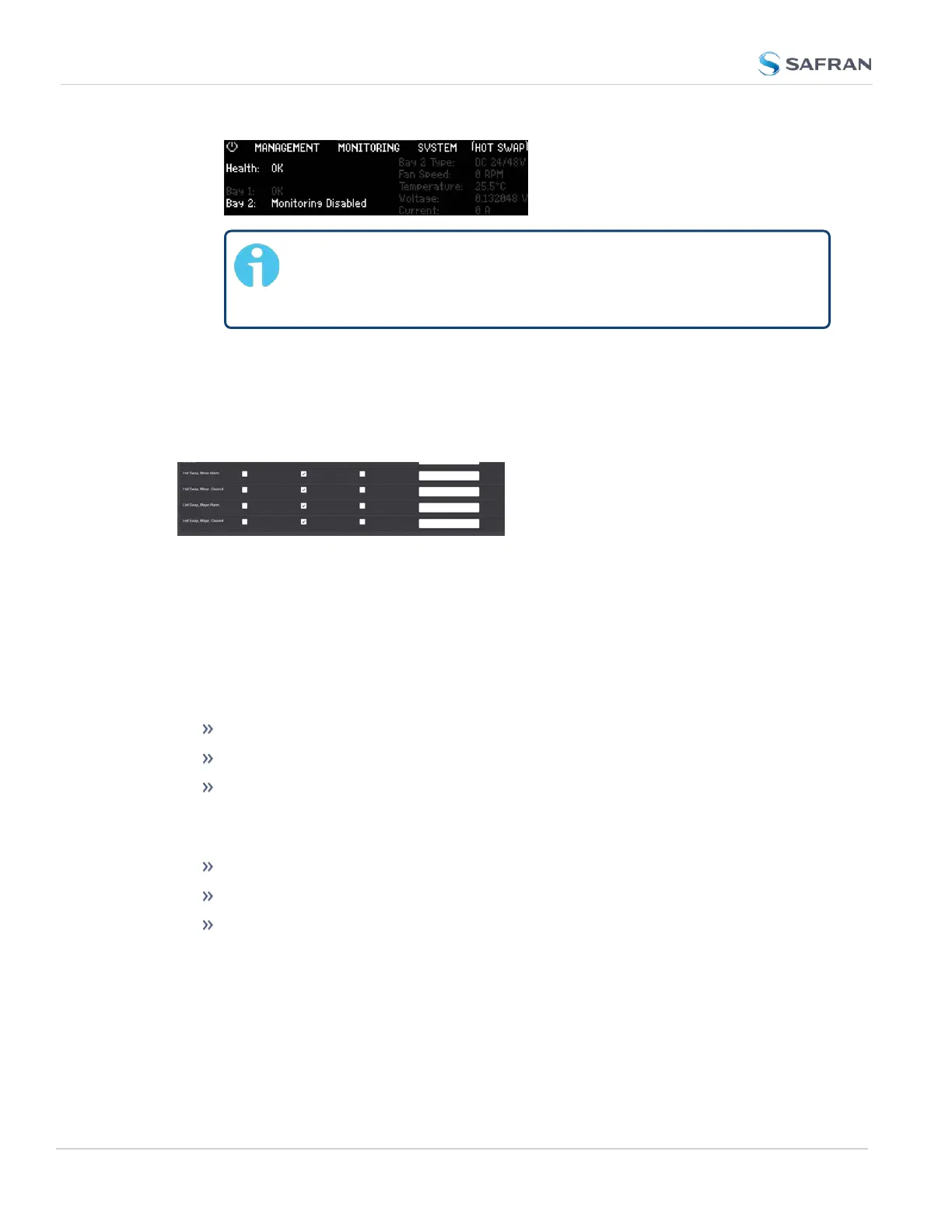
Note: Disabling monitoring on a single bay will remove it from
consideration in the Overall Hot Swap Status and remove alarm-
ing for the bay.
SNMP/Notifications Hot Swap Monitoring
If your unit is configured with hot swappable power supplies, additional options
will be visible in the Web UI under MANAGEMENT > Notifications in the System
tab:
You can configure these notifications to be send via SNMP: "Setting Up SNMP
Notifications" on page269.
Hot Swap Power Supply Alarms
There are two Hot Swap specific alarms:
The Hot Swap, Major Alarm will cause the status to appear red in the Web UI and
is triggered if one of the power supplies falls within the following thresholds:
Voltage (< 11V) or (> 13V)
Current (> 9A)
Fan Speed (< 10,000 RPM) or (> 18,000 RPM)
The Hot Swap, Minor Alarm will cause the status to appear yellow in the Web UI
and is triggered if one of the power supplies falls within the following thresholds:
Temperature AC sled (<-25 °C) or (> 85°C)
Temperature DC sled (<-40 °C) or (> 85°C)
Unknown Sled Type installed
60
CHAPTER 2 • SecureSync 2400 User Manual Rev. 5.2
2.9 Connecting Supply Power



 To Next Page