3. Repair Instructions 1/2010 3 - 50
BA-TE-DE08C M.KAY
Dialog+ SW9xx_sm_Chapter 3_1-2010.doc/pdf <100329> yymmdd
B. Braun Avitum AG
Dialog
+
SW 9.xx
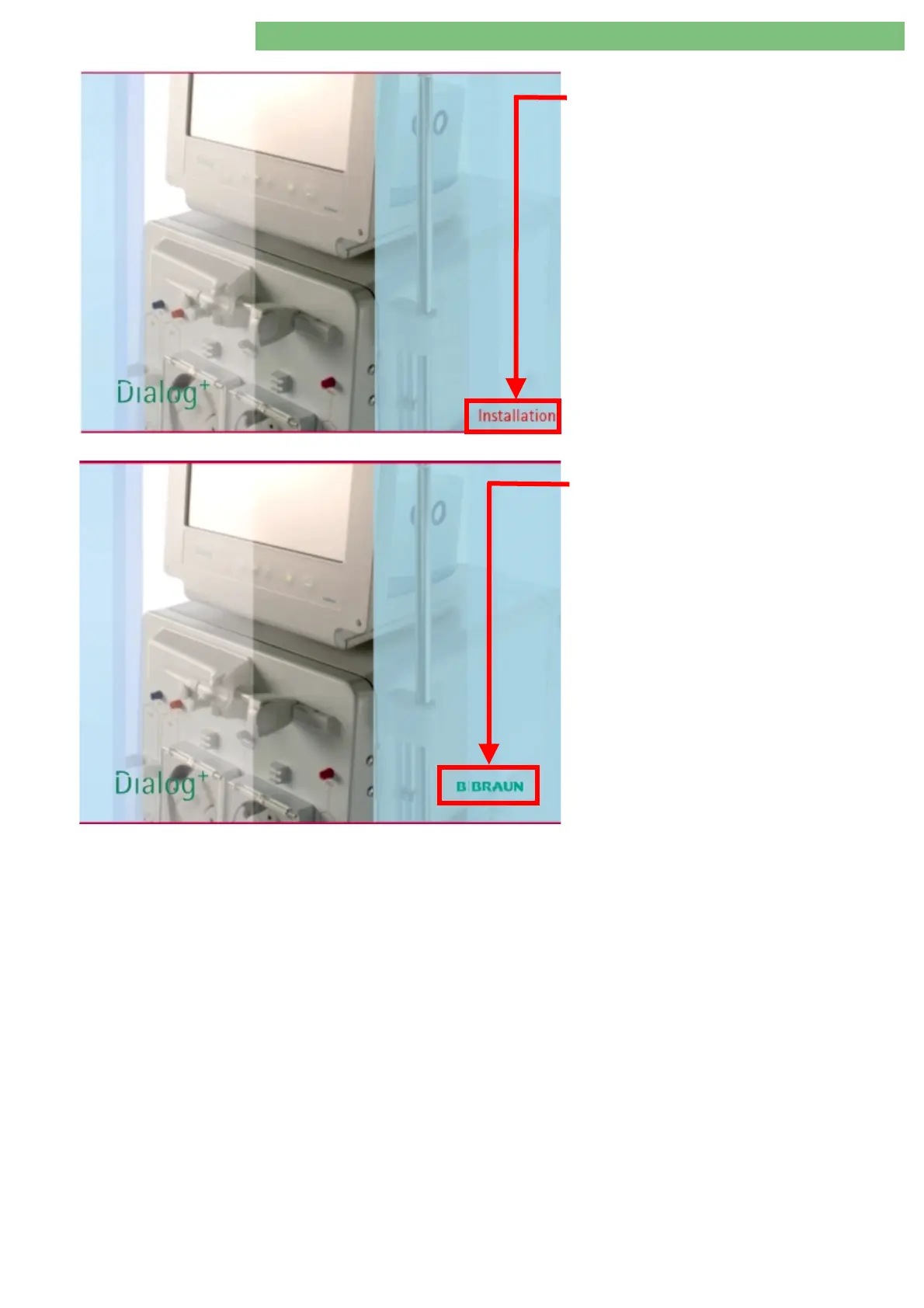
USB Stick Detected
The system detects the bootable USB stick and
boots from the USB stick (indicated by the red
Installation
text in the start screen).
USB Stick not Detected
The system does not detect the bootable USB stick
(indicated by the green
B BRAUN
logo in the
start screen). If necessary disconnect the USB stick
and reconnect.















 To Next Page