8. System Alignment Marathon Express
System Alignment Check-out Part Number: 605914 Rev. B
IfthereisanymaterialmotionorcontactwithanysurfaceswithintheMXsystemwhilethematerial
isbeingtransferredthestationwherethemotionorcontactoccurredmustberetaught.
NOTE: Thisproceduremustbeperformedduringinitialsetupandatanytimethatthe
robot’sarmsorendeffector(s)aredamaged,removedandreplaced,orchanged.
ObservematerialtransferfromeachProcessModule,fromeachcassetteslotineach
LoadLock,fromtheAligner,andfromtheCooler.
Alignment Procedure
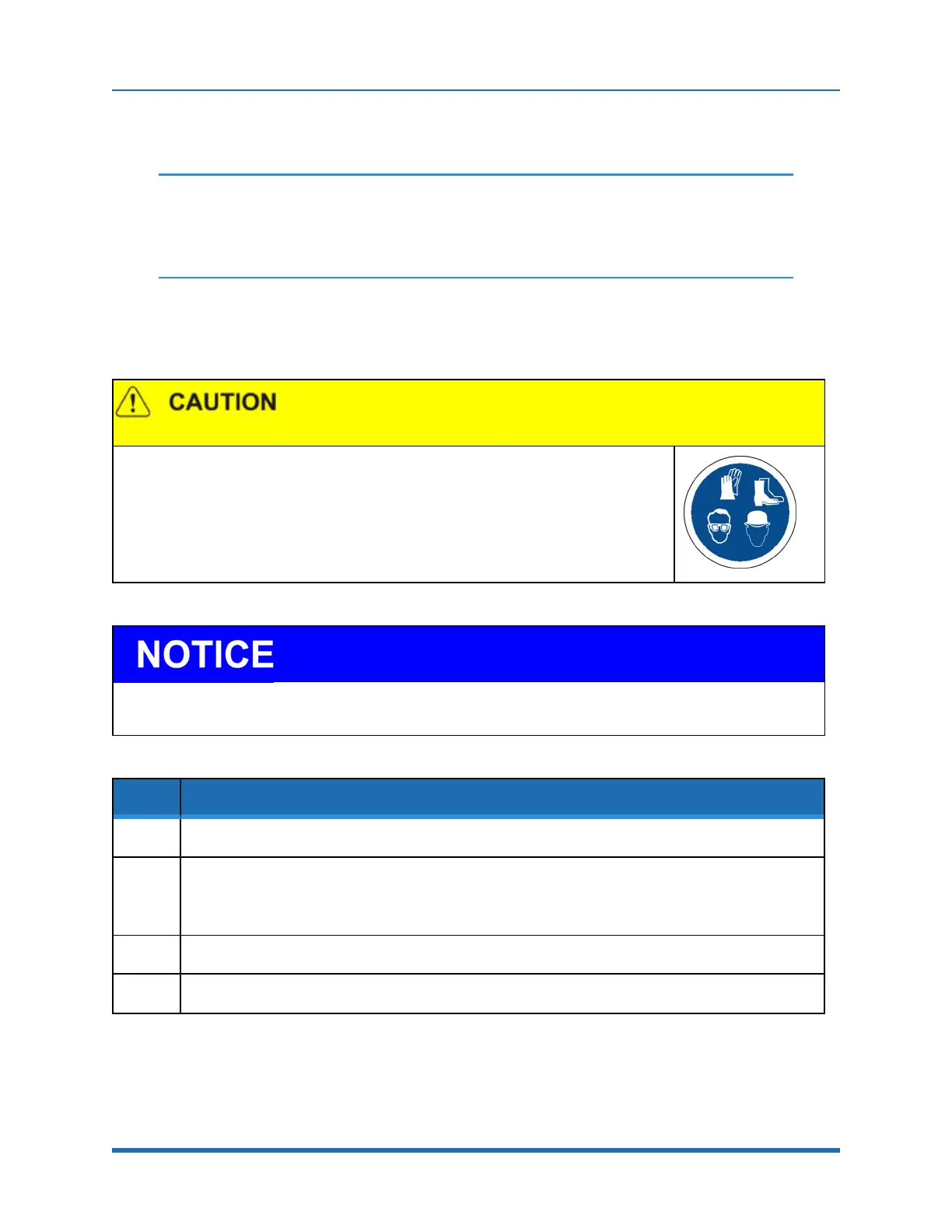
Personal Protective Equipment
Thisproductcontainsheavyobjectsthatmaycausepersonalinjury.
l
Usesafetyshoesandheadprotectionwheninstallingormaintainingtheproduct.
l
Wearprotectiveeyewearwhensettinguportestingthesystem.
AllcassettesusedwithinVacuumCassetteElevatorsattachedtotheMarathonExpressmustmeetSEMIMESC
standards.Notethatitispossibleformoldedcassettesto“shrink”,shorteningthespacingbetweenslots.
Step Action
1.
Positioncassetteswithwafersinslots1,12,and25intoeachVCE.
2.
Usingtherobot'sCDM,PICKandthenPLACEthewafersinoneVCE.DuringthePickandPlace
operations,observethemovementtoverifyproperplacement.
NOTE: Thewafersshouldmoveintoandout-ofthecassetteswithoutanycontact.
3.
RepeattheprocedureforthesecondVCE.
4.
Replaceoneofthecassetteswithanemptycassette.
172
Copyright © 2023, Brooks Automation, Inc.



 To Next Page