7-20
7-5 Torque Control
- SV Series User’s Manual -
PARAMETER SETTING AND OPERATION OF PULSE/ANALOG INPUT
The adjustment can be done with Access Window, KV-ML/MC setting tool (KV MOTION+) or SV series setting
software.
• Auto adjustment with Access Window
1 Press key to display the main menu.
2 P
ress the " " and " " key and select "7.Adjustment".
Then press the " " key to display the submenu.
Display submenu.
3 Select "1.AnalogIN" and press " ".
4 When 0V analog voltage is input, press and hold (more than 1 s) " " key for automatic adjustment of
analog command offset.
• Auto adjustment with KV-ML/MC setting tool (KV MOTION+) and SV series setting software
From the menu, select [SV monitor(Y)] [Offset adjustment(F)] [Speed/torque command offset adjustment
(V)]
to display the speed/torque command offset adjustment window. Then, press the "Auto" tab.
For details see KV-ML/MC Setting Tool User's Manual, Chapter 7 "SV Monitor", SV Series Setting Software User's
Manual, Chapter 6 "SV Monitor".
● Manual adjustment
This allows to enter a value for adjustment.
KV-ML/MC setting tool (KV MOTION+) or SV series setting software can be used for adjustment. But this cannot be
adjusted with Access Window.
• Adjustment can be done in the following way with the KV-ML/MC setting tool (KV MOTION+) or SV series setting
software:
From the menu, select [SV monitor(Y)] [Offset adjustment(F)] [Speed/torque command offset adjustment(V)]
to display the speed/torque command deviation adjustment window. press the "Manual" tab.
For details see KV-ML/MC Setting Tool User's Manual, Chapter 7 "SV Monitor", SV Series Setting Software User's
Manual, Chapter 6 "SV Monitor".
■ Filter setting for T-REF input
This is used to smooth speed command by applying a delay on the "Analog speed command (V-REF)". However, the
response may be degraded.
5.TestRun
6.SetDisplay
7.Adjustment
8.Other
1.AnalogIN
Offset Tune
Input 0V
Execute OK?
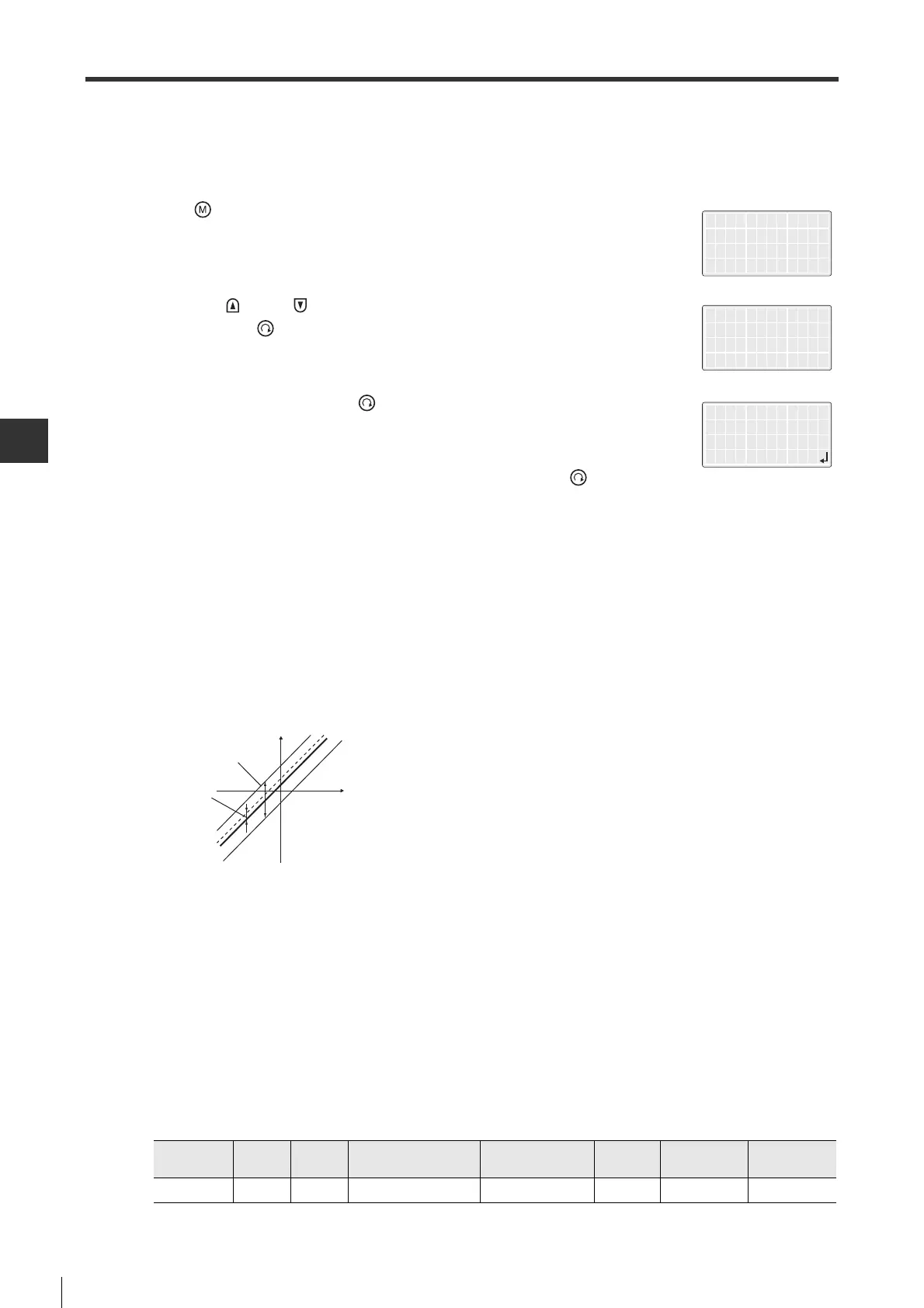
Torque instruction
Offset adjustment range
Analog input
voltage
Offset setting unit
Offset adjustment range
-
127 to +127
(Torque command: -1920mV to +1920mV)
Offset setting unit
Torque command: 15mV
Parameter
type
Catego
ry
Level Parameter name Setting range
Setting
unit
Default
Enable
timing
OTH_22 Other Special
T-REF filter time constant
0 to 65535 0.01ms 0 After changing


 To Next Page
 Loading...