MD5 (the default)
SHA1
SHA
MDC2
MDC2
RIPEMD160
MD4
Key Str—The key string restrictions for different Digest schemes are
as follows:
For MD5 type keys, you can enter in a plain text ASCII key of 20
characters or less OR a hex key of 40 characters or less.
For SHA1, SHA, MDC2, RIPEMD160, MD4 key types, you must
enter a hex key of 40 characters or less.
5.
Click the Submit button: The changes will be reflected in the table of the
NTP Symmetric Keys window, which is displayed after clicking the Submit
button.
6.
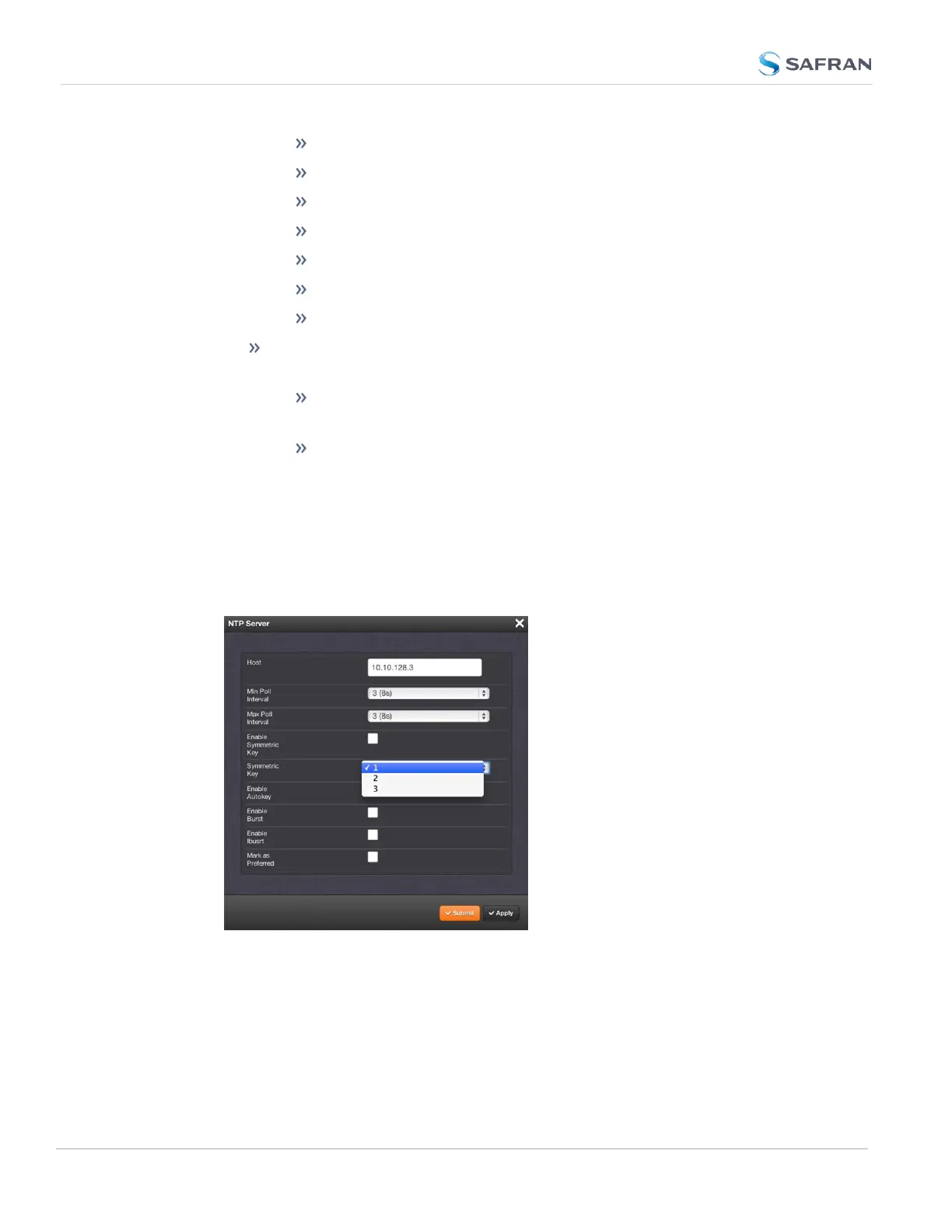
The key(s) you have set up will now appear as options in the Symmetric
Key field in both the NTP Server screen, and the NTP Peer screen.
132
CHAPTER 2 • SecureSync 2400 User Manual Rev. 5.2
2.15 Configure NTP



 To Next Page