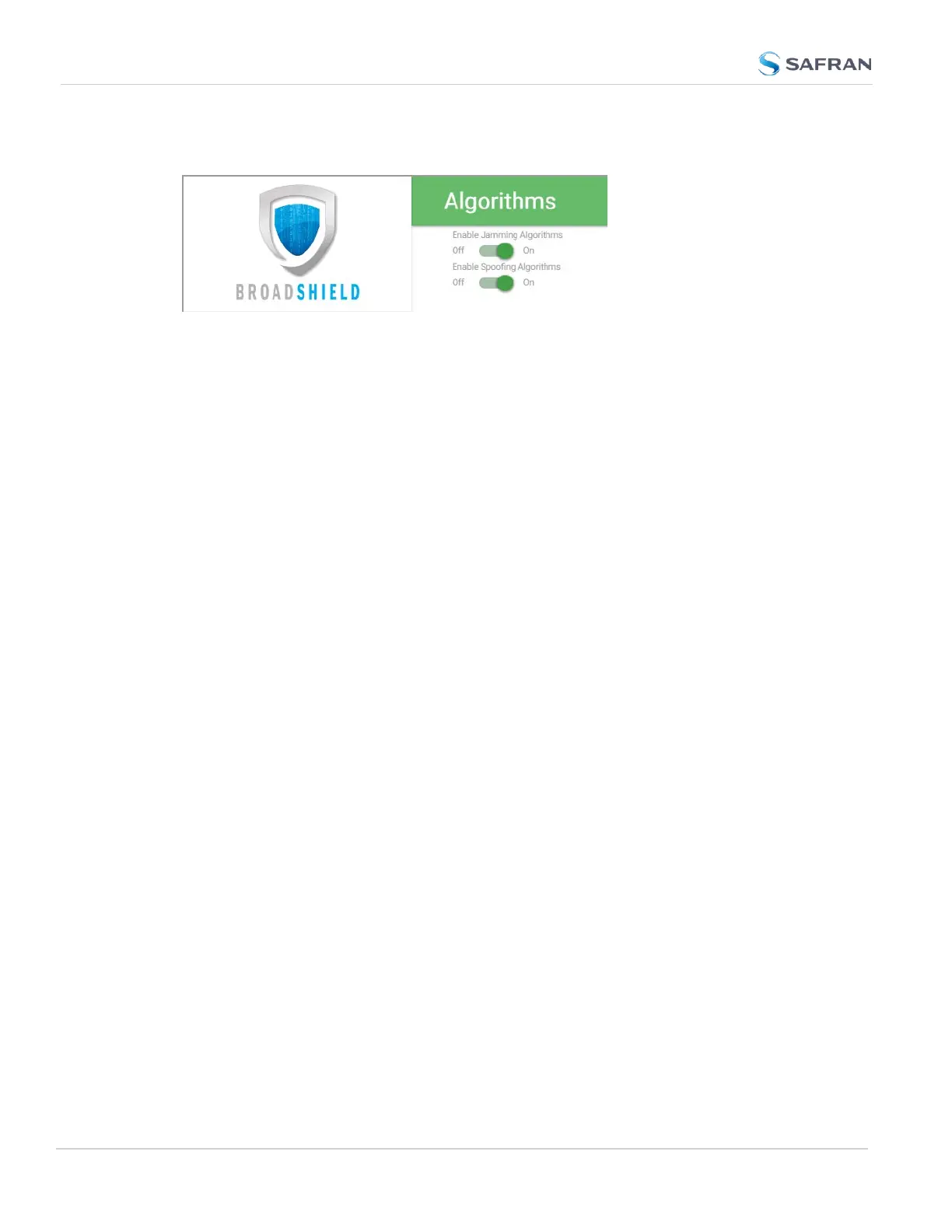
ALGORITHMS
This menu option allows you to disaable/enable Jamming or Spoofing. Spoofing
refers to impersonating the live- sky GNSS signal, thus "deceiving" the
GNSSreceiver, while Jamming refers to interference of the signal, i.e. making the
live-sky GNSS signal unusable. Per default, both are Enabled.
ABOUT
The About menu displays Version and Build Date of the BroadShield software.
Periodic updates are released with SecureSync system software updates, as they
become available.
Monitoring BroadShield
You can use the BroadShield Web UI to monitor the jamming/spoofing status, or
the SecureSync Web UI. In the latter case, you will be informed of a Major Alarm,
as described below:
BroadShield Alarm
If BroadShield detects a jamming or spoofing event, SecureSync will emit a
BroadShield Critical, Major Alarm (see illustration below). SecureSync will go into
Holdover (yellow HOLD status light) and – depending on the BroadShield Ser-
vice setting (see "Enabling/Disabling the BroadShield Service" on page217) and
your SecureSync settings – will either remain in sync (green SYNC status light),
i.e. it will continue to output time and frequency signals considered valid, or it will
go out of sync (red SYNC light).
220
CHAPTER 3 • SecureSync 2400 User Manual Rev. 5.2
3.3 Managing References



 To Next Page